Version 4.3.1Mon Sep 02 2024
Fixes an issue with VoiceOver compatibility with the game timer setting.
Bingo Machine replaces the traditional bingo number caller with a simple Mac app. Call American 75-ball and English 90-ball bingo games.
With a bingo card in hand, Bingo Machine handles everything else — no need for a traditional bingo caller tumbler or expensive electronic equipment.
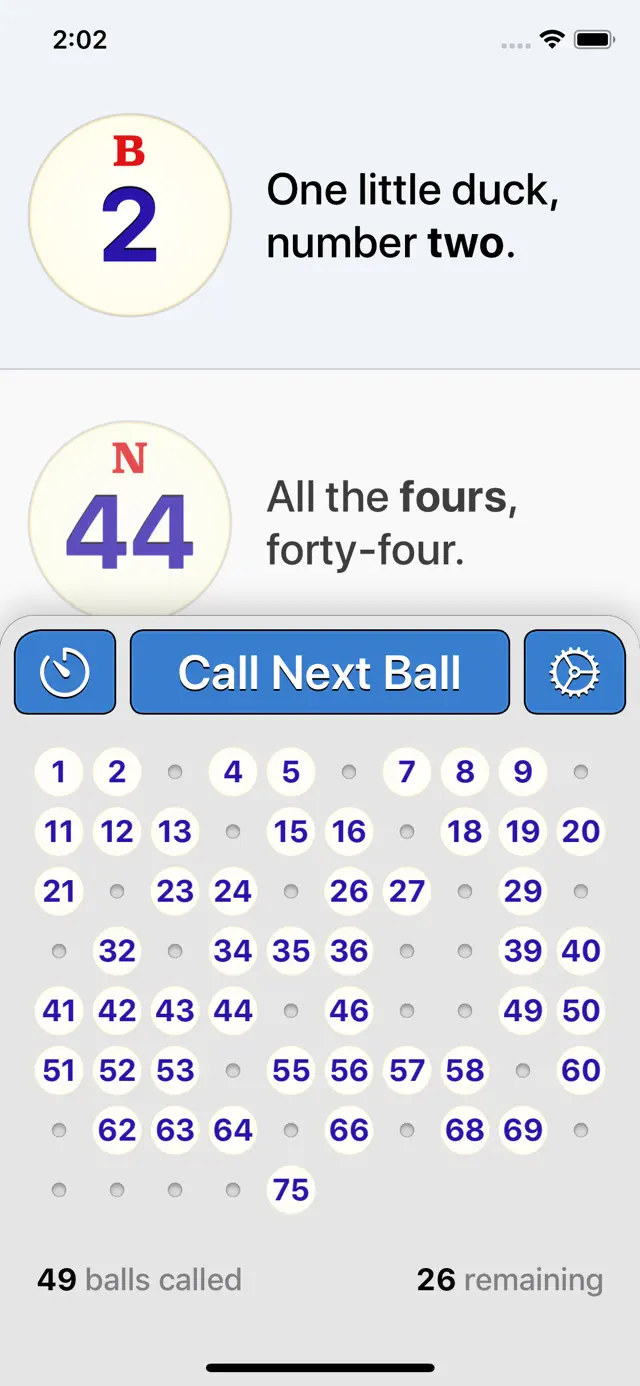
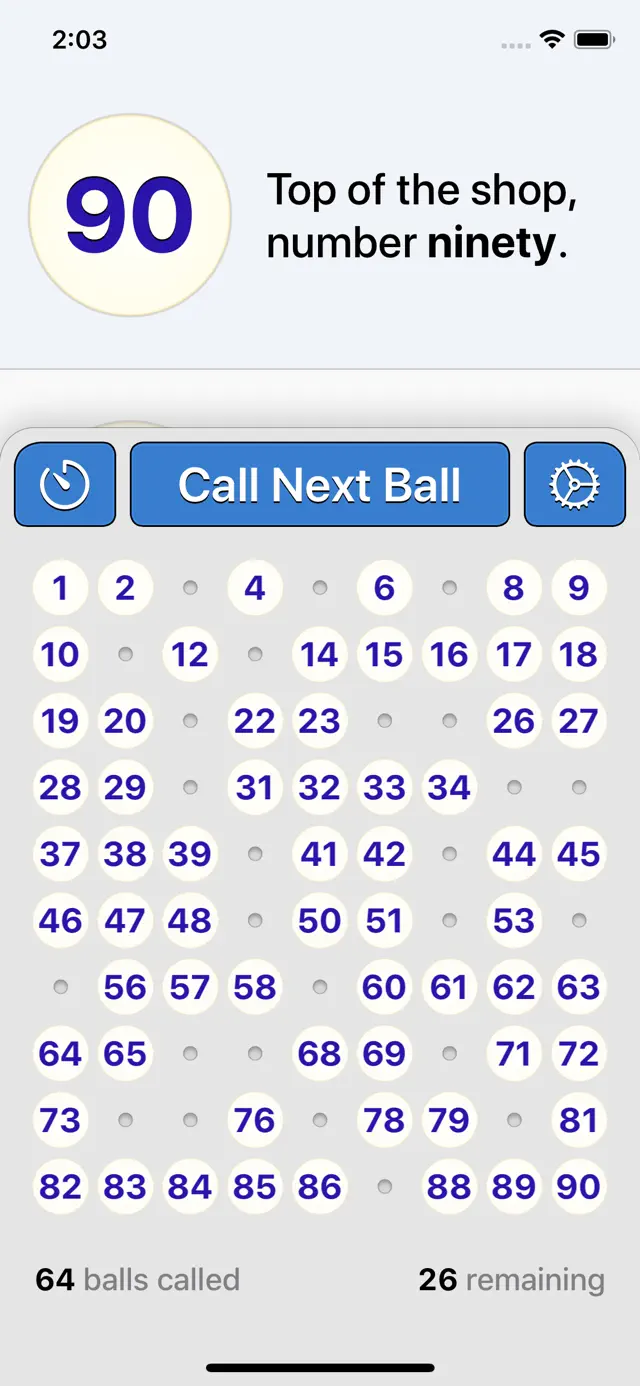
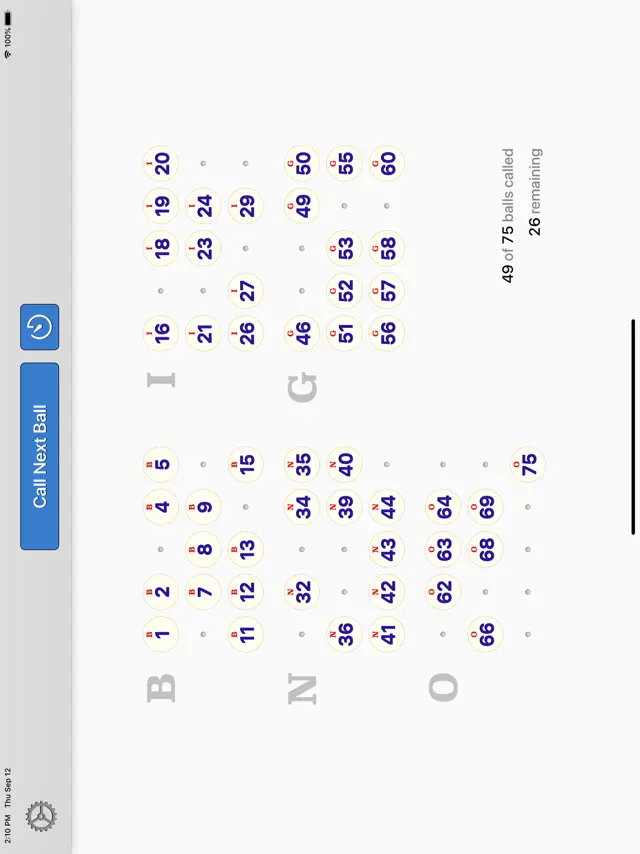
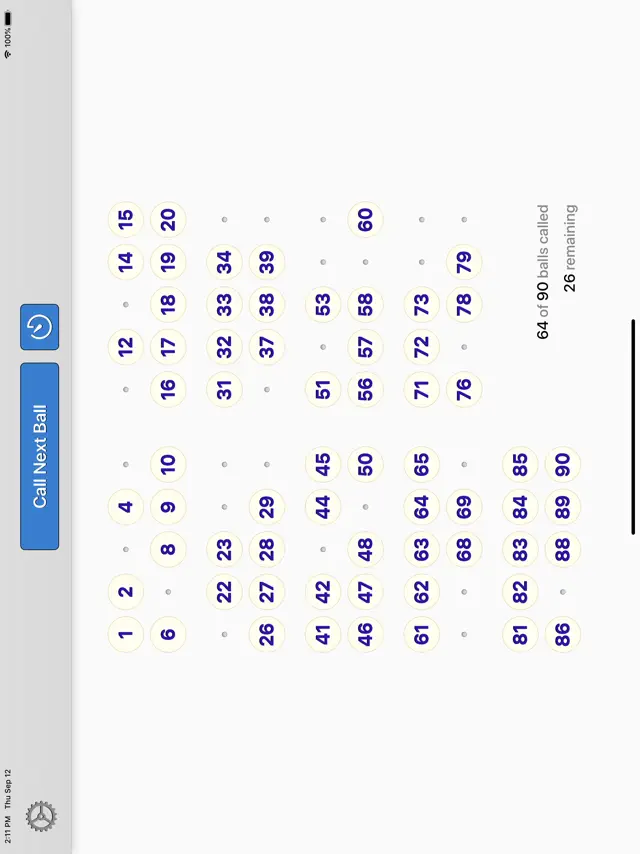
As each ball is selected, Bingo Machine keeps a running history of balls so you can see all the called numbers as the game progresses.
The app includes human and synthesized speech voices. Bingo Machine can read out each ball with recorded human male and female voices, or a high-quality synthetic voice for your language. Even if Bingo Machine is muted, it shows you bingo catchphrases on the screen so you know what to say as the announcer for each bingo number.
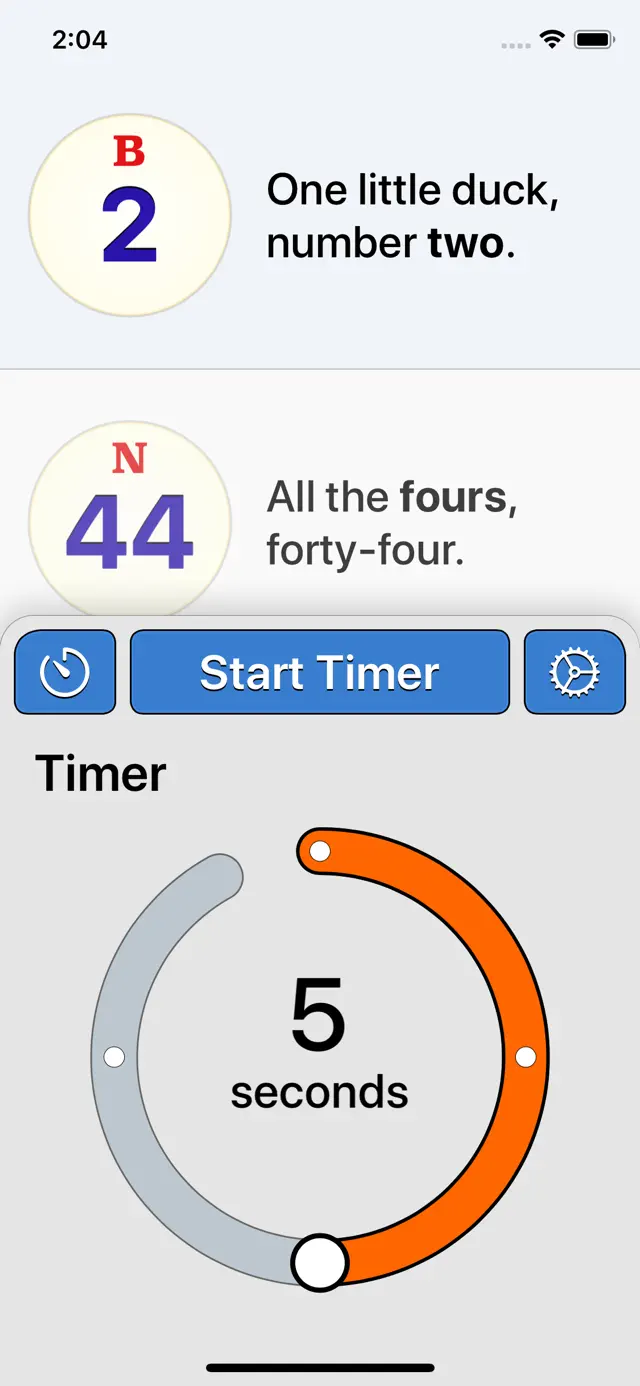
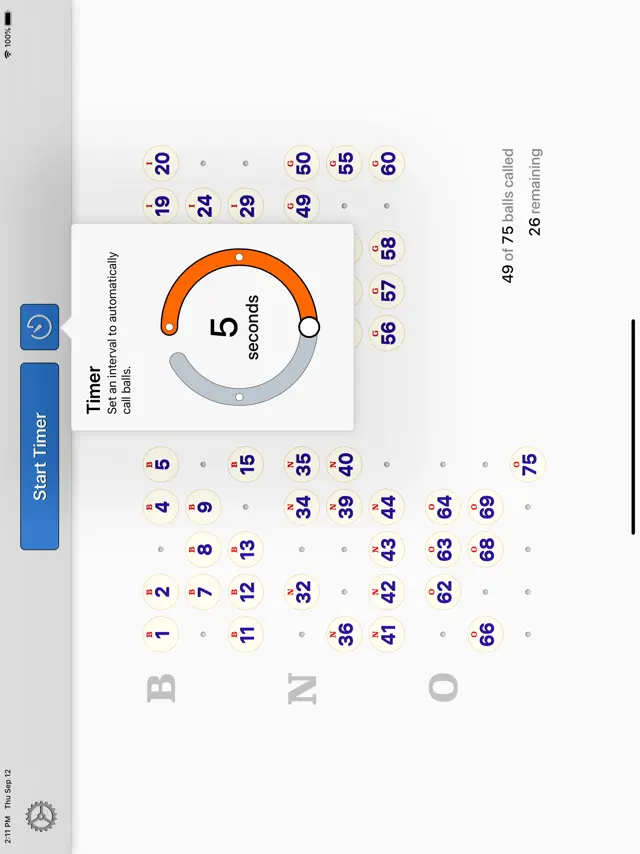
Use the Timer feature to call balls automatically, on a repeating interval. Set a time interval and Bingo Machine calls balls until the game is over.
Bingo Machine adapts to the game type. For English-style games, call up to 90 balls. For American games, call up to 75 balls with each ball accompanied by its corresponding B-I-N-G-O symbol.
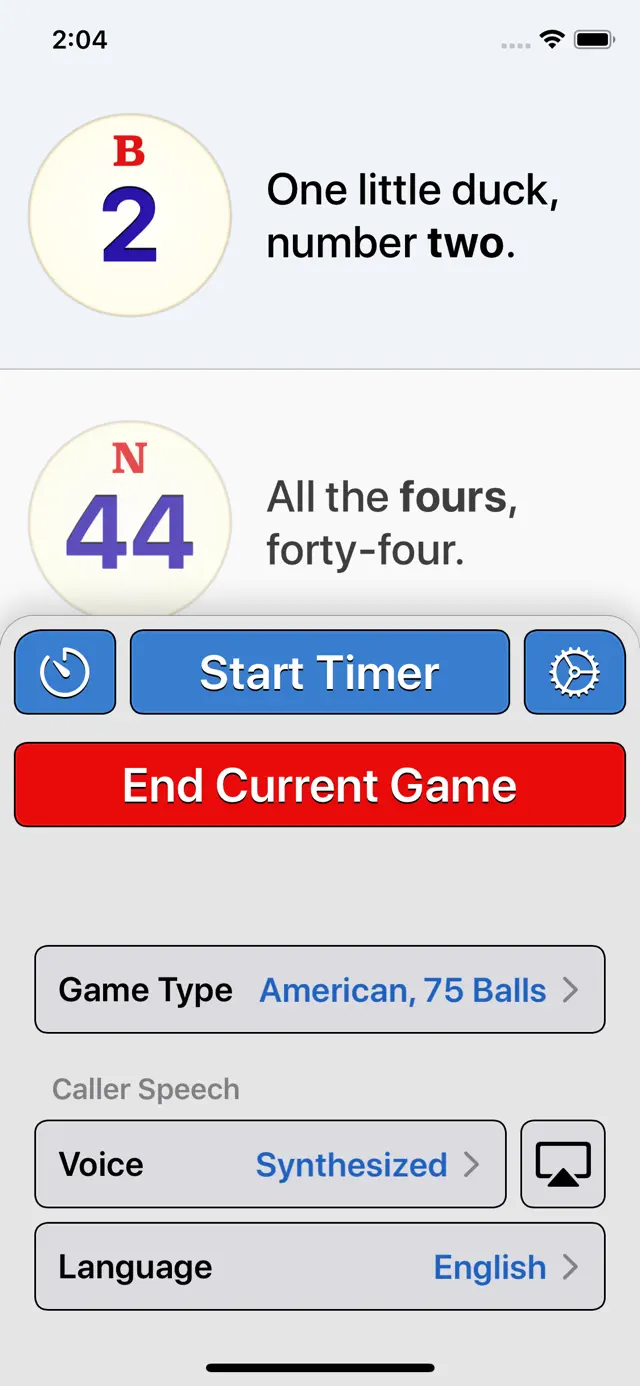
Bingo Machine can also be used as a teaching tool for learning numbers in foreign languages. Switch between English, Chinese, French, German and Spanish language options. The synthesized voice can even speak each language so you can hear how the number is meant to be pronounced.
Bingo Machine features rich design and finesse. Bingo caller software is typically clunky and complex. Bingo Machine is the opposite. Feature packed and simple to use. Get Bingo Machine for Mac today, as the perfect complement to Bingo Machine for iPhone and iPad.
Requires iOS 13.0 or later. Compatible with iPhone, iPad, and iPod touch.
Bingo Machine replaces the traditional bingo number caller with a simple, all-in-one, iPhone and iPad application. Call American 75-ball and English 90-ball bingo games.
With a bingo card in hand, Bingo Machine handles everything else — no need for a traditional bingo caller tumbler or expensive electronic equipment.
As each ball is selected, Bingo Machine keeps a running history of balls so you can see all the called numbers as the game progresses.
The app includes human and synthesized speech voices. Bingo Machine can read out each ball with recorded human male and female voices, or a high-quality synthetic voice for your language. Even if Bingo Machine is muted, it shows you bingo catchphrases on the screen so you know what to say as the announcer for each bingo number.
Use the Timer feature to call balls automatically, on a repeating interval. Set a time interval and Bingo Machine calls balls until the game is over.
Bingo Machine adapts to the game type. For English-style games, call up to 90 balls. For American games, call up to 75 balls with each ball accompanied by its corresponding B-I-N-G-O symbol.
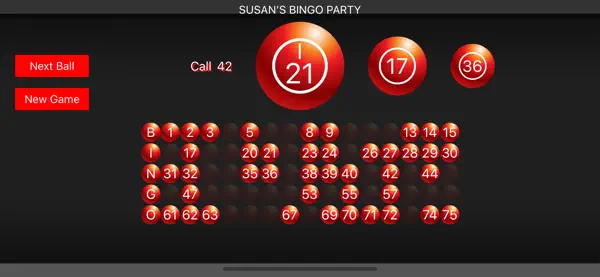
For group settings, connect Bingo Machine to an external display or projector to show the game on the big screen. This is perfect for charity events, schools and other large room events. You can connect using a compatible TV-Out cable for your iPhone or iPad, or connect wirelessly to an Apple TV using AirPlay Screen Mirroring.
Bingo Machine can also be used as a teaching tool for learning numbers in foreign languages. Switch between English, Chinese, French, German and Spanish language options. The synthesized voice can even speak each language so you can hear how the number is meant to be pronounced.
Bingo Machine features rich design and finesse. The app is optimized for both the iPhone in your hand, and the larger canvas of the iPad display. It includes a beautiful theme for the new iOS 13 Dark Mode appearance, and is proud to support vision-impaired accessibility needs with comprehensive VoiceOver support.
Bingo caller software is typically clunky and complex. Bingo Machine is the opposite. Feature packed and simple to use.