Version 1.9.5Thu May 10 2018
This app has been updated by Apple to display the Apple Watch app icon.
GDPR compliant, this app does not collect any personal data.
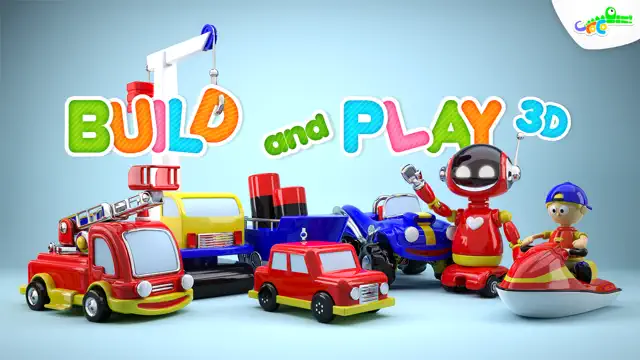
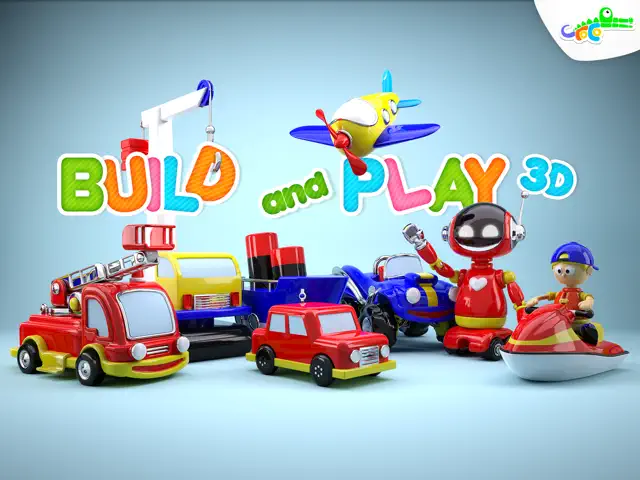
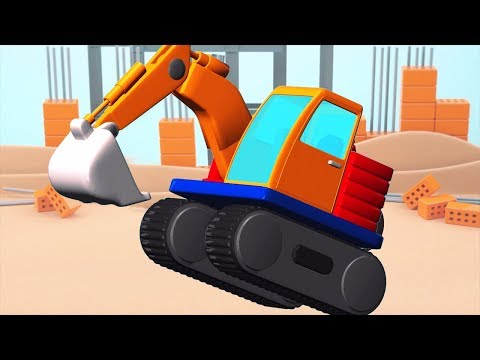
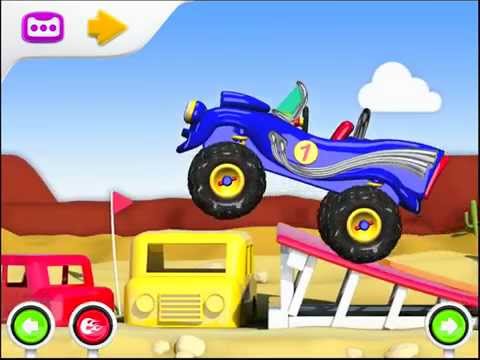
You will be amazed by the toys your little builders can put together in 3D! Balloons, UFOs and planes, cars, bikes and trains, ships, subs or jet ski! Once built they will take you in the air, on the ground or into the sea.
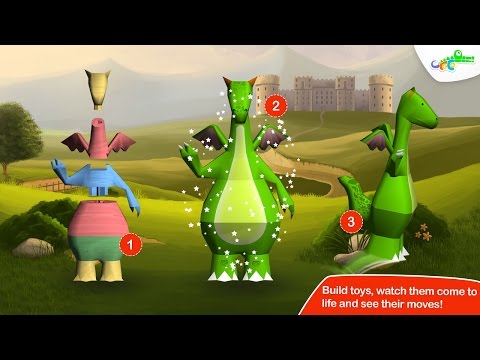
If aeronautical engineering sounds a bit advanced even for your bright young tot, have no fear. The models automatically rotate to help kids find the proper placement for each piece. They can’t mess up because parts don’t snap in place until they are correct. These models won’t be crashing or sinking for lack of a rotor or wheel.
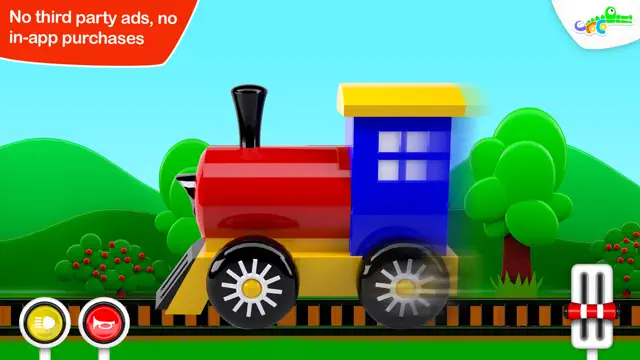
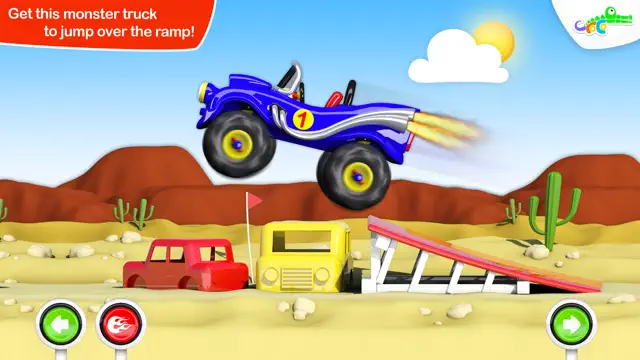
The best part is that kids’ hard work is rewarded because their designs come to life when complete. The flying, floating, puffing and puttering machines that belch smoke and make satisfying rumbles will delight youngsters. Children can choose their favorites from the twelve included toys or let the game decide for them using the intuitive controls.
App includes:
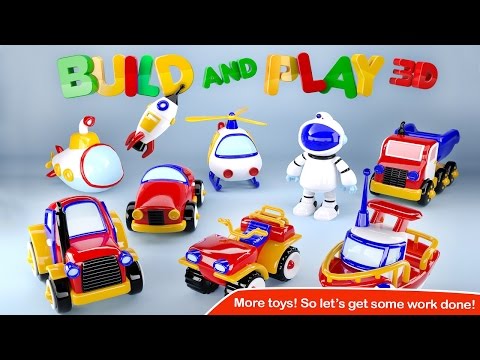
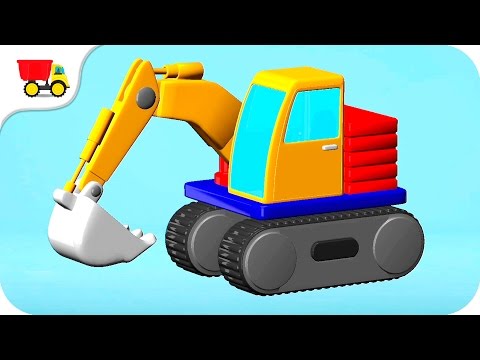
· Fifteen classic toys in bright primary colors – UFO, hot air balloon, jet ski, airplane, car, cement mixer, motorbike, ship, train, crane, digger, monster truck, firetruck and robots.
· Easily sliding pieces perfect for children with still developing fine motor control
· Option to mute background music and/or sound effects.
· Language neutral for universal appeal
· Child-safe, protected environment
Croco Studio believes in learning through play and this app subtly presents a number of age-appropriate educational concepts. Children are introduced to left/right, top/bottom and back/front as they spin their models to find where pieces go. They also achieve a basic understanding of symmetry and balance because headlights and taillights come in pairs and portholes and railings go on both sides of a ship. Visual memory and visual motor skills get a real workout through the concentration needed to put together these childhood favorites.
About Croco Studio:
Croco Studio is an award-winning team of parent developers intent on creating apps that kids adore and parents trust. Our apps provide a safe playing environment without ads or in-app purchases. At Croco Studio we create apps that encourage kids to learn the fun way.
Please contact us with feedback at WeListen@crocostudio.com. We’d love to hear from you.
Requires iOS 8.0 or later. Compatible with iPhone, iPad, and iPod touch.
You will be amazed by the toys your little builders can put together in 3D! Balloons, UFOs and planes, cars, bikes and trains, ships, subs or jet ski! Once built they will take you in the air, on the ground or into the sea.
If aeronautical engineering sounds a bit advanced even for your bright young tot, have no fear. The models automatically rotate to help kids find the proper placement for each piece. They can’t mess up because parts don’t snap in place until they are correct. These models won’t be crashing or sinking for lack of a rotor or wheel.
The best part is that kids’ hard work is rewarded because their designs come to life when complete. The flying, floating, puffing and puttering machines that belch smoke and make satisfying rumbles will delight youngsters. Children can choose their favorites from the twelve included toys or let the game decide for them using the intuitive controls.
App includes:
· Fifteen classic toys in bright primary colors – UFO, hot air balloon, jet ski, airplane, car, cement mixer, motorbike, ship, train, crane, digger, monster truck, firetruck and robots.
· Easily sliding pieces perfect for children with still developing fine motor control
· Option to mute background music and/or sound effects.
· Language neutral for universal appeal
· Child-safe, protected environment
Croco Studio believes in learning through play and this app subtly presents a number of age-appropriate educational concepts. Children are introduced to left/right, top/bottom and back/front as they spin their models to find where pieces go. They also achieve a basic understanding of symmetry and balance because headlights and taillights come in pairs and portholes and railings go on both sides of a ship. Visual memory and visual motor skills get a real workout through the concentration needed to put together these childhood favorites.
About Croco Studio:
Croco Studio is an award-winning team of parent developers intent on creating apps that kids adore and parents trust. Our apps provide a safe playing environment without ads or in-app purchases. At Croco Studio we create apps that encourage kids to learn the fun way.
Please contact us with feedback at WeListen@crocostudio.com. We’d love to hear from you.