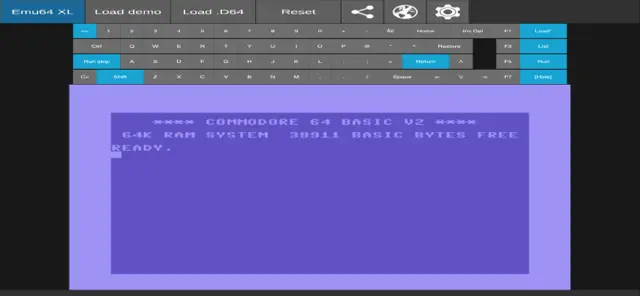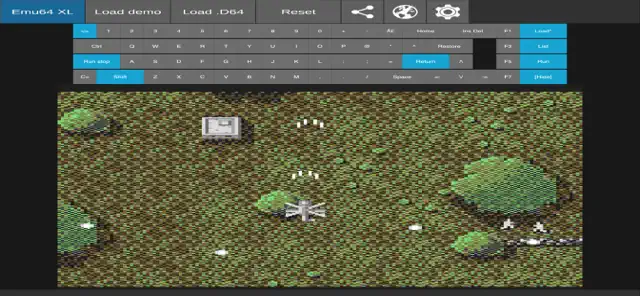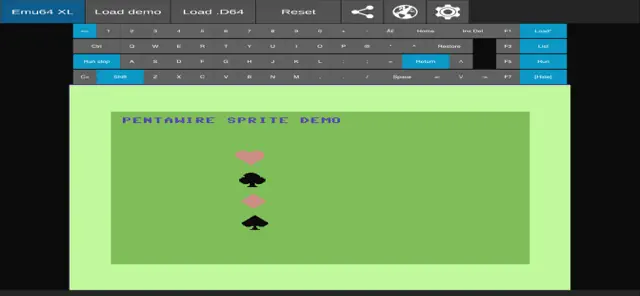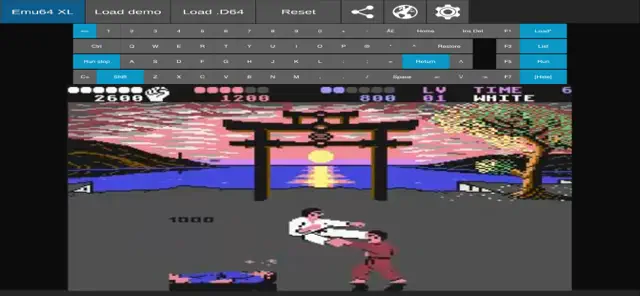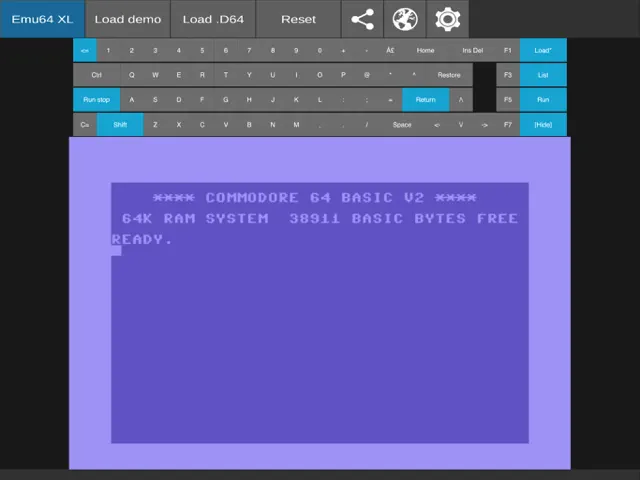
Emu64 XL is a nostalgic powerhouse for anyone who grew up with the Commodore 64. As an emulator, it does a fantastic job of bringing that 8-bit magic to modern iOS devices without the clunkiness you often find in mobile ports. The interface is clean, and the inclusion of a virtual keyboard and joystick support makes it feel like you're actually sitting in front of the 'breadbin' again.
What sets this apart is the attention to peripheral emulation. It’s not just about loading a ROM; it’s about the experience of the floppy disk drive and the authentic SID chip sound reproduction. While touch controls on any emulator can be a bit of a hurdle, Emu64 XL handles them gracefully, and it’s even better if you hook up a Bluetooth controller. For fans of retro computing, this is a must-have utility that turns your iPhone or iPad into a portable piece of history.
Now this is more like it. I spent a significant portion of my childhood in front of a C64, so Emu64 XL is speaking my language. It’s a solid piece of software that actually respects the history it’s trying to preserve. The compatibility is impressive; most of my old favorites ran without a hitch. The addition of CRT filters is a nice touch—it hides the pixel-perfect sharpness that the original hardware never actually had, giving it that warm, fuzzy glow I remember.
That said, playing C64 games on a touchscreen is an exercise in frustration. No matter how well you design a virtual joystick, it’s a poor substitute for the real thing. You really need a Bluetooth controller to get anything out of this. My biggest gripe, however, is the UI for the emulator itself. It’s a bit clunky and feels like it was ported from a desktop application without much thought for mobile ergonomics. It’s functional, but it doesn't have that premium 'Apple' feel. Still, for a retro enthusiast like me, it’s a welcome addition to the phone.
Performance: Perfect emulation of the SID sound chip; very low latency with external controllers.
Buy if: You grew up with the Commodore 64 and have a collection of ROMs and a Bluetooth controller.
Skip if: You have no interest in retro computing or expect modern console convenience.
Available on: iPhone, iPad, iPod
Version 1.0.3Thu Jun 20 2024
Bugfixed
A VICE based Commodore 64 emulator fast and very easy to use. The emulator comes with various programs and sources written in the famous CBM64 basic language.
The app emulates graphics, sounds and peripherals to perfection and also has a keyboard with the same layout as the original one.
You can load .T64 files and .D64 files as old floppy disks and can use virtual joystick in both port 1 and port 2.
App also supports hardware peripherals such as gamepads, joysticks, keyboards and more.
Develop software and also have fun with games with this 8-bit old glory and good poke! (C=)
Requires iOS 11.0 or later. Compatible with iPhone, iPad, and iPod touch.A VICE based Commodore 64 emulator fast and very easy to use. The emulator comes with various programs and sources written in the famous CBM64 basic language.
The app emulates graphics, sounds and peripherals to perfection and also has a keyboard with the same layout as the original one.
You can load .T64 files and .D64 files as old floppy disks and can use virtual joystick in both port 1 and port 2.
App also supports hardware peripherals such as gamepads, joysticks, keyboards and more.
Develop software and also have fun with games with this 8-bit old glory and good poke! (C=)


Emu64 XL is a powerful Commodore 64 (C64) emulator that brings the iconic 8-bit computer to your iOS devices. It features high compatibility with various file formats (.D64, .T64, .PRG), authentic SID sound chip emulation, and customizable virtual controls. Whether you want to relive the golden age of gaming or explore vintage software, Emu64 XL provides a smooth, optimized experience for enthusiasts and newcomers alike.
Authentic C64 hardware emulation
Support for .D64, .T64, and .PRG files
Integrated virtual keyboard and joystick
SID sound chip reproduction
External Bluetooth controller support
To start playing, tap the folder icon to browse your local files. Select a .D64 or .PRG file. Use the virtual 'Run' button or type the classic LOAD command to begin your retro journey.
The emulator supports different joystick ports. If your game isn't responding, switch between Port 1 and Port 2 in the settings menu to match the game's original requirements.
No, Emu64 XL is an emulator only. You must provide your own legally owned disk or tape images.