Version 9.7.0Mon Sep 23 2024
Adds support for latest devices and OS versions. Minor bug fixes.
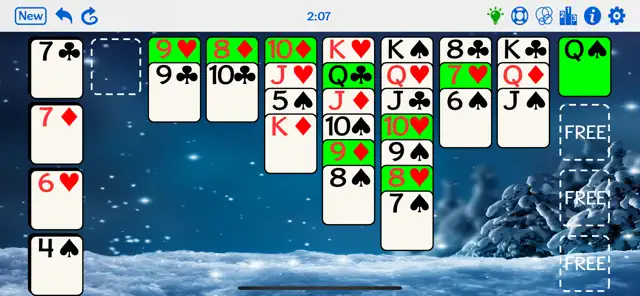
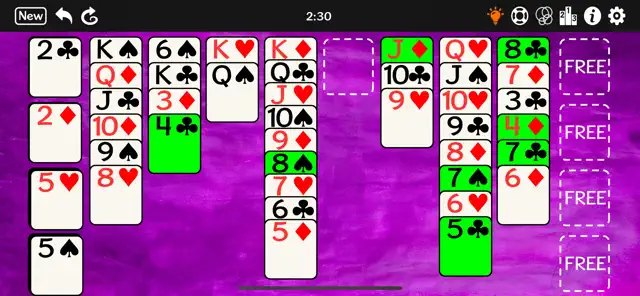
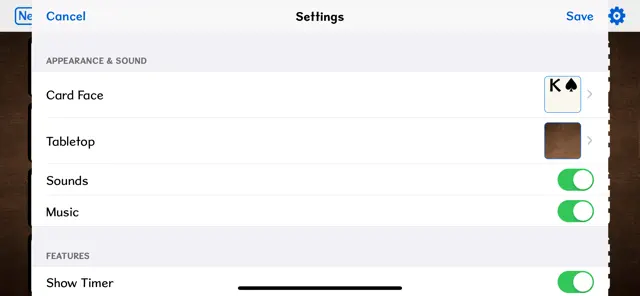
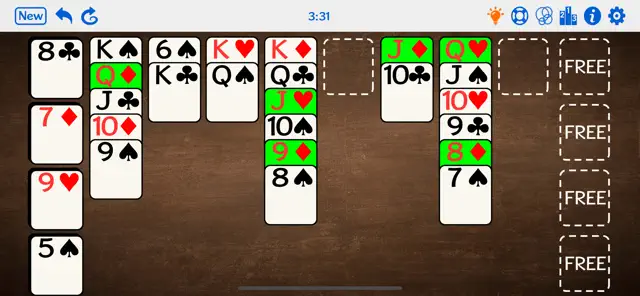
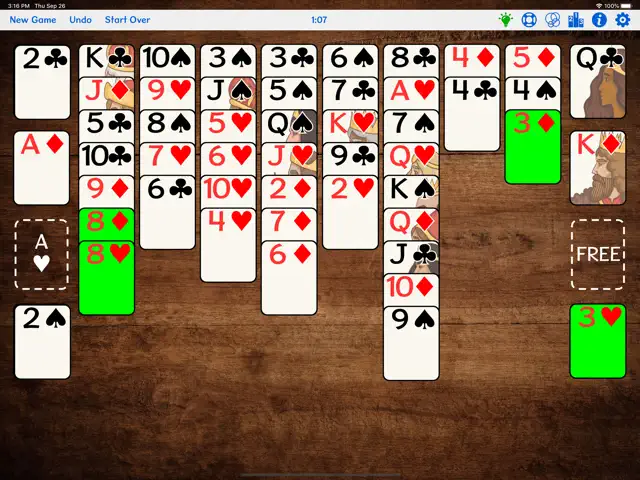
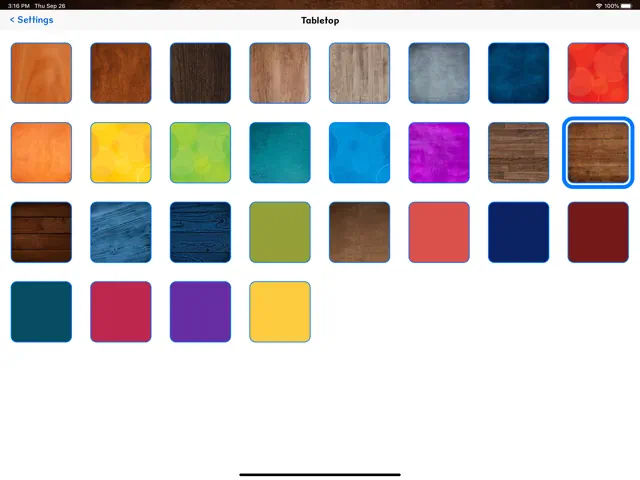
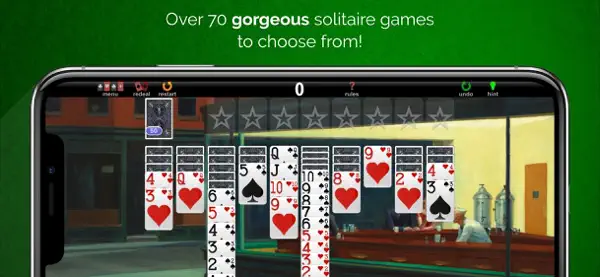
No ads, no tracking. Play popular solitaire game FreeCell with no advertising. Options provided to change background pictures, change card appearance, have cards fly up to the suit stacks on their own or manually. Instructions included in the app. Ads appear unobtrusively on the top of the screen but don't interfere with gameplay.
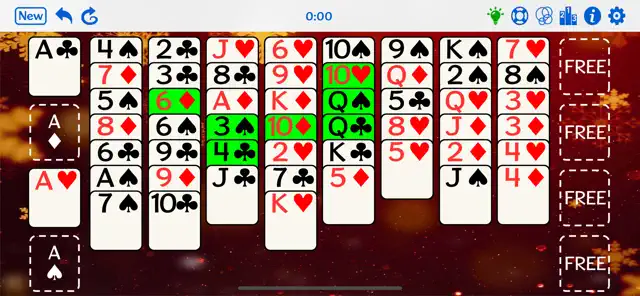
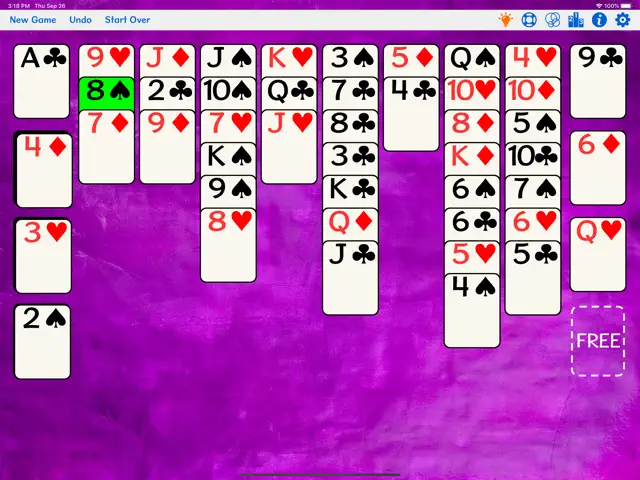
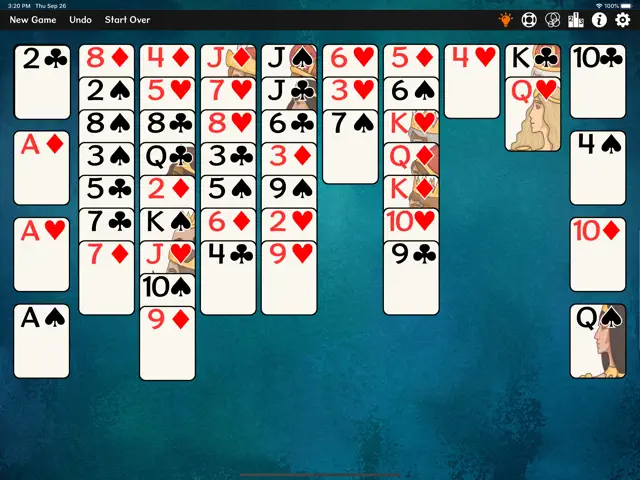
GOAL: Uncover cards so they can be moved in ascending order to the 4 suit stacks.
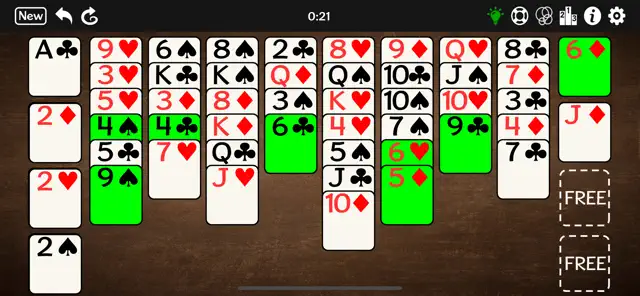
SETUP: A standard deck is dealt in 8 cascading stacks.
HOW TO PLAY: Move cards between the 8 cascading stacks and 4 free cells to uncover cards so you can move them up to complete the suit stacks. You can only move the top card of a cascading stack or a card in a free cell. A card can be moved to an empty free cell; to the top of another cascading stack with top card of different color and one higher value; or to one of 4 suit stacks in ascending order from Ace to King. For example, 3 of clubs can be moved to a cascading stack with top card 4 of hearts. Any value card can be moved to an empty free cell or empty cascading stack.
MOVING CARDS: Tapping a card once will move it to a suit stack if a spot is available or to a pile with available higher card of different color. Double-tapping a card will move it to an open free cell. Alternatively, you can simply drag a card to where you want it to go. If an attempted move is not allowed, the card will shake.
NOTES: You can reject a new hand that looks too difficult by clicking New Game again. If you click New Game before moving any cards, the game will not count as a loss. Click Undo to undo one move at a time, or Start Over to undo all moves in the current game.
Requires iOS 12.0 or later. Compatible with iPhone, iPad, and iPod touch.
No ads, no tracking. Play popular solitaire game FreeCell with no advertising. Options provided to change background pictures, change card appearance, have cards fly up to the suit stacks on their own or manually. Instructions included in the app. Ads appear unobtrusively on the top of the screen but don't interfere with gameplay.
GOAL: Uncover cards so they can be moved in ascending order to the 4 suit stacks.
SETUP: A standard deck is dealt in 8 cascading stacks.
HOW TO PLAY: Move cards between the 8 cascading stacks and 4 free cells to uncover cards so you can move them up to complete the suit stacks. You can only move the top card of a cascading stack or a card in a free cell. A card can be moved to an empty free cell; to the top of another cascading stack with top card of different color and one higher value; or to one of 4 suit stacks in ascending order from Ace to King. For example, 3 of clubs can be moved to a cascading stack with top card 4 of hearts. Any value card can be moved to an empty free cell or empty cascading stack.
MOVING CARDS: Tapping a card once will move it to a suit stack if a spot is available or to a pile with available higher card of different color. Double-tapping a card will move it to an open free cell. Alternatively, you can simply drag a card to where you want it to go. If an attempted move is not allowed, the card will shake.
NOTES: You can reject a new hand that looks too difficult by clicking New Game again. If you click New Game before moving any cards, the game will not count as a loss. Click Undo to undo one move at a time, or Start Over to undo all moves in the current game.