Version 1.0.60Fri Jan 31 2020
- improving internal functions
GAME CREATOR
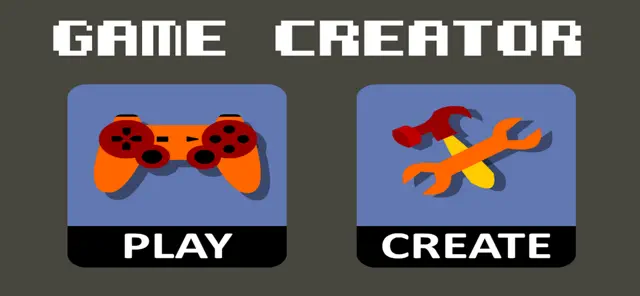
With Game Creator you can create your own games on your iPad or iPhone.
It works just out of the box, you do not need to install third party plugins or other software.
NO programming or scripting is required.
BEFORE YOU BUY
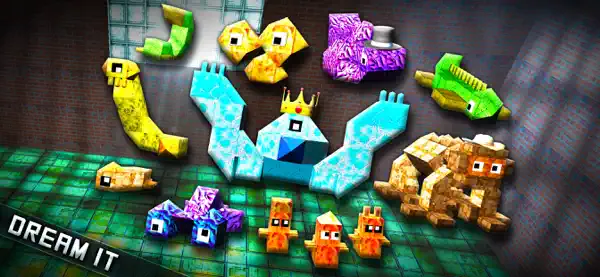
Please note that this is not a professional game creation tool. You cannot create commercial games. This is a simple but powerful tool with lots of great features and easy to use functions and a friendly interface. You can enjoy creating your own games, drawing characters, composing music, building your levels, interacting with monsters and enemies, etc. but if you are about to make a commercial quality AAA game, this might not be the app you are looking for.
GENRES
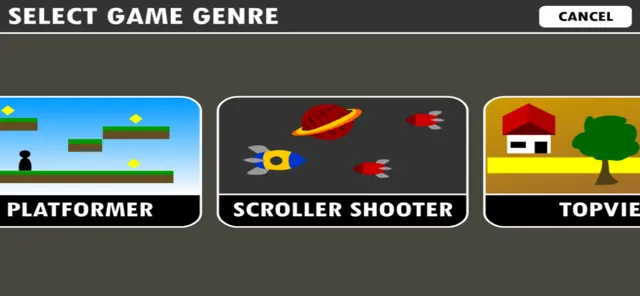
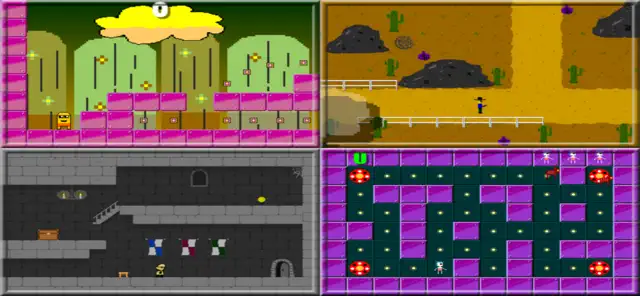
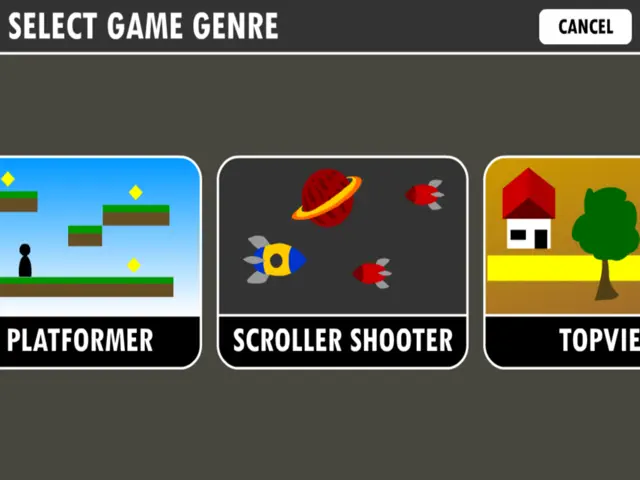
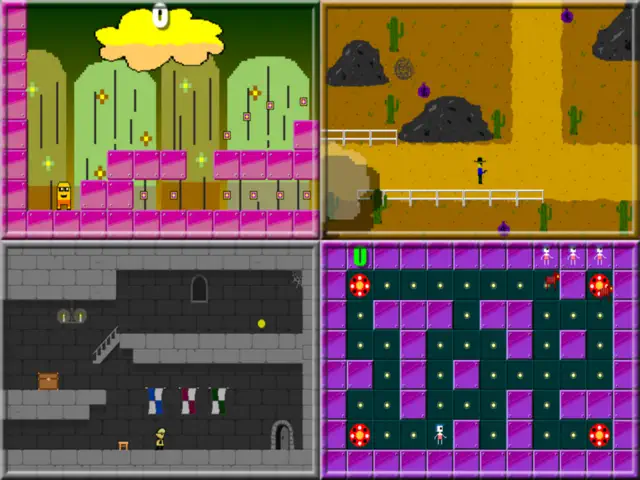
There are several predefined genres to choose from:
- Platformer
- Scroller Shooter
- Topview adventure or shooter
- Run and jump
- Tower Defense
- BreakOut
- Racer
- RPG
BUILT-IN TOOLS
Game Creator has all the tools you need to build your game:
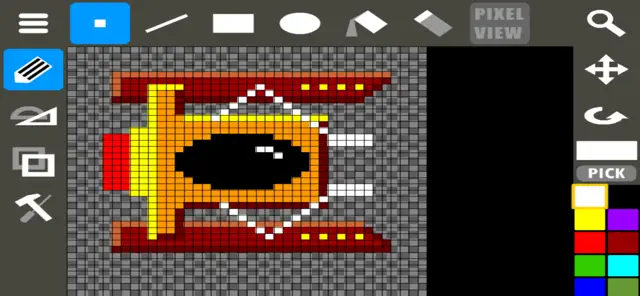
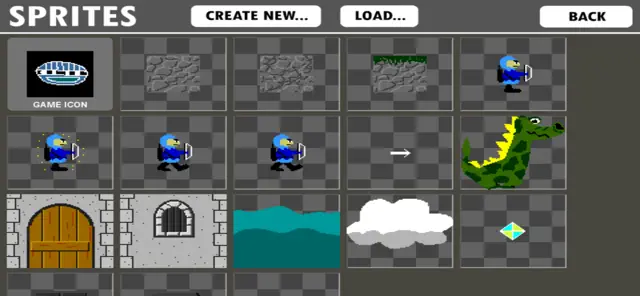
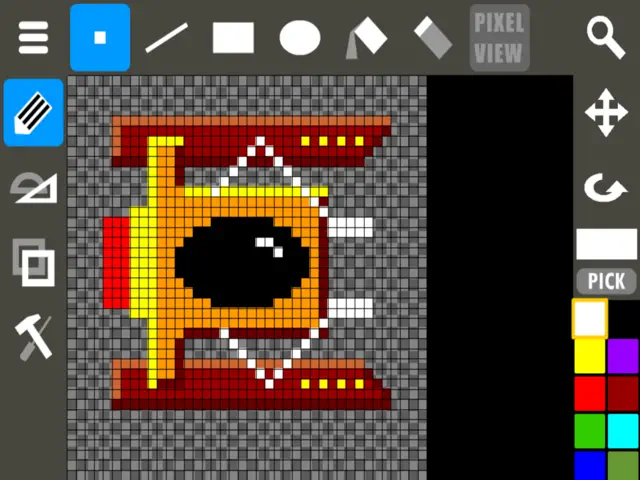
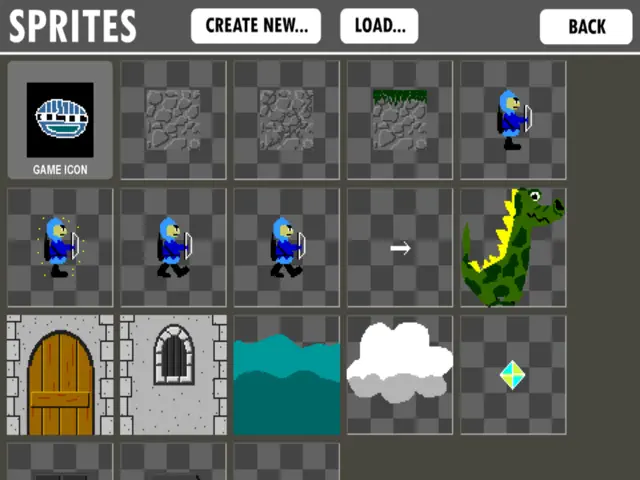
- Sprite Editor - create single or animated graphics items
- Object Editor - define the game objects or actors (enemies, monsters, etc) and set their behavior
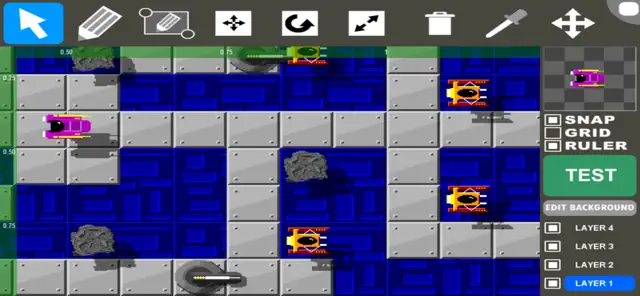
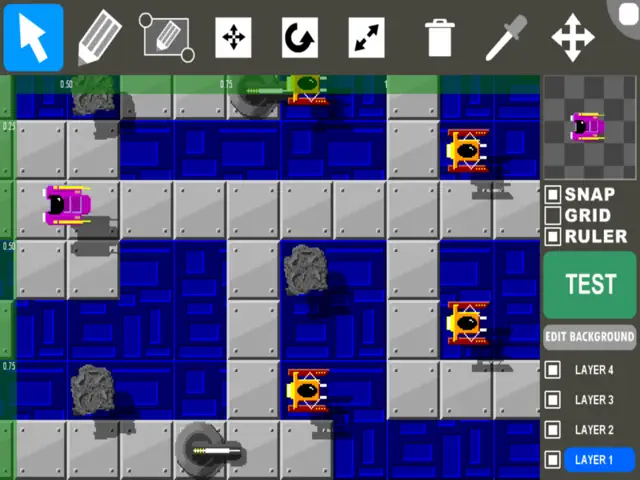
- Level Editor - place your objects and craft the playing areas
- Song Maker - compose background music
TUTORIALS
Please find video tutorials and guides: http://www.youtube.com/channel/UCjL9b5dSmYxL3KiIVzXwraQ
Requires iOS 8.0 or later. Compatible with iPhone, iPad, and iPod touch.
Create your own game.
No programming required.
GAME CREATOR
With Game Creator you can create your own games on your iPad or iPhone.
It works just out of the box, you do not need to install third party plugins or other software.
NO programming or scripting is required.
BEFORE YOU BUY
Please note that this is not a professional game creation tool. You cannot create commercial games. This is a simple but powerful tool with lots of great features and easy to use functions and a friendly interface. You can enjoy creating your own games, drawing characters, composing music, building your levels, interacting with monsters and enemies, etc. but if you are about to make a commercial quality AAA game, this might not be the app you are looking for.
GENRES
There are several predefined genres to choose from:
- Platformer
- Scroller Shooter
- Topview adventure or shooter
- Run and jump
- Tower Defense
- BreakOut
- Racer
- RPG
BUILT-IN TOOLS
Game Creator has all the tools you need to build your game:
- Sprite Editor - create single or animated graphics items
- Object Editor - define the game objects or actors (enemies, monsters, etc) and set their behavior
- Level Editor - place your objects and craft the playing areas
- Song Maker - compose background music
TUTORIALS
Please find video tutorials and guides: http://www.youtube.com/channel/UCjL9b5dSmYxL3KiIVzXwraQ