★★★★★ it’s good just a few glitches though for getting on the app solution just wait a little bit
Tue Dec 23 2025 ❦London❦OK, so I really like this game, but there are a couple things pretty much everybody said them already but the one thing that I don’t really care about is getting more games, but that’s because I only had this for about a year. I don’t play it that often. I mean, I made a group chat just for game pigeon girls like my friends, bu sometimes we’re not like there’s let’s just say enough there to be like oh my gosh these games are so boring like they’ve been here for like 125 years cause we’re not that old but still they have been here for such a long time. No changes. I read it on a lot of reviews cause I always make sure to read a review before I get the game and after I get the game or whatever.
𝙴𝚍𝚒𝚝- one of the things that does really bug me though is that some of my friends have a time limit for how long they’re allowed to be on their phones or iPads or tablets and whenever their phone iPad or tablet like whenever they’re not allowed to be on it anymore but they’re still allowed to text game pigeon doesn’t work like do you know what I mean? It’s like game pigeon won’t work if all the games on their device are shut off. It’s so weird. It just won’t work and there’s no way I can edit it because it’s not a game that you go to the app and then send the thing to the person and be like let’s play. You have to go to messages to play it so that’s just one thing that really bugs me.
★★★★★ Amazing game but just a few suggestions
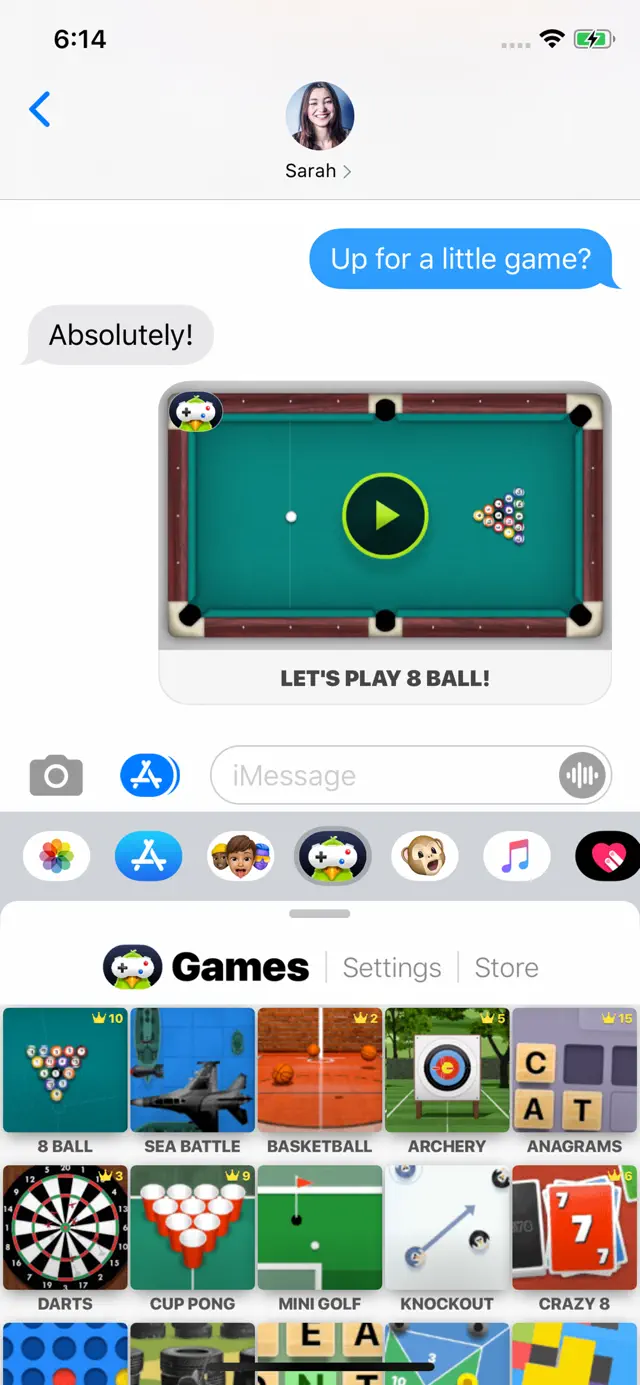
Sun May 21 2023 ROA▼・ᴥ・▼Game Pigeon is an app that is added to your bar (the one above your keyboard containing photos, Memojis, etc) on iMessages that allows you to play short games with whoever you're texting. If you like to play video games, Game Pigeon is a great way to pass time while also chatting with friends. I've certainly tried to play games on my phone before while also texting my friends, so Game Pigeon is perfect for me. However, it does have it's issues. The most annoying and prominent problem I have right now is that sometimes in iMessages, I can't open Game Pigeon. My friend will send me a game to play, but when I click on it, it tells me to open the Game Pigeon app, on the bar above your keyboard with photos, Memoji, etc. I click on it, and nothing happens. I can't open Game Pigeon. It's very frustrating to have to restart my phone just to open it again, and even then sometimes it doesn't work. It randomly lets me back in and then doesn't, inconsistently. I'm not sure if this is an issue with Game Pigeon, my phone, or iMessages though, so I'm not saying this is Game Pigeon's fault. The next issue is that on a lot of the games, there is no game manual. It says "Game manual coming soon". I understand the developers need time to finish everything, but it's very difficult to play a game when I don't know what the objective is and how to reach it. Other than that though, Game Pigeon is a great app to pass time with friends and I definitely recommend it!
★★★★★ An awesome app 👏, 3 suggestions
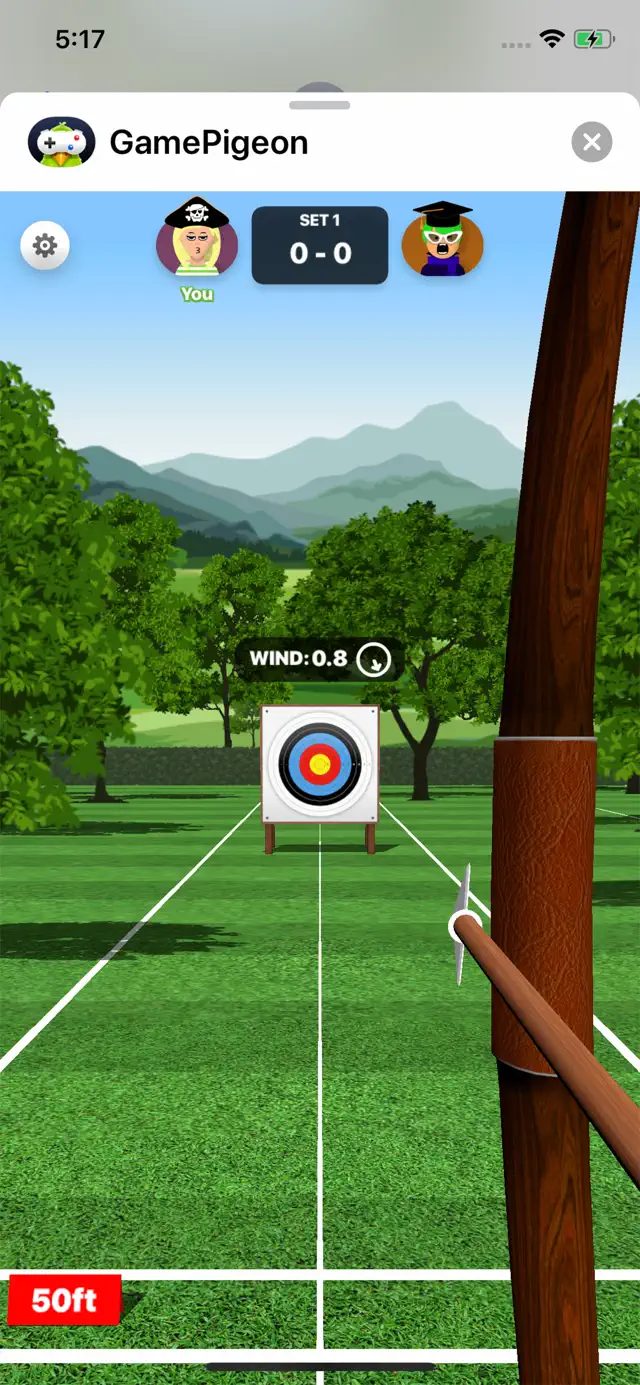
Tue Jan 11 2022 Dummest boiAn app where you can challenge your friends and family to a small game, this is a great idea for an app in my opinion, but I have two suggestions. Suggestion 1: I miss past games I played with friend and family and it would be very great if you could make a mechanic where you can rewatch past games, or so you can get better at the game you played by learning what you did wrong. I would love if you put this idea in Suggestion 2: What if there was a day where your friends and/or family is busy or don’t have a phone or aren’t challenging enough or are too challenging (which probably won’t happen). Maybe consider adding some bots to the game (if it happens) and vs a bot and you can choose your difficulty easy, medium, or hard. Suggestion 3: Sometimes, this app can get a LITTLE boring to be honest, having played all of the games in one day because you have nothing to do but sit on your couch and play on your phone, maybe if you could add something where you can get achievements when playing the game with friends and family, maybe achievements like: Win 5-10 games in a row Don’t get hit in paintball Get 70 hoops in basketball Find the biggest word in word search etc. And maybe if you get some hard achievements, you can earn an accessory for your character (unless it defeats the whole purpose of buying the clothing items) This is a very very awesome app otherwise and it might never get boring and keep up the good work 👌. Also... my last review got deleted for whatever reason so I just wanted to quickly make another review.
★★★★★ Best game in Messages App Store
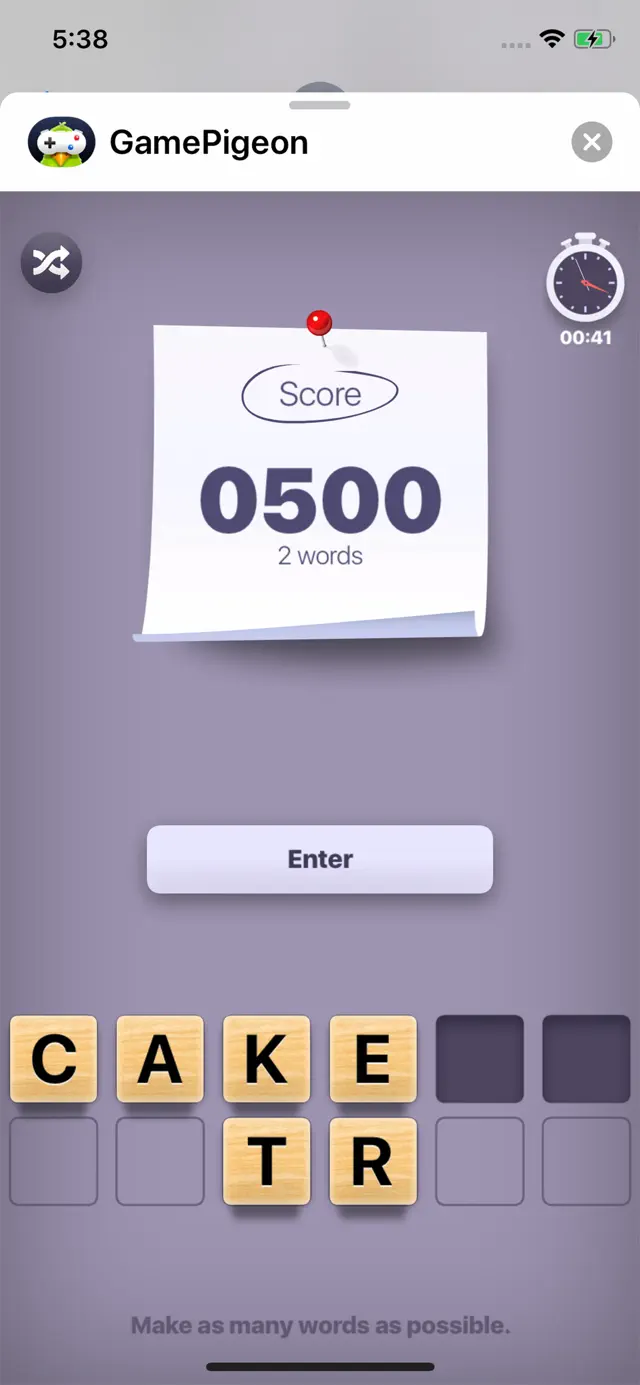
Wed May 27 2020 AIFANATIC1234I particularly like this app, mostly because of the wide variety of game selections. I especially love the word games, and how you just tap on word games and you have a choice to pick Word Hunt, Anagrams, or Word Bites. Thus saying I’m a kid, I really wish you could not give control to settings to put restrictions
on game pigeon. Cause, I understand why my dad has to put restrictions, but, I mean, he doesn’t wanna Block game pigeon too, but he has to. It’s the only way to put restrictions, and I understand that, but I just wish you could not let the restrictions for game pigeon be accessed on Settings. I also wish you could unlock rewards or game modes by achieving stuff. For example, you could play knockout 30 times to unlock the next game mode. Or, every time you won a game, you could receive a coin. And every time you lost to another person on a game, you could lose a coin. When you have earned 10 coins, you could unlock a customization for your person. For example, when you earn 10 coins, you could unlock anything you wanted. But the next time, you’d have to earn 20 coins to unlock anything you wanted. Then the next time after that, you’d have to earn 30 coins to unlock anything you wanted. But one thing I do like is the part where you guarantee that when you unlock game modes your opponent will play them for free. Although, if you unlock customizations, will your opponent have those for free too? On top of all that, I really like this game, and, please give the creator of game pigeon, my congratulations!
★★★★★ AMAZING
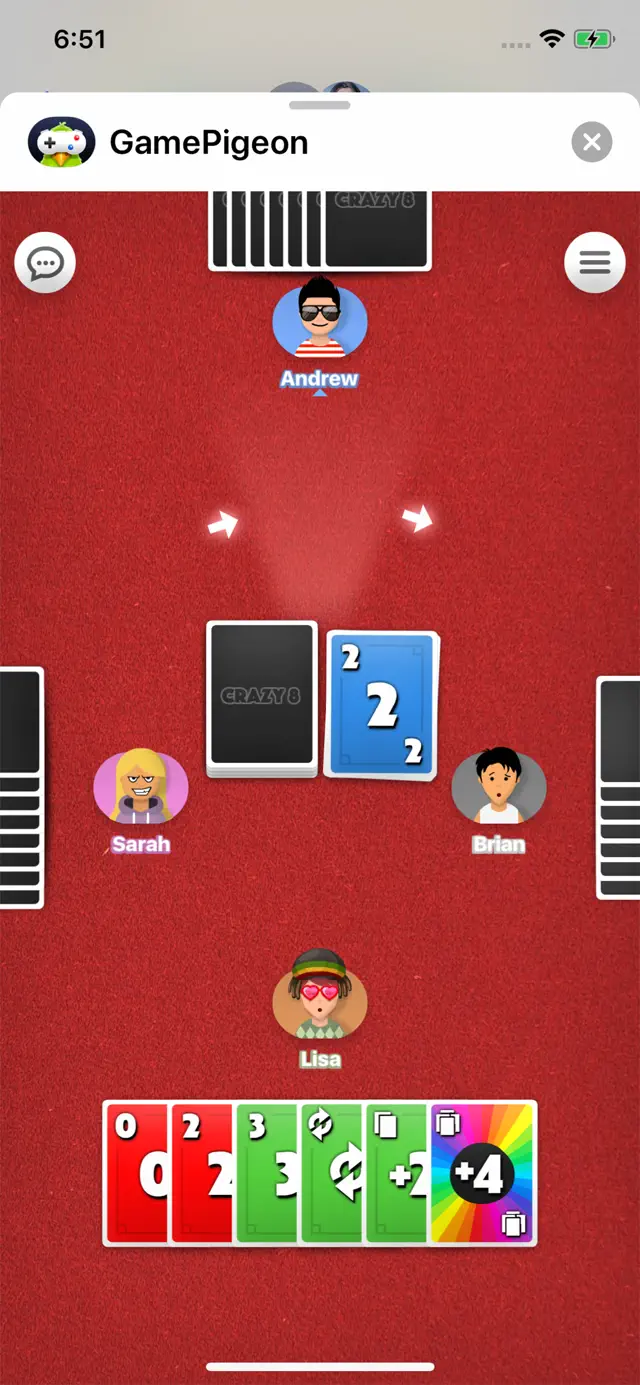
Wed Jun 18 2025 Taylor heart layne534This is like the most fun I would have other than reading peoples tea that the drama I like but if we were just talking about games I would 100% recommend this is amazing for long distance People if they want to play game but you do need vip to get really cool stuff but I can’t say anything because people have there own opinions and that’s ok and there are adds while your teammate is still going other than those two I totally recommend and it is totally free so get this try there are so many options to choose from this is amazing for some kind of road trip cause you can text someone while you are in the car playing there is checkers chess 20 questions crazy cards and lots more so get it have fun I hope you like it and if you don’t that’s ok because it won’t be a waste of money cause it is free! But go get this and have fun l am posting this at 1:00 in the morning right now but good night for the time I am sending this at hope y’all have fun with this and if you don’t know Jesus out there maybe you can consider going to church on a Sunday but let god bless y’all and this all is coming from a 7 year old so be impressed Gn I am praying for y’all out there if you are not a believer have fun with your life because time goes by fast but thank you for reading this and sorry I went of track of the game but there is always room and time for Jesus amen god bless you
★★★★★ Great game👍🏻
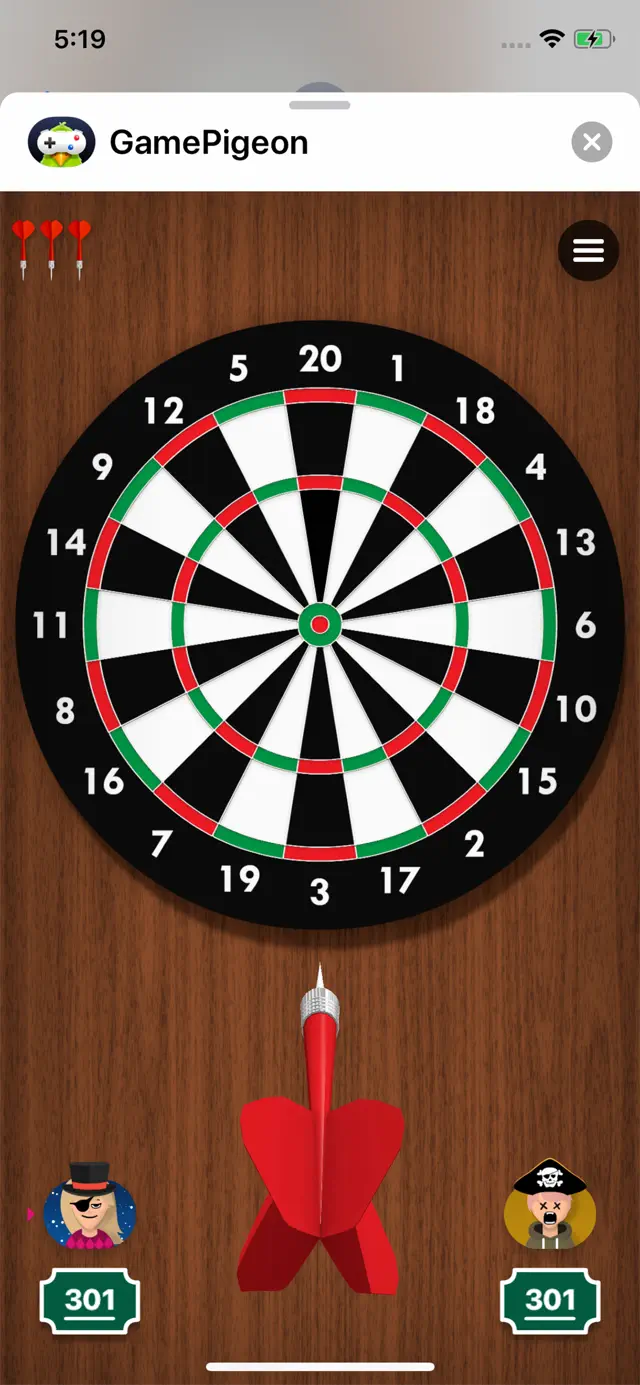
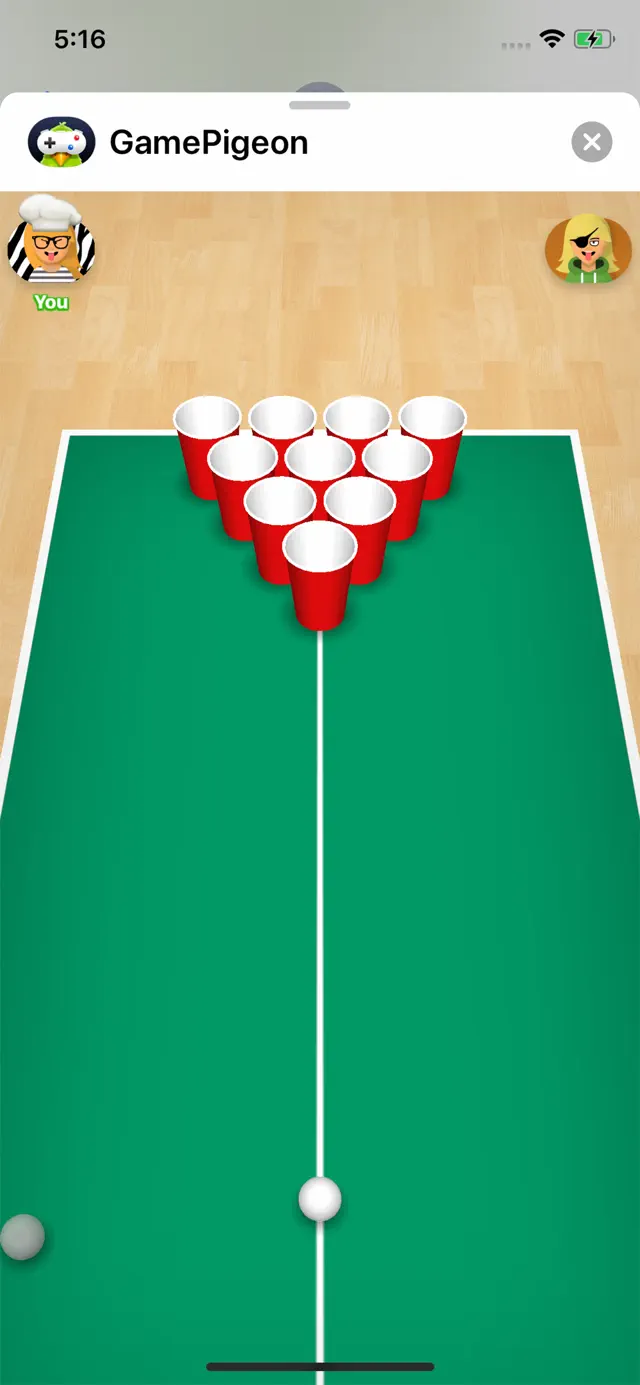
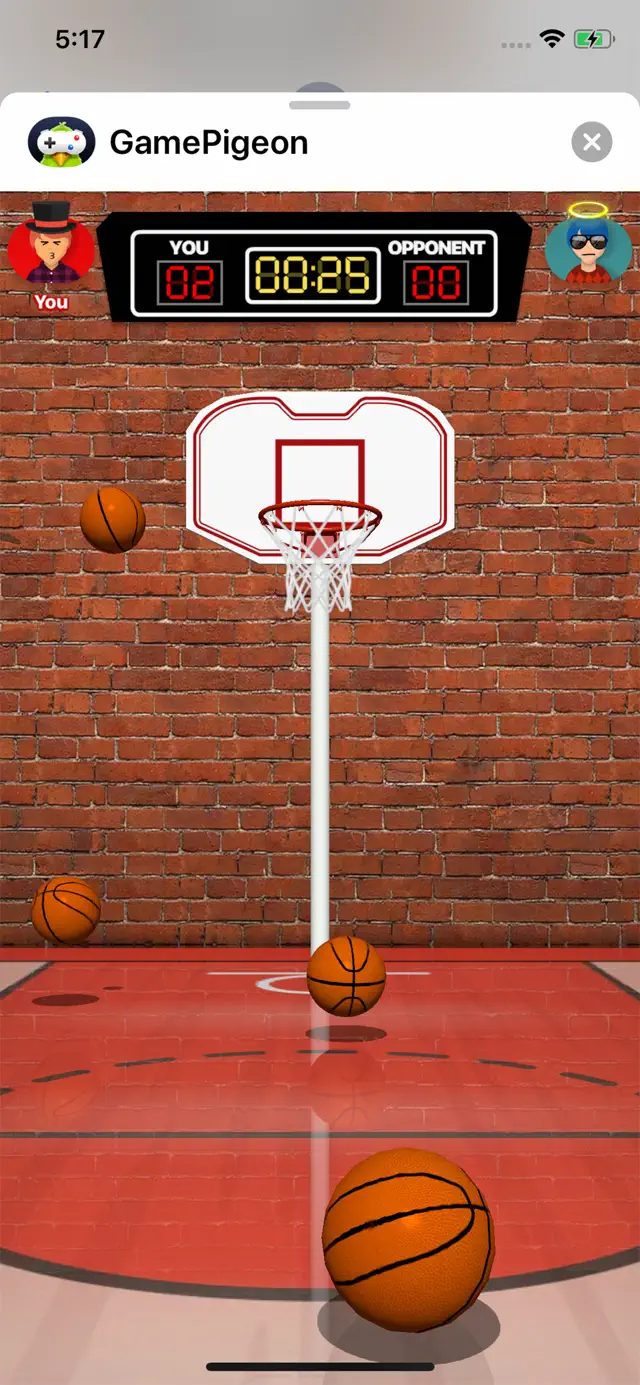
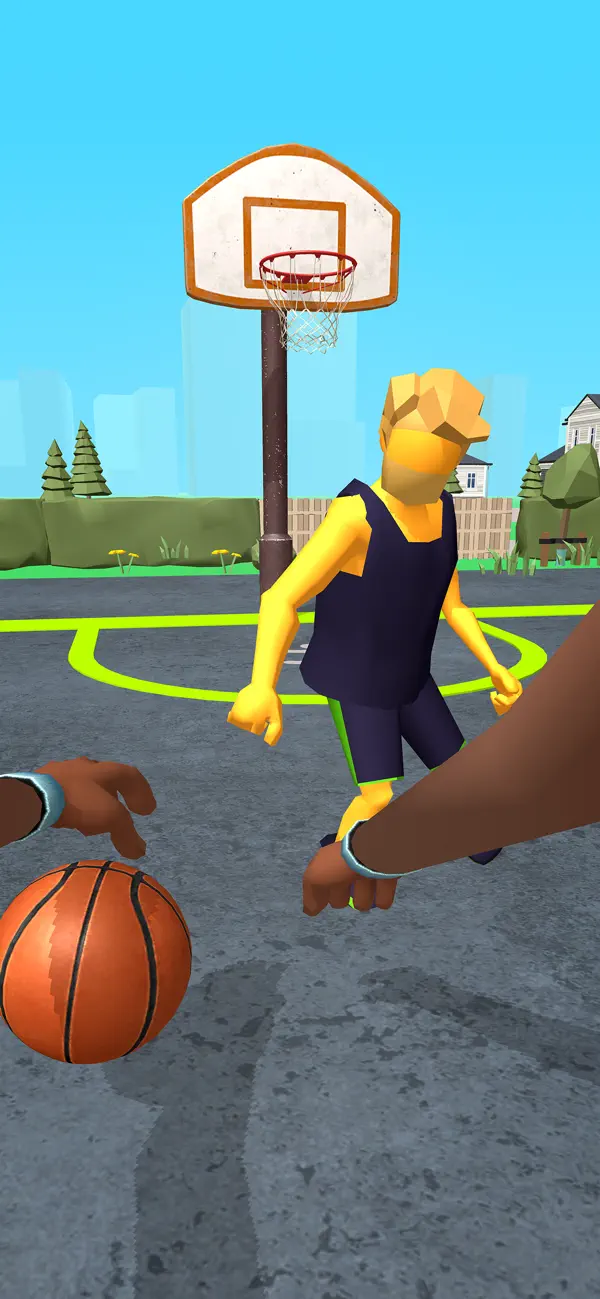
Tue Nov 20 2018 9pkFirst I would like to say that I love this game it is so much fun to play with your friends anytime you want. But I have noticed a few things that bug me about the game first, sometimes I can not open the game, me and my friend will be halfway through are game and I will tap on the game because it is my turn and it won’t do anything so we have to start a new game. Second I don’t like how you have to buy the extra features I think that they should have coins and every time you win a game you get a coin and if you have a certain amount of coins then you can get a extra feature. Third if I were to want to buy a extra feature I can’t, my friend recently was going to see if she had any extra money to buy these extra features but she couldn’t she would tap on the extra feature she wanted and a little thing would pop up on her screen that said “in-app purchases are not allowed”. Please fix these problems soon other wise I love this game and I think it is a fun experience to play games with your friends even if they are not with you I like a lot of the games a couple of my favorites are probably cup pong, knockout, and basketball. But as I am writing this review I am playing game pigeon with my friend and I noticed that you changed the characters I like the humans but I also liked the funny little blobs so is it possible you can make a option were you can choose to be a human or a blob? Also is it possible you can make games that you can play by yourself because what if your friends can’t come to the phone and you want to play? Thank you so much for creating such a amazing game.
★★★★★ Love it but one problem
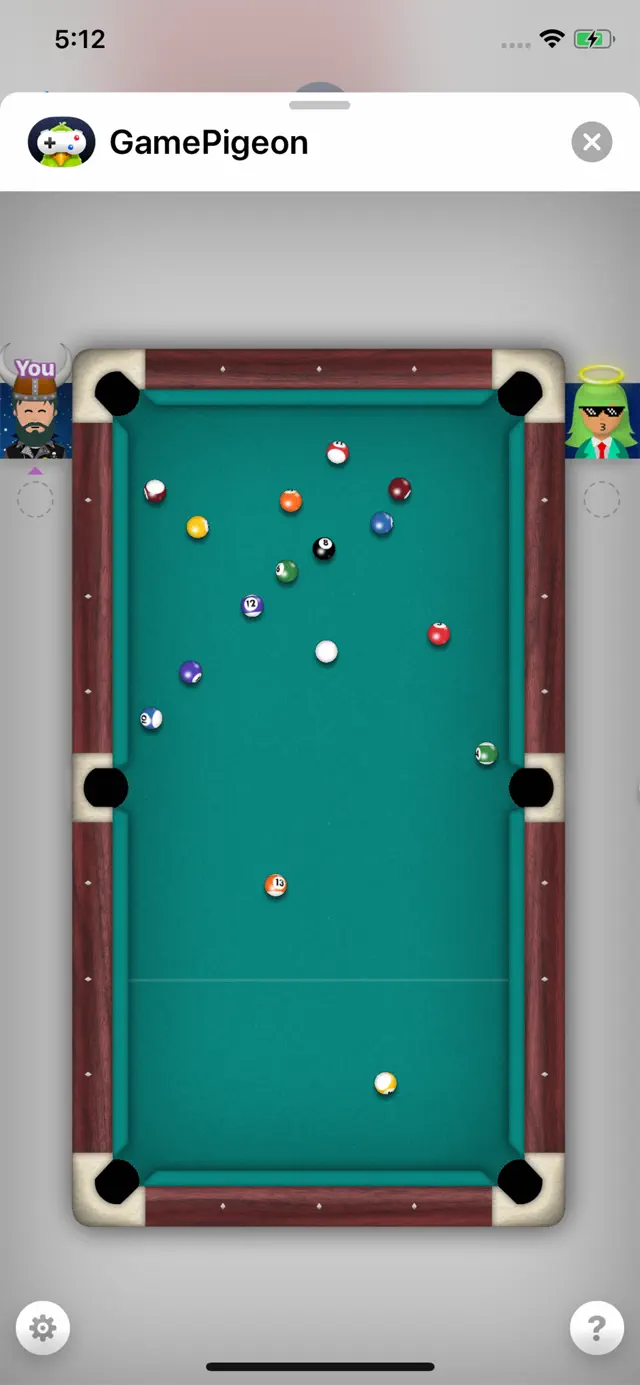
Thu Jan 06 2022 byftfcI love the game at all when I first played it it was with my sister she gave me the beer pong but when I try to get in it it won’t let me it just loads and loads and loads so if you guys are reading this comment right now I will try not to get the game because it just won’t go away now and yeah so when you get in the game and it lets you it’s pretty fun that’s why I wrote three stars and whenever people want to play it with me it just never works so when I read all of the comments where ever it was normal to have people not go in the game so what I am saying to be more clear is if it lets you win the game it is a pretty pretty good game so I recommend not playing it I mean I still have it because it’s a game you cannot delete I think so I love this game if it lets you win most of the time it is not for me oh man I wrote a lot of stuff and what I would do every time I play it it works with my Bluetooth off sometimes so if you want to play it I would turn my Bluetooth off because I was playing a ton of games last month and it was working and then me and my sister we just stopped playing well she did and then it stopped working so yeah pretty good good game in all wow this is a lot of words and I am not even spelling these I’m using my Siri yes so if you want to play this game I would turn my Bluetooth off because that was how it was working pretty good game I like it but not a lot basically i’m game pigeon you can play a lot of games it’s fun and all but I don’t know why I just doesn’t let you in so if you guys are reading this that’s why game pigeon is fun and not fun
★★★★★ Chess and other game issues …
Wed Jul 16 2025 Daniel77884422Game pigeon is wonderful in many ways. However the games have glitches. The chess game, when a pawn reaches the eighth rank, it can be promoted. But the game only allows it to be promoted to queen or knight. Chess rules allow it to be promoted to queen, knight, Bishop, or rook. This is a major error. A good feature would also be for the captured pieces to be at the top in the game to automatically show who is ahead in the game by the standard chess Piece valuing values. Being allowed to email yourself the chess algebraic notation record of the moves made, and use the back button to review the game during and after it would be great too. To be able to email yourself it so as to have a record of your moves so that you can see the games you have played in the past is a critical part of chess education. Since children played this a lot, that is necessary for their development. Instead, you lose the record of every game you ever played right now. The battleship type game is completely unclear about how it works. It seems to be a game where you drop bombs on ships and nothing happens to them. It makes no sense. It is similar for the sea battle game. You have no idea what to do. All the games say instructions are coming, but it never comes, and none I played have it. Thank you very much! Stay well!