Version 1.46Sun May 30 2021
◆ Support iOS 14.5
and bug fixes.
Classic Minesweeper game for iOS.
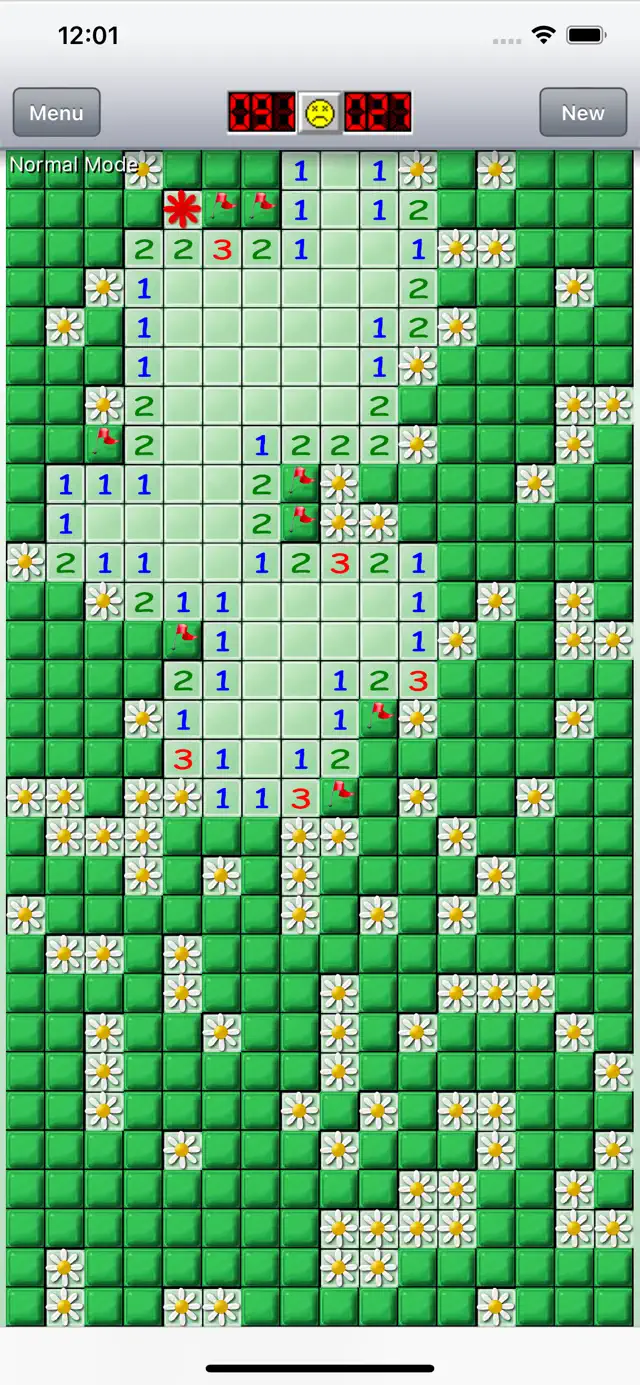
Standard game rules with best, smoothest, very fast interface.
We will keep our best to improve this game, since we are also devotees of minesweeper !
Please free feel to provide your suggestion or bug report by mail.
******************************************************
Features
******************************************************
◆ Easy to control (Drag scroll, Quick change mode, Quick open…etc)
◆ First tap luck
◆ Optional sound assist
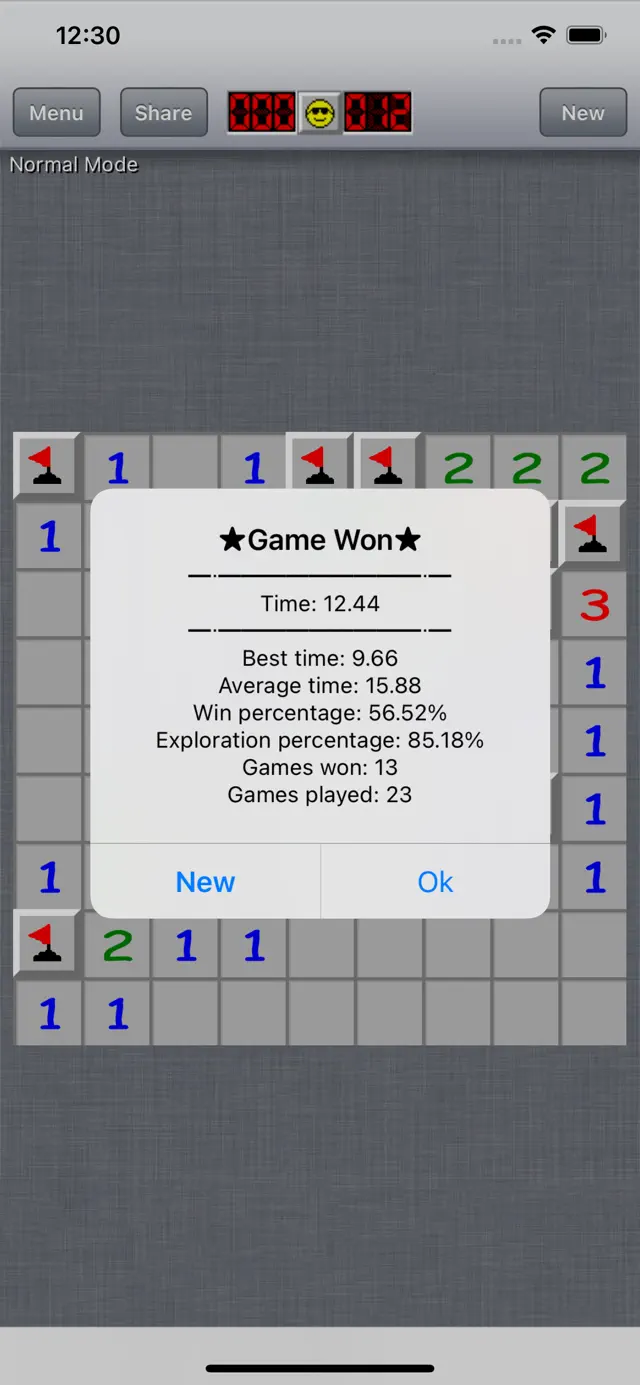
◆ Highscore/Statistics data
◆ Game center support
◆ 8 appearance include classic style & shuffle
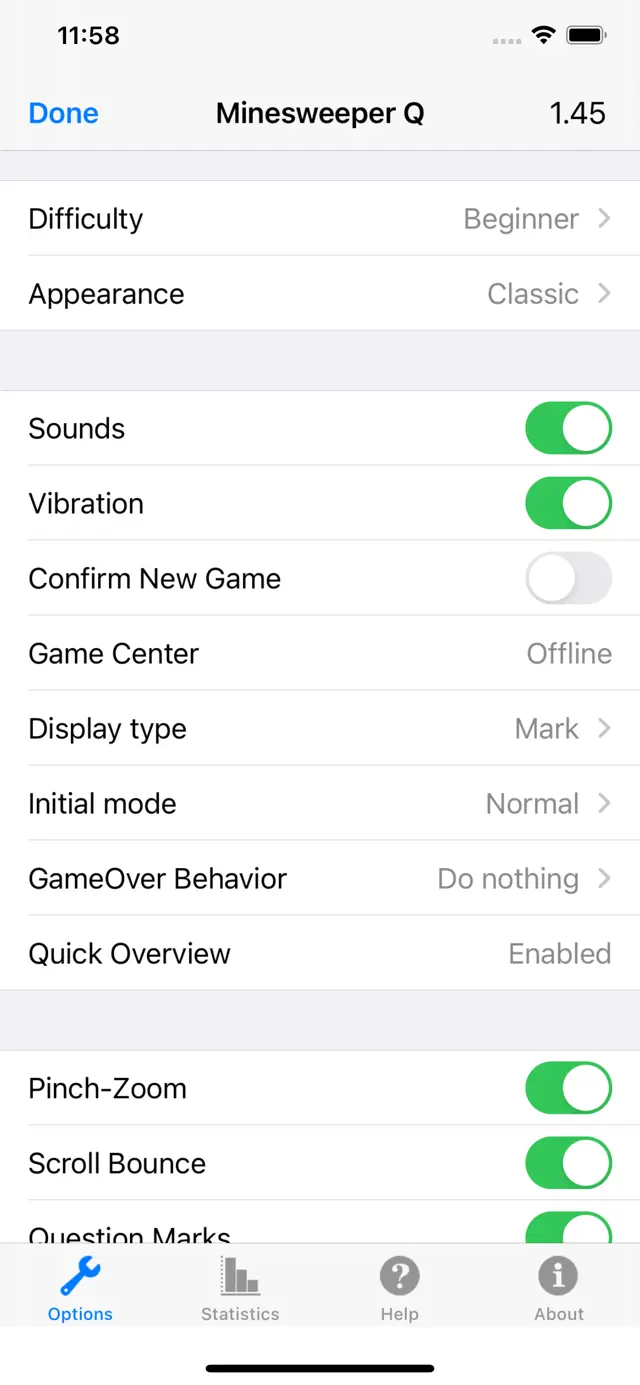
◆ 3 classic difficulty
◆ Fully configurable, board size & number of mines.
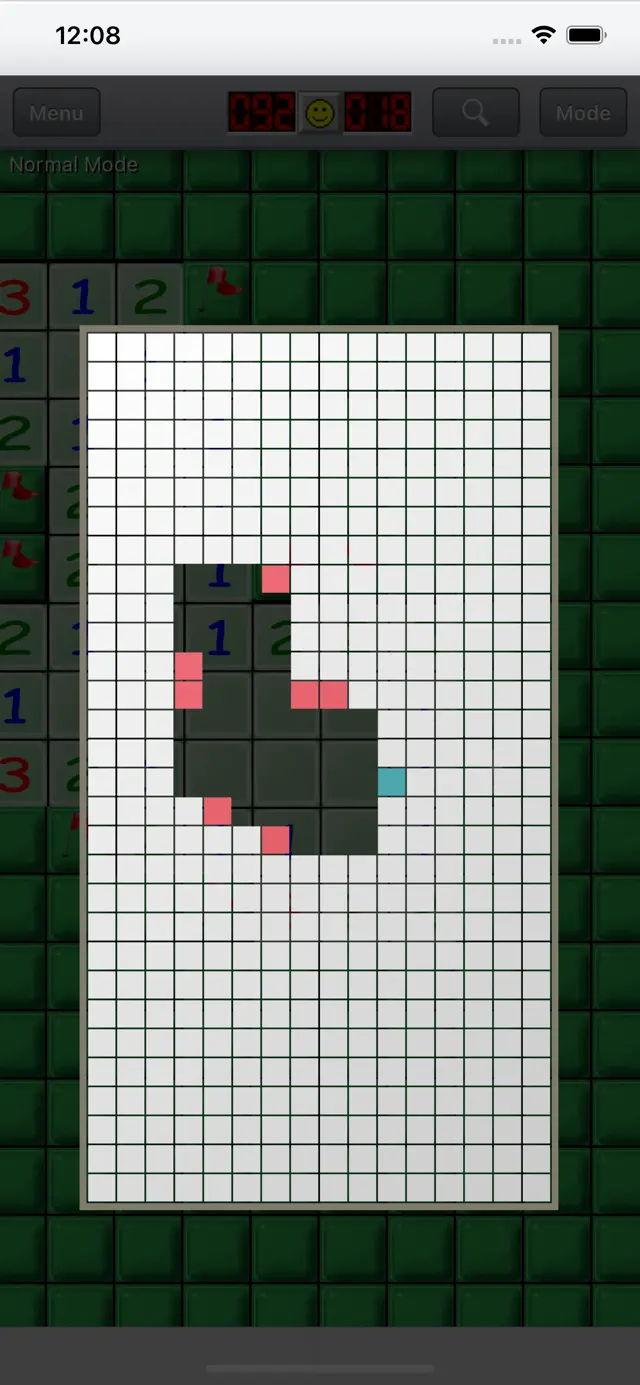
◆ Quick Overview
◆ Auto save
◆ Fast launch time
◆ Build in minesweeper help & Video tutorial
◆ iOS4 multi-tasking support
◆ Share with Twitter & Facebook
◆ Retina High resolution support
◆ 3D Touch support
*******************************************************
How to control Minesweeper
*******************************************************
Normal mode:
- Tap a square to clear it.
- Tap and hold to flagging.
- Tap a numbered square next to that many flags to clear the rest.(Quick open)
- Tap empty square to change control mode.(Quick change mode)
Quick Flagging mode:
- Tap a square to flagging.
- Tap and hold to clear square.
- Tap a numbered square next to that many flags to clear the rest.(Quick open)
- Tap empty square to change control mode.(Quick change mode)
******************************************************
Minesweeper Q Support
******************************************************
Please follow us on twitter to get the latest Minesweeper Q news.
Twitter: http://www.twitter.com/spicalibar
WebSite: http://sites.google.com/site/stargazing2spica/
Mail: stargazing.spica@gmail.com
Requires iOS 9.0 or later. Compatible with iPhone, iPad, and iPod touch.
Classic Minesweeper game for iOS.
Standard game rules with best, smoothest, very fast interface.
We will keep our best to improve this game, since we are also devotees of minesweeper !
Please free feel to provide your suggestion or bug report by mail.
******************************************************
Features
******************************************************
◆ Easy to control (Drag scroll, Quick change mode, Quick open…etc)
◆ First tap luck
◆ Optional sound assist
◆ Highscore/Statistics data
◆ Game center support
◆ 8 appearance include classic style & shuffle
◆ 3 classic difficulty
◆ Fully configurable, board size & number of mines.
◆ Quick Overview
◆ Auto save
◆ Fast launch time
◆ Build in minesweeper help & Video tutorial
◆ iOS4 multi-tasking support
◆ Share with Twitter & Facebook
◆ Retina High resolution support
◆ 3D Touch support
*******************************************************
How to control Minesweeper
*******************************************************
Normal mode:
- Tap a square to clear it.
- Tap and hold to flagging.
- Tap a numbered square next to that many flags to clear the rest.(Quick open)
- Tap empty square to change control mode.(Quick change mode)
Quick Flagging mode:
- Tap a square to flagging.
- Tap and hold to clear square.
- Tap a numbered square next to that many flags to clear the rest.(Quick open)
- Tap empty square to change control mode.(Quick change mode)
******************************************************
Minesweeper Q Support
******************************************************
Please follow us on twitter to get the latest Minesweeper Q news.
Twitter: http://www.twitter.com/spicalibar
WebSite: http://sites.google.com/site/stargazing2spica/
Mail: stargazing.spica@gmail.com