Version 2.0Fri Mar 03 2023
This version provides an update to recommended settings.
Nine Ball ScorePad is designed to assist in scoring Nine Ball games. Up to nine teams can enter their rosters and a rank for each player. There can be up to eight players on each team.
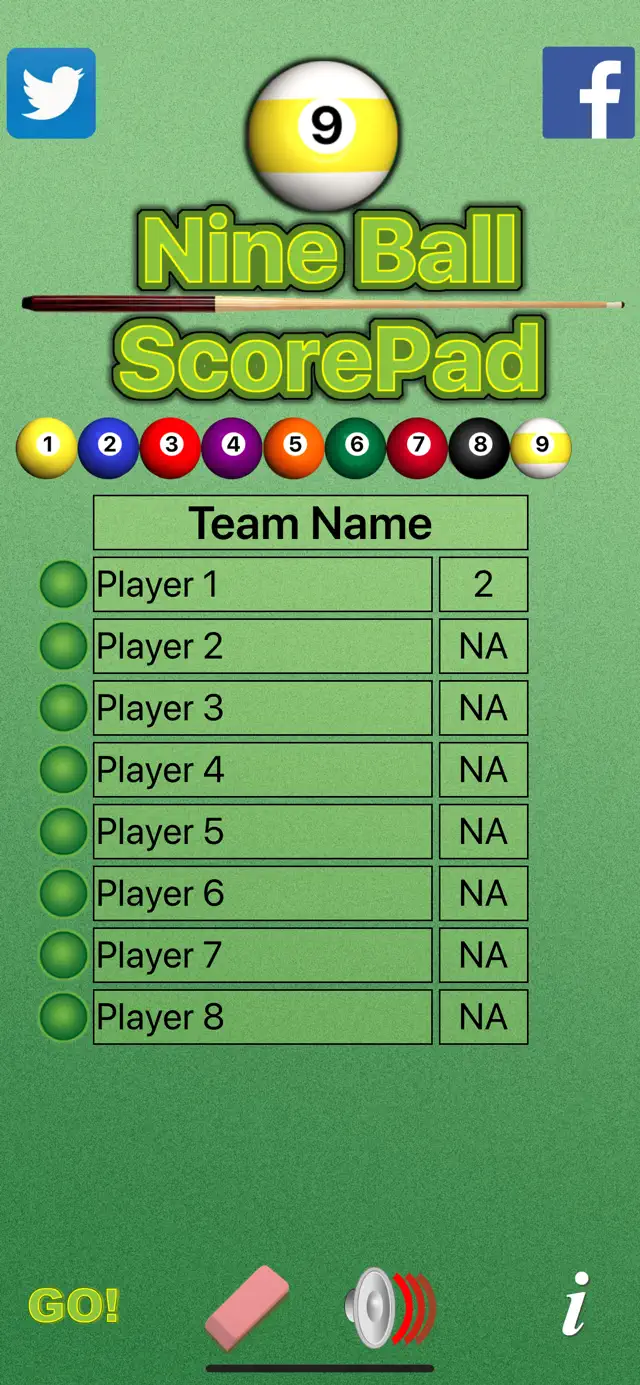
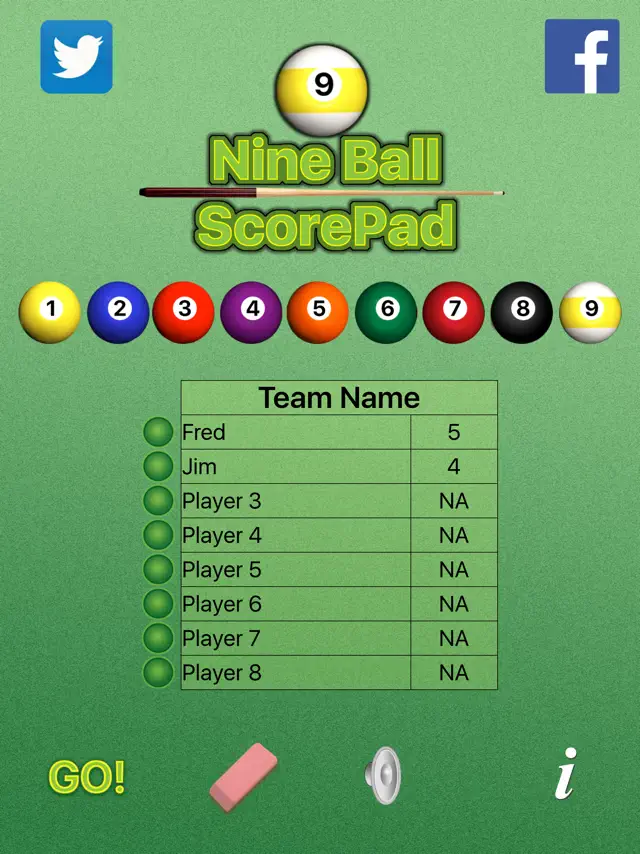
Tap the players icon to reveal the roster for the selected team. Tap one of the balls to select a team. Set up teams by entering the team's name, the players and the ranking for each player. Use the keyboard or simply speak into your iOS device to enter names and rankings.
Set up a match by moving the chalk to the names of two players. When a player is selected the name in the roster is highlighted. Tap the eraser to either erase the players selected in the setup or to erase the entire roster.
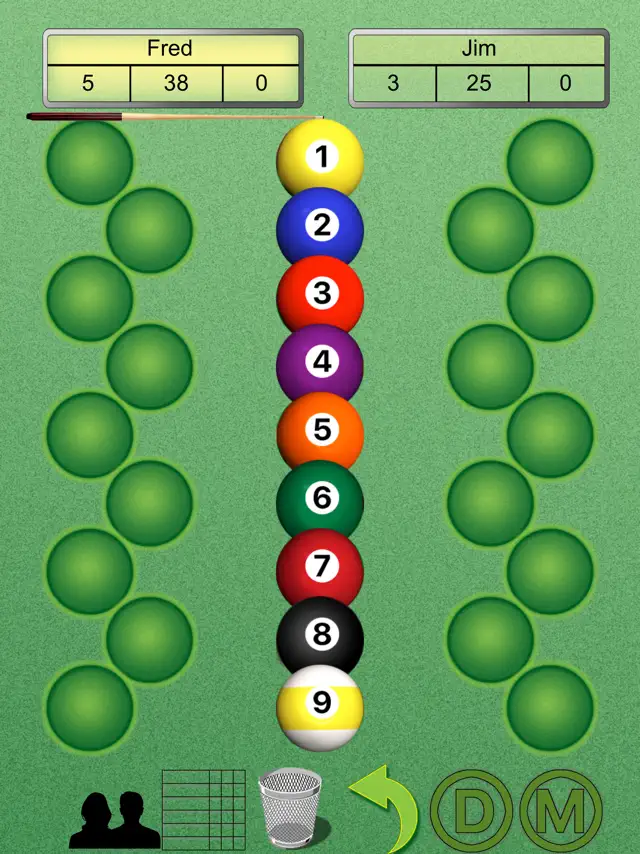
When the scorepad opens balls 1 through 9 are shown down the middle of the screen. The current player is indicated by the highlight and cue stick. When a player makes a ball either tap the ball or drag it to the player's column.
Tap the player's icon to return to the roster setup screen. Tap the chart for the summary page. Sound can be turned on or off by tapping the sound icon. Undo a ball by tapping undo or assign a defensive or missed shot by tapping D or M.
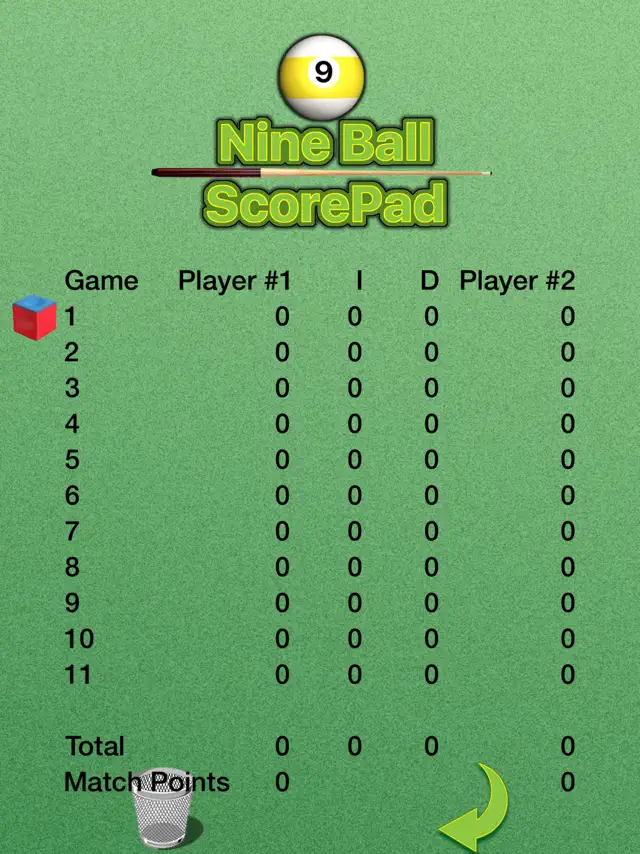
Tap the table icon to show the summary table which displays a record of the games. The table includes the game number, balls made for both players as well as the number of innings and the number of defensive balls in each game.
Score is kept by tapping and sliding balls either to the right or left. As the score changes, the chart at the top of the screen show the number of balls to be made and the number of balls scored.
Icons at the bottom of the screen allow the user to return to the roster, see the results table, turn the sound on or off, undo the last ball scored, score a defensive move, or score a miss.
Requires iOS 12.0 or later. Compatible with iPhone, iPad, and iPod touch.
Nine Ball ScorePad is designed to assist in scoring Nine Ball games. Up to nine teams can enter their rosters and a rank for each player.
Nine Ball ScorePad is designed to assist in scoring Nine Ball games. Up to nine teams can enter their rosters and a rank for each player. There can be up to eight players on each team.
Tap the players icon to reveal the roster for the selected team. Tap one of the balls to select a team. Set up teams by entering the team's name, the players and the ranking for each player. Use the keyboard or simply speak into your iOS device to enter names and rankings.
Set up a match by moving the chalk to the names of two players. When a player is selected the name in the roster is highlighted. Tap the eraser to either erase the players selected in the setup or to erase the entire roster.
When the scorepad opens balls 1 through 9 are shown down the middle of the screen. The current player is indicated by the highlight and cue stick. When a player makes a ball either tap the ball or drag it to the player's column.
Tap the player's icon to return to the roster setup screen. Tap the chart for the summary page. Sound can be turned on or off by tapping the sound icon. Undo a ball by tapping undo or assign a defensive or missed shot by tapping D or M.
Tap the table icon to show the summary table which displays a record of the games. The table includes the game number, balls made for both players as well as the number of innings and the number of defensive balls in each game.
Score is kept by tapping and sliding balls either to the right or left. As the score changes, the chart at the top of the screen show the number of balls to be made and the number of balls scored.
Icons at the bottom of the screen allow the user to return to the roster, see the results table, turn the sound on or off, undo the last ball scored, score a defensive move, or score a miss.