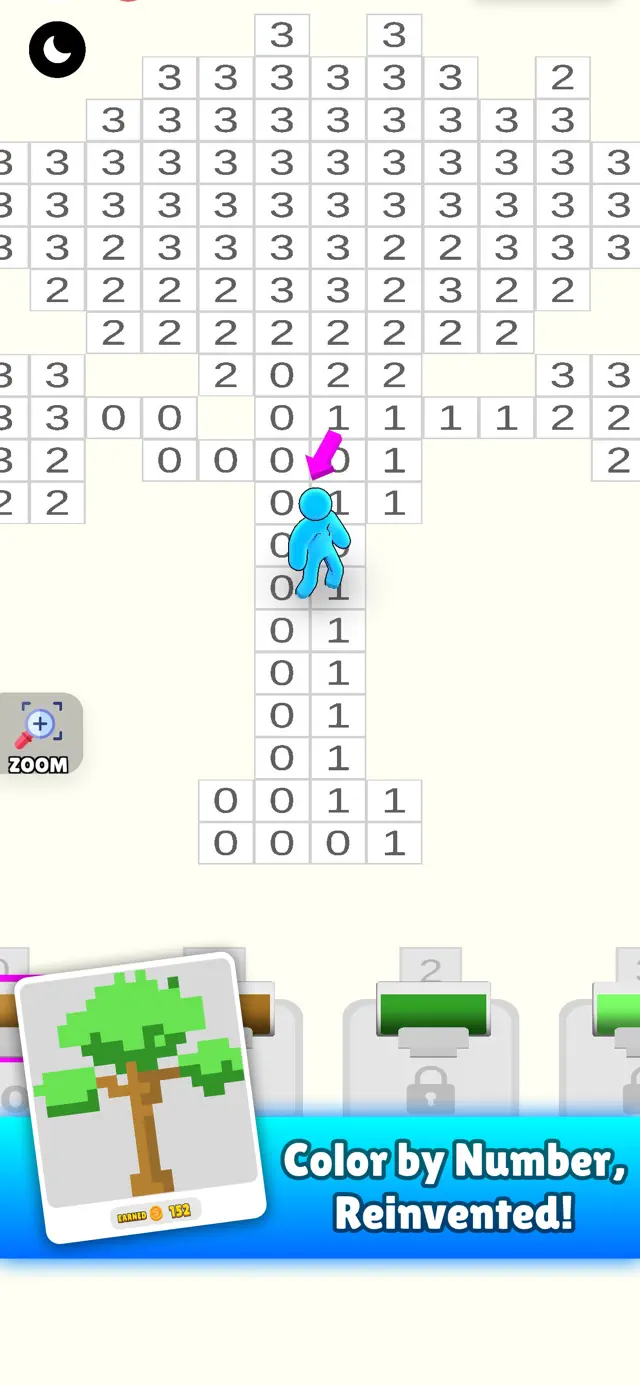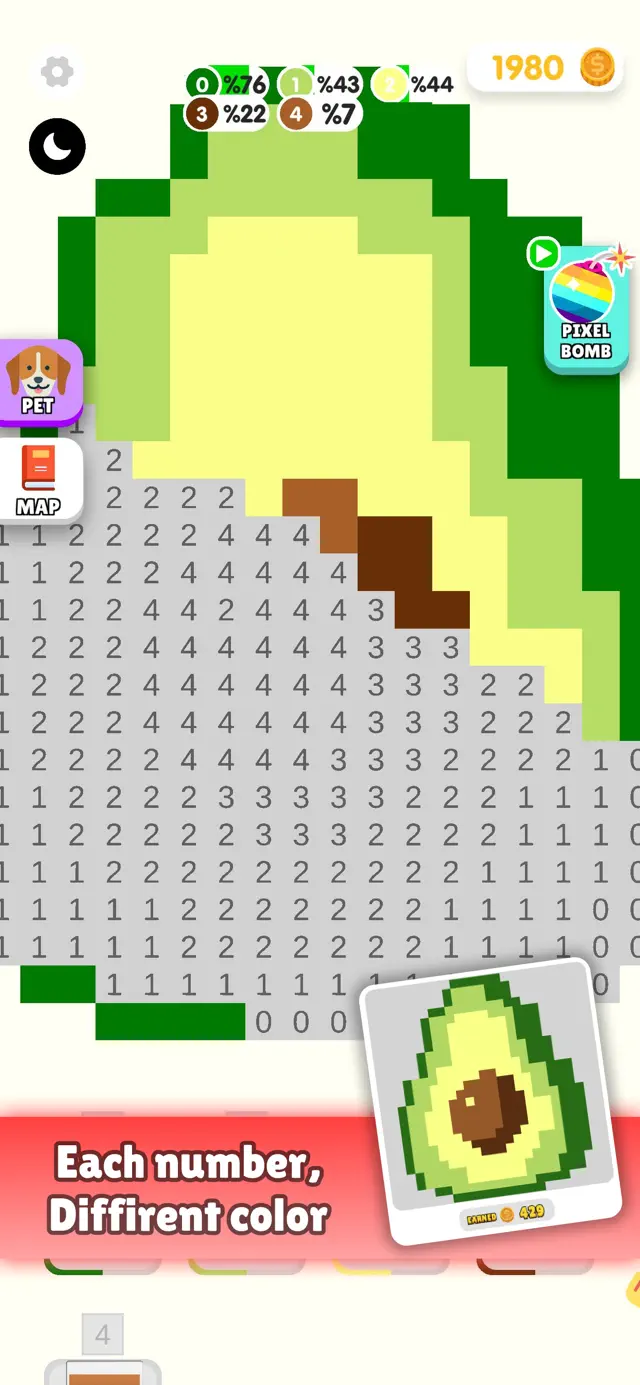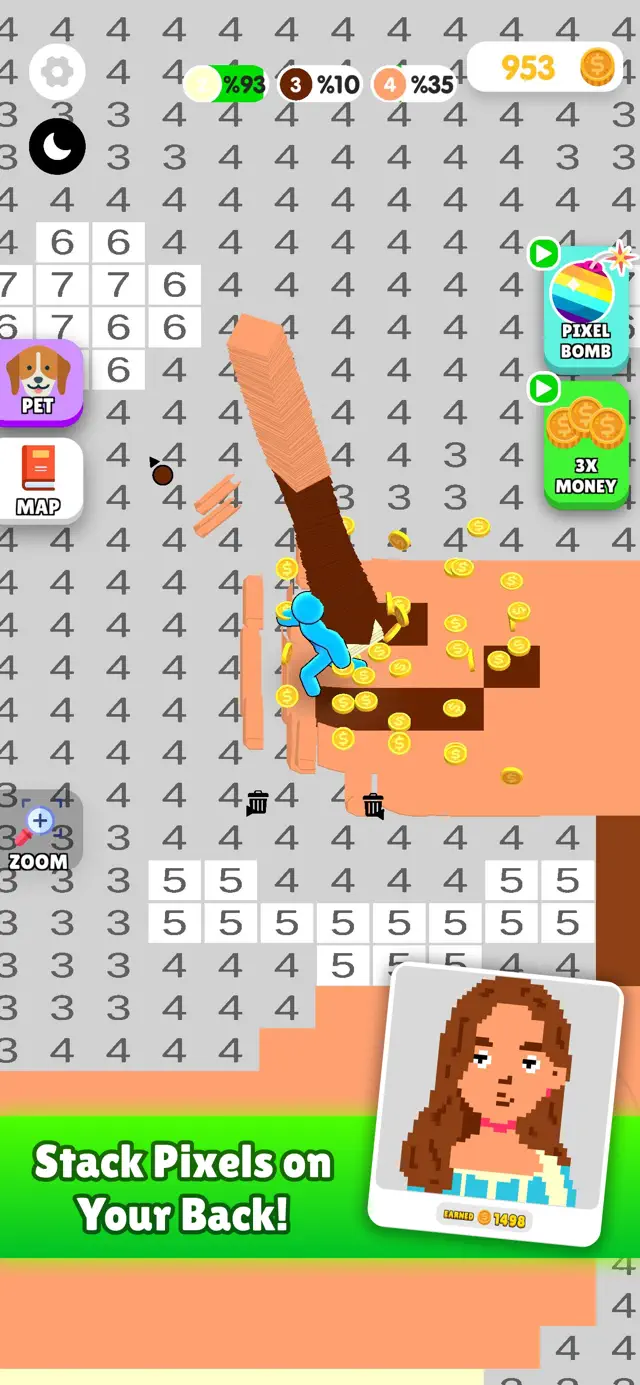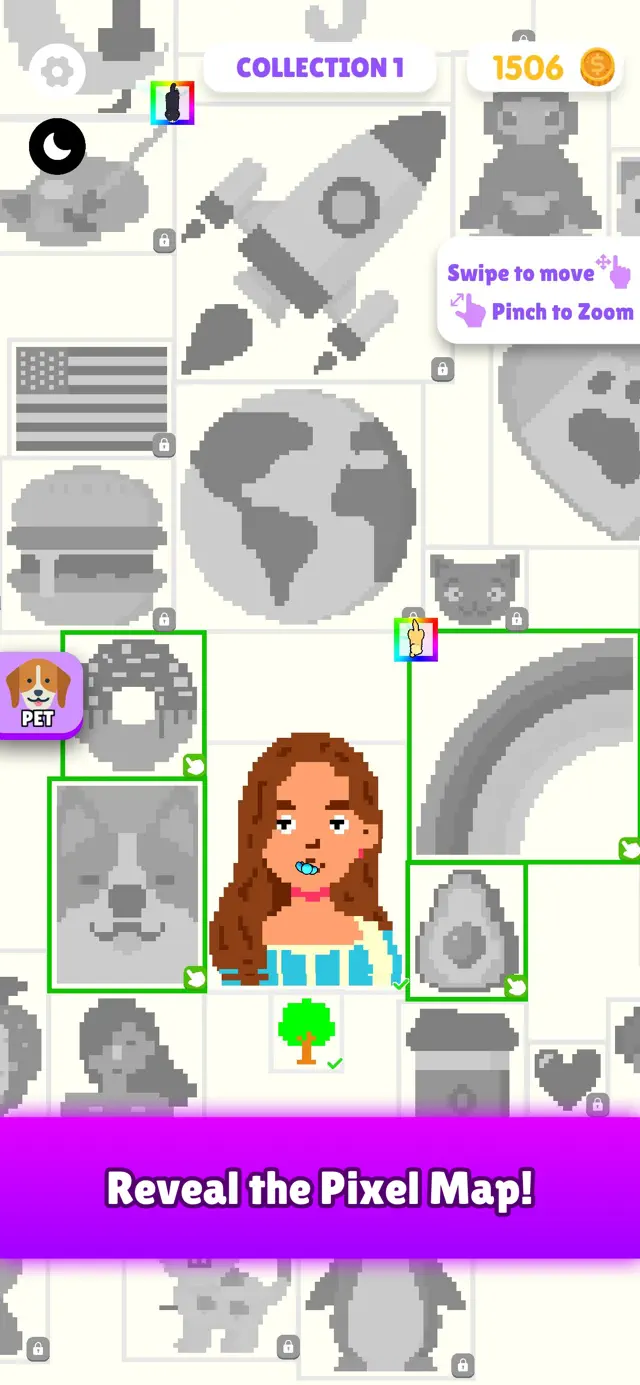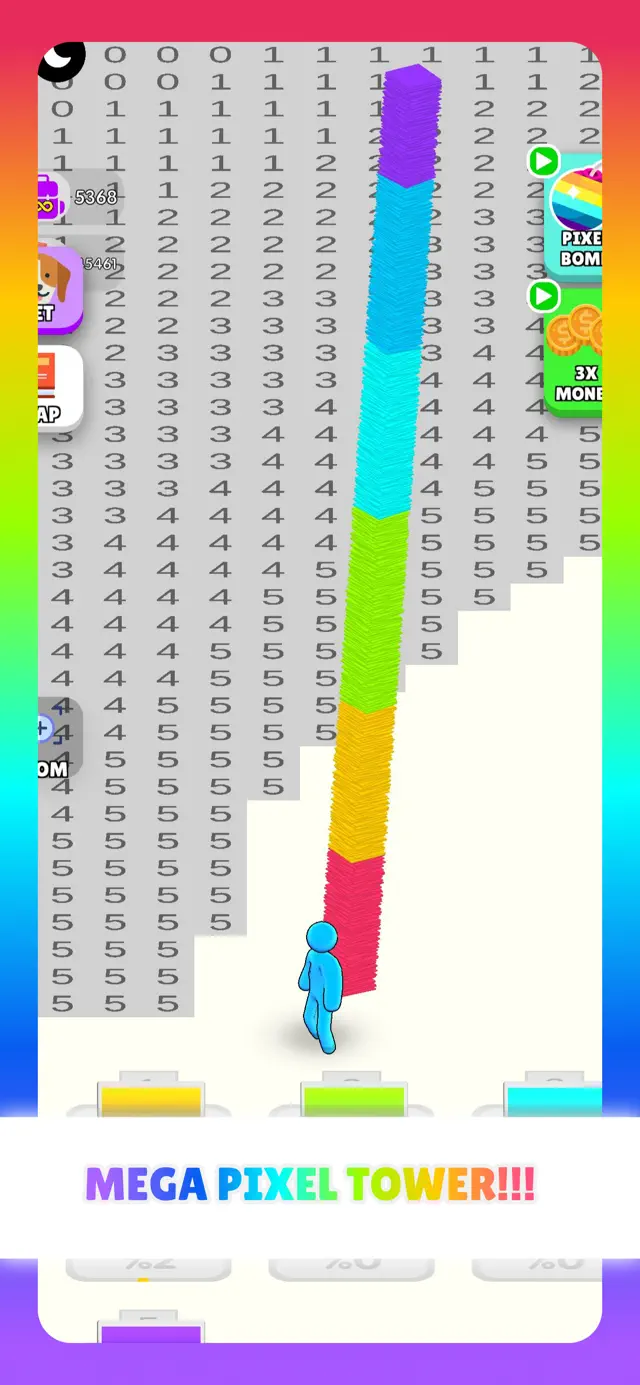
Pixel Cover: By Numbers is a brilliant reimagining of the stale color-by-number genre. Instead of just mindlessly tapping boxes, you actually control a character with a joystick. This 'action-adventure' approach to coloring makes it feel much more engaging. Gathering colors from printers and stacking them in your backpack adds a light management element that turns a passive activity into a dynamic game.
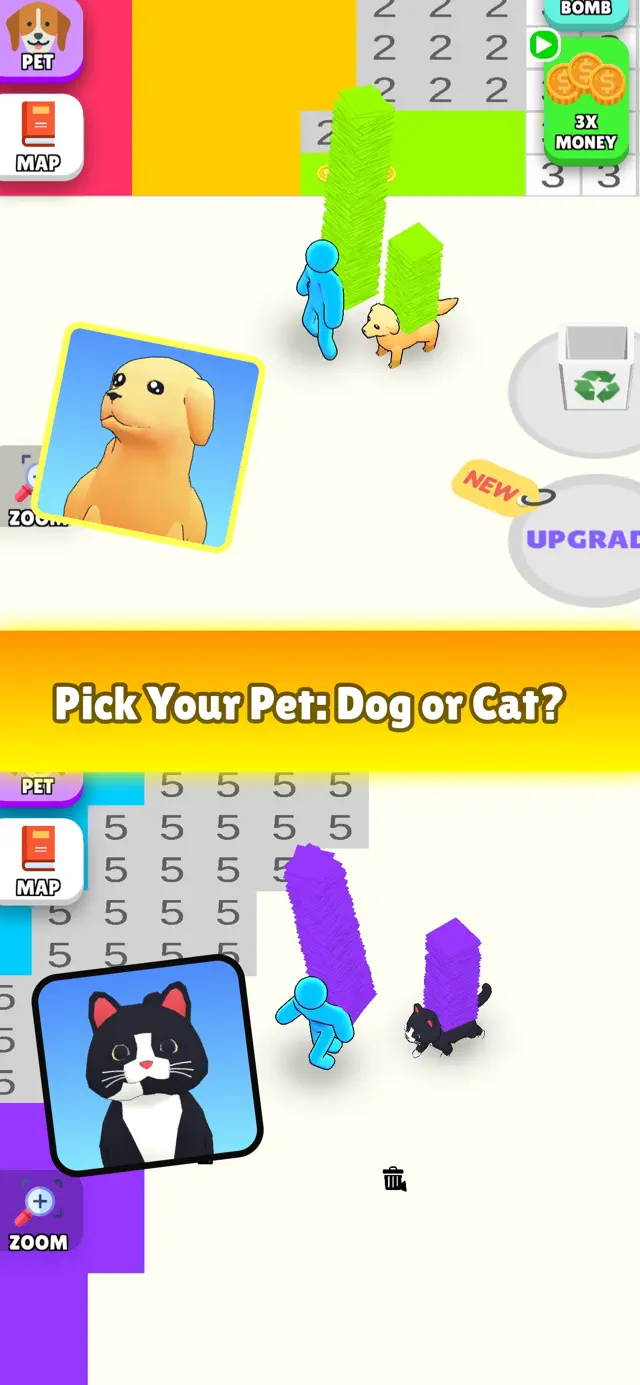
The addition of pets to help you paint faster is a cute touch that adds to the 'progression' feel. It’s highly satisfying to run over the numbers and watch the artwork reveal itself under your feet. While it still fundamentally serves as a relaxing coloring game, the joystick controls and stacking mechanics make it feel much more like a modern mobile game. It’s a perfect 'flow state' game where you can get lost in the loop of collecting and painting.
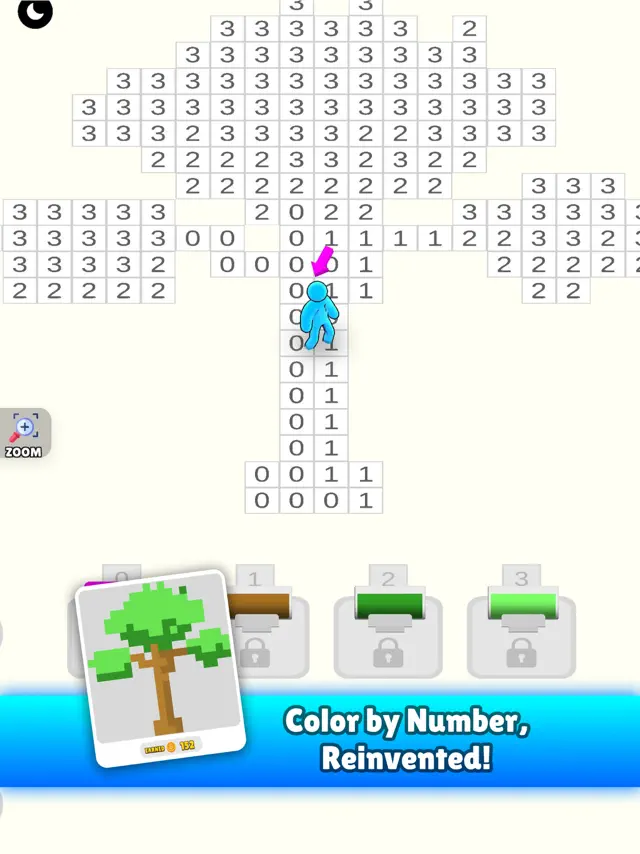
Dinsun here. I don't really consider this a game. It's a digital chore list. You click the '1' bucket, you tap all the '1' squares. It requires the same cognitive effort as sorting a sock drawer. If that's what you need to shut your brain off after work, fine. But for anyone looking for actual engagement, look elsewhere.
The app is flooded with similar competitors, and this one does nothing to stand out. It’s a delivery vehicle for advertisements. The pixel art is mediocre, often looking like it was put through a basic filter rather than hand-crafted. Skip it and buy a real coloring book.
Performance: Extremely lightweight; runs on any device.
Buy if: You want to tap on squares for hours without thinking.
Skip if: You have any interest in actual game mechanics or creative art.
Available on: iPhone, iPad, iPod
Version 58.0Wed Apr 29 2026
Quality improvements.
Tired of the same old color-by-number games? It’s time to try something new, fun, and dynamic!
In Pixel Cover: By Numbers, you don’t just tap numbers—you take control. Move your character with a joystick, gather pixel colors from printers, stack them in your backpack, and run over numbers to bring the artwork to life.
Why it’s different:
Joystick Control: No more boring tapping! Take charge of your character as you paint pixel art.
Collect & Stack: Strategically gather colors from printers and plan your path.
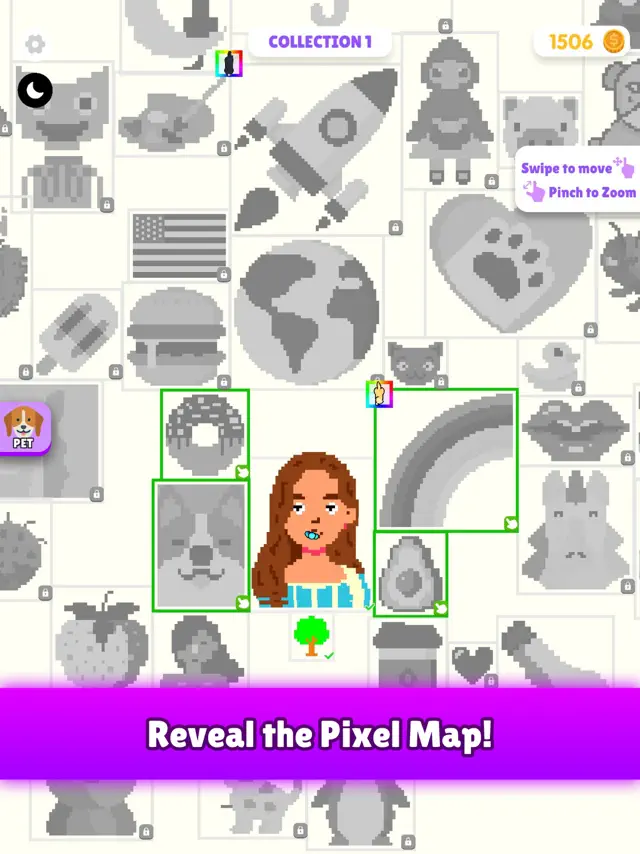
Reveal Masterpieces: Complete stunning pixel art creations with an exciting hands-on approach.
It’s pixel art painting like you’ve never seen before—action-packed, creative, and satisfying. Forget the basic "tap-and-fill" mechanics; this is color-by-number reinvented.
Get ready to stack, run, and paint your way to stunning pixel art masterpieces!
Requires iOS 15.0 or later. Compatible with iPhone, iPad, and iPod touch.Tired of the same old color-by-number games? It’s time to try something new, fun, and dynamic!
In Pixel Cover: By Numbers, you don’t just tap numbers—you take control. Move your character with a joystick, gather pixel colors from printers, stack them in your backpack, and run over numbers to bring the artwork to life.
Why it’s different:
Joystick Control: No more boring tapping! Take charge of your character as you paint pixel art.
Collect & Stack: Strategically gather colors from printers and plan your path.
Reveal Masterpieces: Complete stunning pixel art creations with an exciting hands-on approach.
It’s pixel art painting like you’ve never seen before—action-packed, creative, and satisfying. Forget the basic "tap-and-fill" mechanics; this is color-by-number reinvented.
Get ready to stack, run, and paint your way to stunning pixel art masterpieces!


Pixel Cover: By Numbers takes the classic pixel art coloring experience and turns it into a dynamic action game. Players control a character using a joystick, gathering pixel colors from printers and stacking them in a backpack to paint masterpieces by running over numbered tiles. With power-ups, character upgrades, and pets to assist you, it's a creative and satisfying reinvented take on coloring.
Joystick-based movement
Unique 'collect and stack' mechanic
Unlockable pets and upgrades
Satisfying ASMR-like painting
Wide variety of pixel art designs
Upgrade your backpack capacity early so you can carry multiple colors at once and complete larger sections of the art in one trip.
<a href="https://news.google.com/rss/articles/CBMifEFVX3lxTFAyY3JpenBrWmF1VmJSdFpuRUZIbF93dDRyejVRRGZ0dlJld3dSVnltaWZaWUxiaXdLYXZ5bkU0LXczM0xYM1VmaUFvM2JwWVRzdVZpbHpaYkl0Z1pqUm5wUmt4ZnhjM3dERTg4bDZyMWxUMWJTUndmcHJZVng?oc=5" target="_blank">Pixel 11 Pro Fold vs Galaxy Z Fold 8: The Differences That Matter</a> <font color="#6f6f6f">H2S Media</font>
H2S Media - Tue Aug 25 2026
<a href="https://news.google.com/rss/articles/CBMirwFBVV95cUxPd29SelZwUWdOZ0t3RF8yTjM4QWR5UzJ0SlZ0SHFSY29PVTE1V1pwdTM5MXNtT2RmX0FTaTM2RkVSeVlFcGxVYzVQVUNCX1FwQlhnOGdTdVBrTWIyS3JwNG5YNXo0bnVQUzA1ZGlOUDR2Wlp1eTMwWVdMNVZQZDBaVDBNWHAycUxBdE01cWZ5SUpDVmJPNzV5YWxXSjZrTHppS0Jqak1lQnVRVENWZFhz?oc=5" target="_blank">We Compare the 2025 Folds: Google Pixel 10 Pro Fold vs Samsung Galaxy Z Fold 7</a> <font color="#6f6f6f">thinborne.com</font>
thinborne.com - Sun Aug 10 2025
<a href="https://news.google.com/rss/articles/CBMinAFBVV95cUxQVkUwbmZXa3lqQnpnUWEtcEpkN1UxMU1zMlFHQmNob2hZU1VlekZ3bW00WE9OVTI5TUI4M0ljSzZJdVJzenBRVERjdkhDRkczX0VzUXpGdlBpSTZZTlNzNjJMNEFxbTllUUhjZlJ4VmJva3VpMnNUckYxem8wVFI0cjhIZEt5ZWcyd05mU0xDZDVaQ0xTalJuR2hKQ2M?oc=5" target="_blank">Samsung Galaxy Z Flip5 vs Galaxy Z Flip6 vs Infinix Zero Flip Full Compare</a> <font color="#6f6f6f">naijaandroidarena.com</font>
naijaandroidarena.com - Wed Mar 19 2025
<a href="https://news.google.com/rss/articles/CBMiaEFVX3lxTE9UYkJTdGhJcVQyeVh1M2txSWwtVHZIaWcxOEE5OGdwVjJpVTJ6cDUySTFhTGxpVGhndXZBTy0zQ3ByN09MTW1ydlRmZWFLXzNab0ZQNmdPV3NoeHpjeUpxczdMNUJQNE0z?oc=5" target="_blank">Noisy Pixel 6th Anniversary: The Story Behind The Website</a> <font color="#6f6f6f">Noisy Pixel</font>
Noisy Pixel - Mon Sep 30 2024
<a href="https://news.google.com/rss/articles/CBMiigFBVV95cUxOSGxBM19aaFhnYm1rV0hWVWdxb1ZIR3dscmF0R2hIYUw5TW5PZU8xSlp1eHFQamFHM0hlbGg3ajN4SE1pbkJUdlNMY3NvN2toVVVmc0VybXpPNnhGenVpNVpmTUxSOGdWaTExUm1iZWxDbGVWNnJjYkt5ZHozRTlxaEZMMjNsVnY5Qnc?oc=5" target="_blank">The 10 Greatest Pen & Pixel Album Covers</a> <font color="#6f6f6f">HotNewHipHop</font>
HotNewHipHop - Mon Nov 28 2022
<a href="https://news.google.com/rss/articles/CBMikwFBVV95cUxNYzFKNjJNTEFDeHZGNlR3YWRQZzg2TzQwSG45dWl4OGItMERHbDBHSVVkNUxnVFZzeHl4SHJtME56VTRIcFBzSWhxV2RVbkZYc29FSzdJZXRfdTNoVXNYMGhSelV4OGRzYUZOSkVtNHlRRWxtamVjQkp3dDhGWE1qeGFUaEkwOWlZdEY3bFpJdnNQSFk?oc=5" target="_blank">10 Great Album Covers, Chosen by Tom Kenny of Ogilvy Canada</a> <font color="#6f6f6f">Muse by Clio</font>
Muse by Clio - Fri Apr 08 2022
<a href="https://news.google.com/rss/articles/CBMiiwFBVV95cUxQQlBqUFowMlZFZzA3ZkwzdVpGd190UnBBT3phd1o4eWU4WHItbmZmNUJyWE1OMVZKSzVxeG5lT3hkQTZQVXhyQ0pTbGg5Z25sMFpSdTY3amV6MjItWm1jTEpBZDlsMWJKMHhfNE1IdkRpdFFzaGMyUG5kOERmQkhibl85a3IxV3NVZUJv?oc=5" target="_blank">Pen & Pixel’s Shawn Brauch On 10 Iconic Cash Money Album Covers</a> <font color="#6f6f6f">uDiscoverMusic</font>
uDiscoverMusic - Fri Jun 11 2021
<a href="https://news.google.com/rss/articles/CBMitAFBVV95cUxPVVg2eWlGdWdjTWlVbmR2ZjItUGZqZmZxZUw1NzBGaGhRSDZhYXotMzNHM0lqak4xbmJPak1DVjRIRW1WZzNZWWpBdVdmVF95S3NpdDNscTl2MldSTTN2YkZWVktQdGZNYTJwcnVqZVZtaFdjUHdWRHY0aDZ5RnhGLXRsZXZZTmcwbUpORmJMSGZUZTBPSWVXRzJoTW9ZSjZKOHVRX2ZTRjVhVUhRZVA5OVkzVUE?oc=5" target="_blank">Pen & Pixel's Iconic Rap Album Covers Still Inspire Designers Today</a> <font color="#6f6f6f">Complex</font>
Complex - Fri Jul 21 2017
<a href="https://news.google.com/rss/articles/CBMilAFBVV95cUxNM1hwTTVBQU5rLXI2U0tOLTlwV0FOZ09OVXNmb1dhTG1oOXVqdmRFODlLRlhicEswNXhYc3QtWlhhZl9SWl9oNzNubTl5Z0Y4V3hyZWw4Wm1UaURnSFpYVTB5WWlNTVNsWE5DV0JvaG1ERjRTOFBBNllZSE1kTlNOZDNPSXFrazdFeGlSRnNCb2t3ZFV3?oc=5" target="_blank">OlliOlli: the Vita skating sim breathing life into an abandoned genre</a> <font color="#6f6f6f">VG247</font>
VG247 - Tue Jan 21 2014
Unlock pets like dogs or cats; they will follow you and automatically help fill in nearby pixels, speeding up your progress.
Instead of tapping, you move a character to collect paint and run over the artwork to color it.