Version 1.1Wed Sep 29 2021
This is a minor update with bugfixes and some new features:
New features:
- Background audio (e.g. playlists from Apple Music) can now be played back instead of F-Sim's in-game music. This is optional and must be enabled in the F-Sim's Sound And Vibrations settings.
- RCS controls (in orbit mode) now always use virtual sticks instead of tilt controls
- New autopilot wheel-brake option
The following bugs have been fixed:
- Wheel bounce detection is now less aggressive
- Fixed a bug with terrain collider updates (this bug sometimes caused the Orbiter to jump during rollout when the framerate was low)
- Fixed a couple of bugs concerning wheel brake control during rollout.
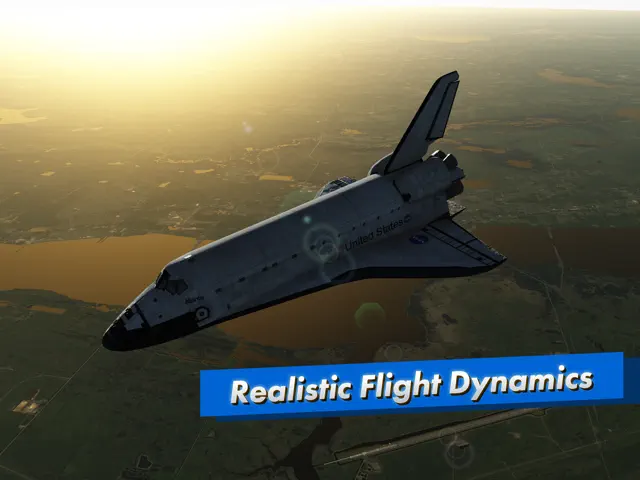
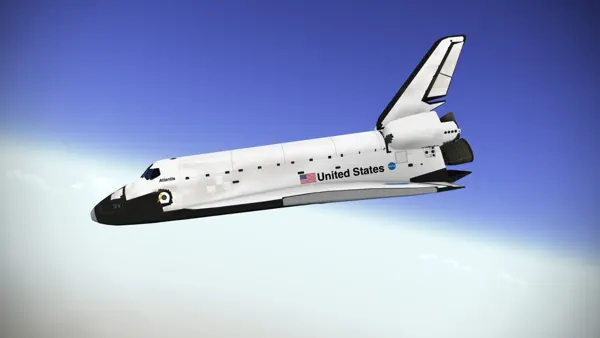
Here is the long-awaited successor to our critically acclaimed flight simulator. It simulates the Space Shuttle approach and landing in incredible detail and accuracy.
This is a remaster of our original F-Sim Space Shuttle, completely rewritten from scratch. New features include:
- Console quality graphics
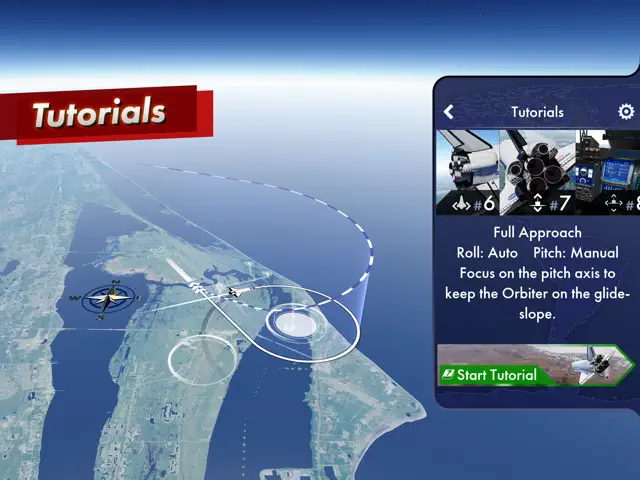
- Interactive tutorials
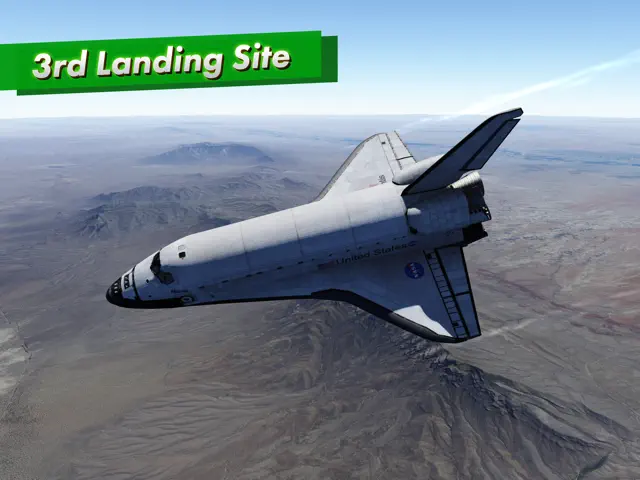
- White Sands as a third landing site option
- Orbit mode
F-Sim Space Shuttle combines realistic flight simulation with stunning graphics and fun gameplay.
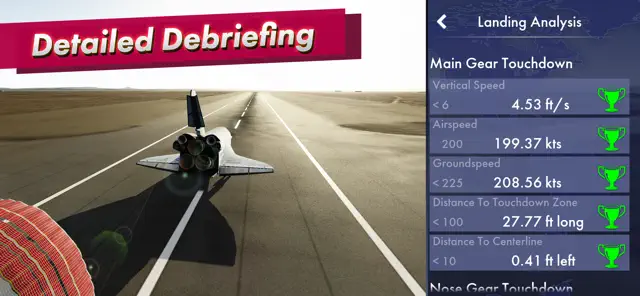
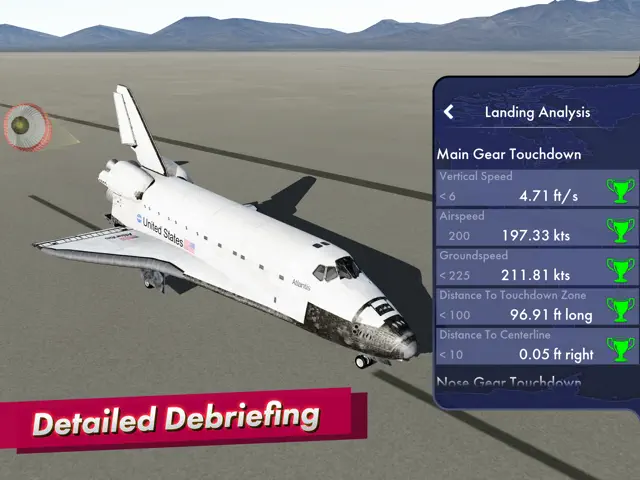
You’ve never landed a Space Shuttle before? We’ve got you covered: Included are several tutorials with varying degrees of autopilot assist. Our landing analysis and scoring system tells you exactly how to improve your next landing. It will make you come back and try again.
Each flight starts at either 10,000 feet, already aligned with the runway, or at up to 50,000 feet, before banking into the heading alignment cone. During descent, the Orbiter is an unpowered glider, so you will only have one chance to get it right. Astronauts used to call it a flying brick: Because of its 200,000 lbs. gross weight and low lift over drag ratio, the approach is six times steeper and two times faster than a typical airliner approach. After your first safe touchdown, chase that perfect landing, compare your high scores online with your friends, earn medals, and unlock achievements. Experiment with different wind conditions, night approaches, and even emergency scenarios or system failures. At the end of each flight, watch a replay from different camera angles.
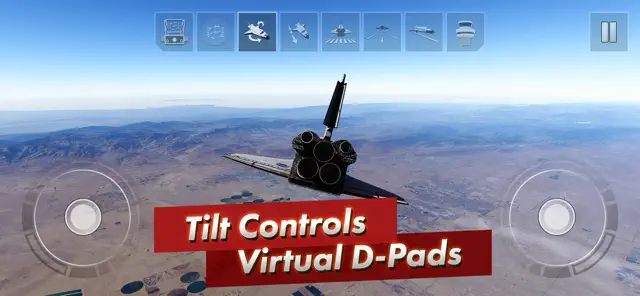
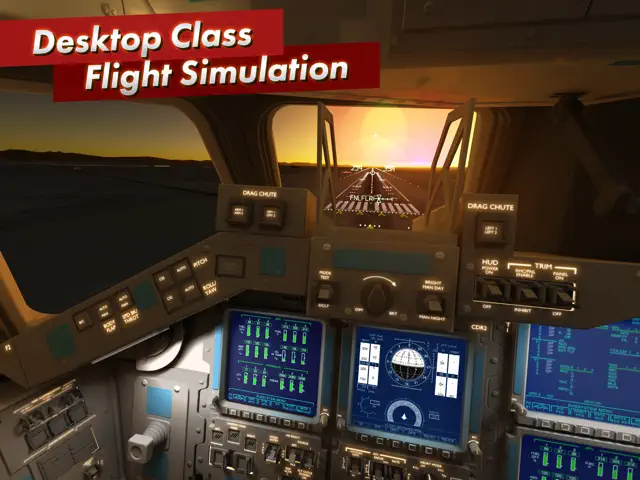
You control the Orbiter’s pitch and roll axes by tilting your device. Alternatively, you may switch to on-screen analog sticks or use a gamepad. Rudder, speed brake, gear, and chute are usually handled by the autopilot, but you can have full manual control if you like. For beginners, we’ve added rectangles that visualize the desired approach path. Simply try to stay within the corridor of rectangles, and they’ll guide you right to the touchdown point. Advanced pilots can turn them off and rely on the instruments in the head-up display (HUD) instead. The simulated guidance, navigation and control (GNC) systems are authentic replications of their counterparts in the real Orbiter, and the HUD features all the instruments real Space Shuttle commanders used to employ to skillfully land this unique aircraft. Now it’s your turn to give it a try.
A new orbit mode lets you take the Orbiter for a spin around the planet, and we’re working on a full atmospheric re-entry scenario, which, among other new features, will be released as free updates in the coming months.
There are no ads or in app purchases, and we don’t collect any personal data.
Requires iOS 14.0 or later. Compatible with iPhone, iPad, and iPod touch.
iOS16.1.1 Users: There is a problem with tilt controls on iOS 16.1.1
Workaround: Restart F-Sim and only use it with the notch on your left side.
We're working on a fix.
Here is the long-awaited successor to our critically acclaimed flight simulator. It simulates the Space Shuttle approach and landing in incredible detail and accuracy.
This is a remaster of our original F-Sim Space Shuttle, completely rewritten from scratch. New features include:
- Console quality graphics
- Interactive tutorials
- White Sands as a third landing site option
- Orbit mode
F-Sim Space Shuttle combines realistic flight simulation with stunning graphics and fun gameplay.
You’ve never landed a Space Shuttle before? We’ve got you covered: Included are several tutorials with varying degrees of autopilot assist. Our landing analysis and scoring system tells you exactly how to improve your next landing. It will make you come back and try again.
Each flight starts at either 10,000 feet, already aligned with the runway, or at up to 50,000 feet, before banking into the heading alignment cone. During descent, the Orbiter is an unpowered glider, so you will only have one chance to get it right. Astronauts used to call it a flying brick: Because of its 200,000 lbs. gross weight and low lift over drag ratio, the approach is six times steeper and two times faster than a typical airliner approach. After your first safe touchdown, chase that perfect landing, compare your high scores online with your friends, earn medals, and unlock achievements. Experiment with different wind conditions, night approaches, and even emergency scenarios or system failures. At the end of each flight, watch a replay from different camera angles.
You control the Orbiter’s pitch and roll axes by tilting your device. Alternatively, you may switch to on-screen analog sticks or use a gamepad. Rudder, speed brake, gear, and chute are usually handled by the autopilot, but you can have full manual control if you like. For beginners, we’ve added rectangles that visualize the desired approach path. Simply try to stay within the corridor of rectangles, and they’ll guide you right to the touchdown point. Advanced pilots can turn them off and rely on the instruments in the head-up display (HUD) instead. The simulated guidance, navigation and control (GNC) systems are authentic replications of their counterparts in the real Orbiter, and the HUD features all the instruments real Space Shuttle commanders used to employ to skillfully land this unique aircraft. Now it’s your turn to give it a try.
A new orbit mode lets you take the Orbiter for a spin around the planet, and we’re working on a full atmospheric re-entry scenario, which, among other new features, will be released as free updates in the coming months.
There are no ads or in app purchases, and we don’t collect any personal data.