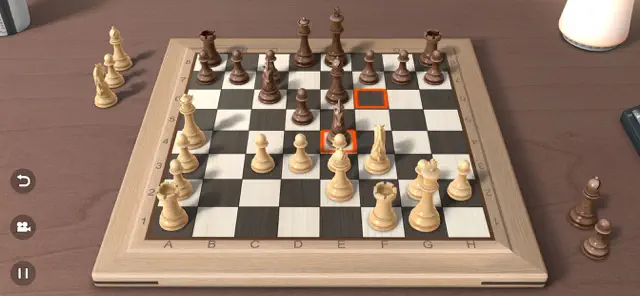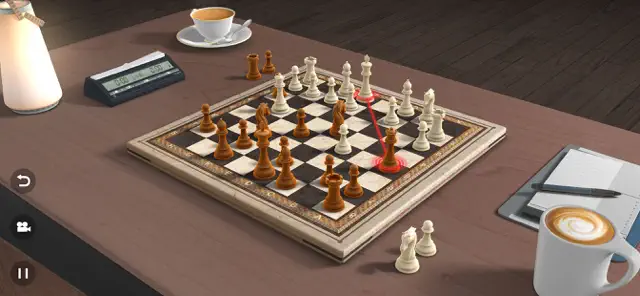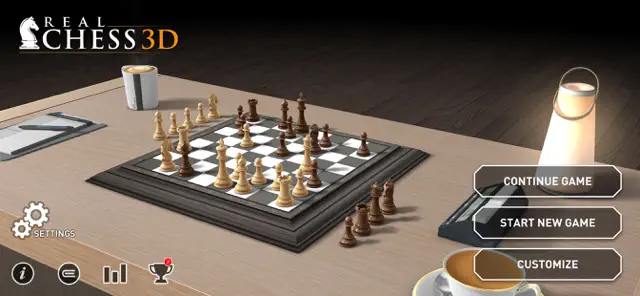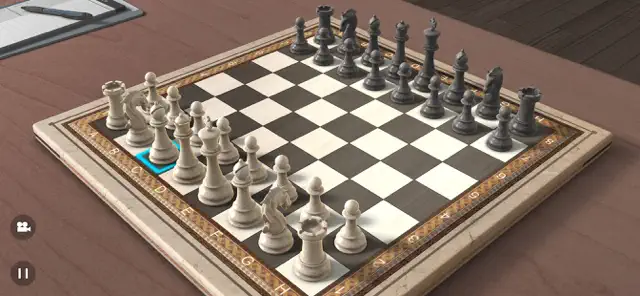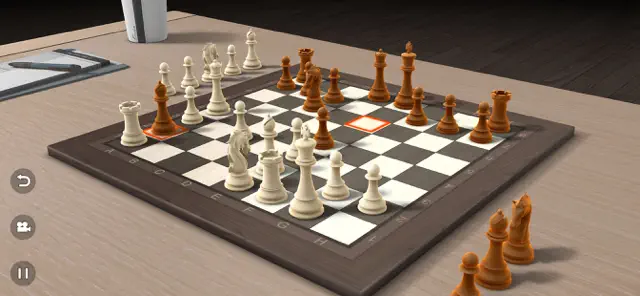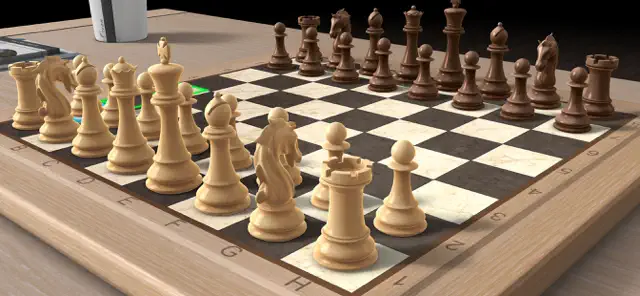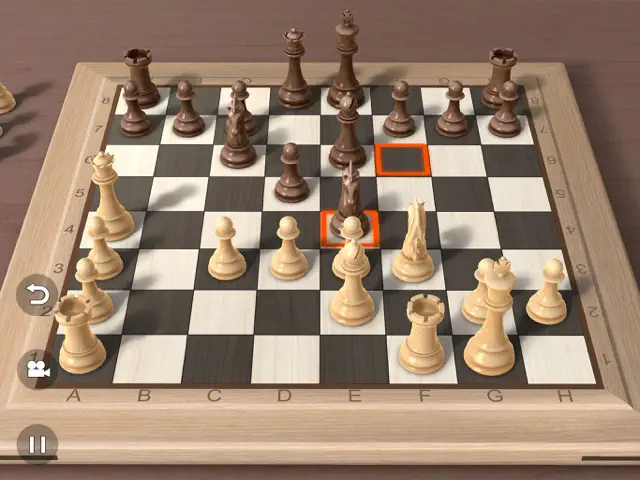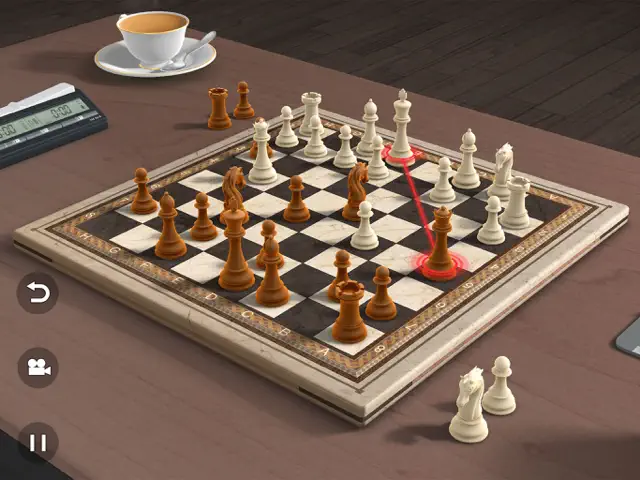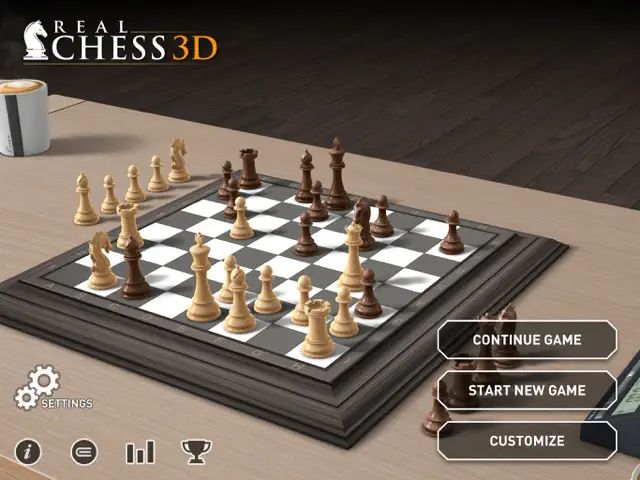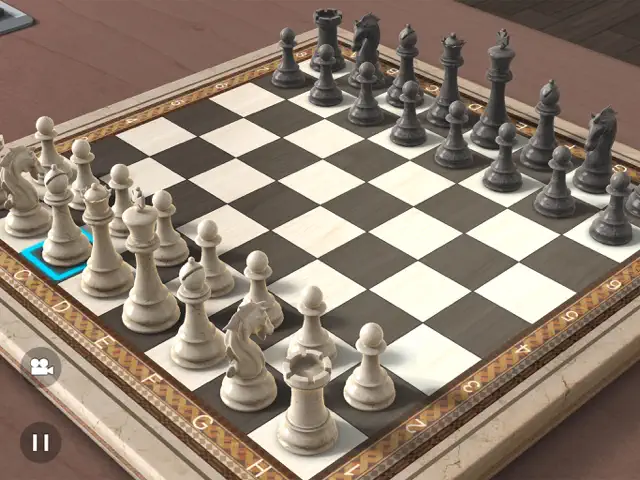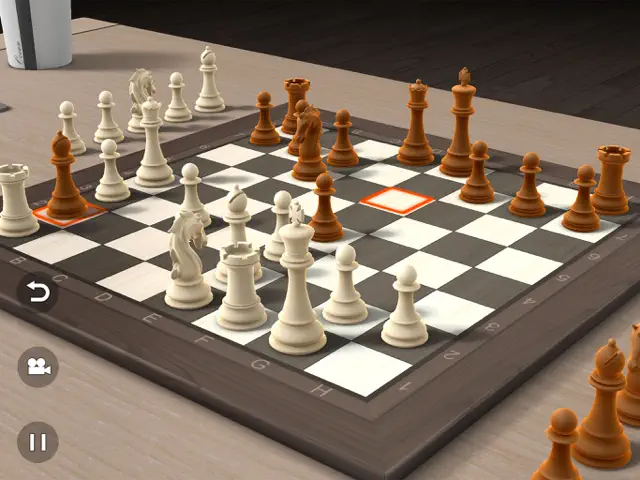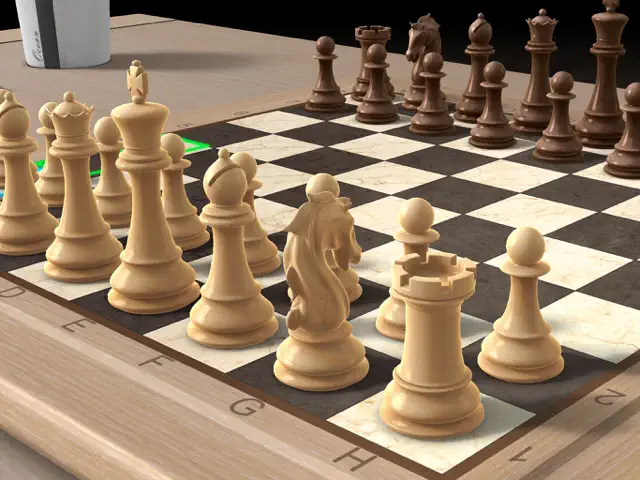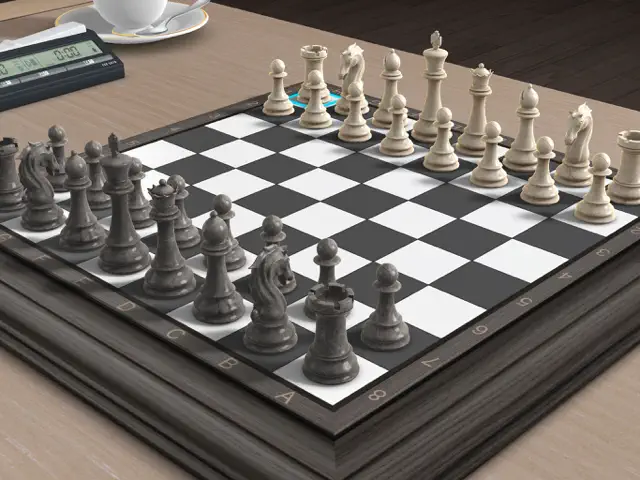
Real Chess 3D is exactly what it promises: a high-quality, immersive digital chess board. The 3D engine is impressive, giving the pieces a weight and texture that many 2D chess apps lack. The ability to rotate the camera and view the board from any angle makes the experience feel much closer to playing on a physical board in your own living room.
For beginners, the tutorial sections and adjustable AI levels are excellent for learning the ropes without being discouraged. For veterans, the 'Pass n Play' mode is a convenient way to play with a friend on the go. While it doesn't have the massive online community of some specialized chess platforms, its focus on aesthetics and smooth local gameplay makes it a top-tier choice for casual and intermediate players alike.
Dinsun here. Look, it's chess. The 3D models are clean enough and the camera doesn't fight you too much, which is more than I can say for some of the other junk on the App Store. However, if you're looking for a serious analysis tool or a library of historical matches, you're looking in the wrong place. This is for the casual player who wants something pretty to look at while they play a 10-minute blitz game. The AI is predictable at lower levels and jumps to 'engine-perfect' far too quickly. It’s fine for what it is, but it doesn't innovate or offer anything you can't find elsewhere for free.
Performance: Runs at a solid 60fps on modern devices; slight battery drain due to 3D rendering.
Buy if: You want a visually appealing, straightforward chess game for casual matches.
Skip if: You are a serious club player who needs Stockfish integration and PGN exports.
Available on: iPhone, iPad, iPod
Version 1.36Wed Dec 17 2025
● Improvements and Fixes.
Thank you for playing Real Chess 3D.
Play Chess in immersive 3D graphics.
Challenge your friends in Pass n Play mode or play against the CPU.
Learn Chess with interactive tutorials that teach you various moves and strategies.
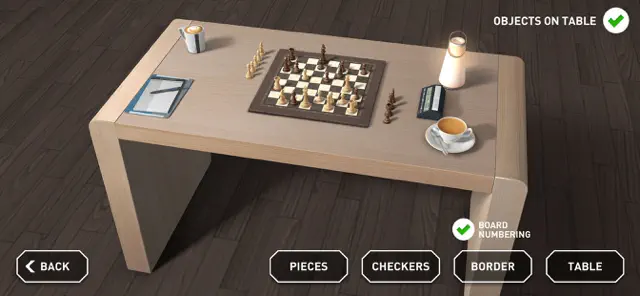
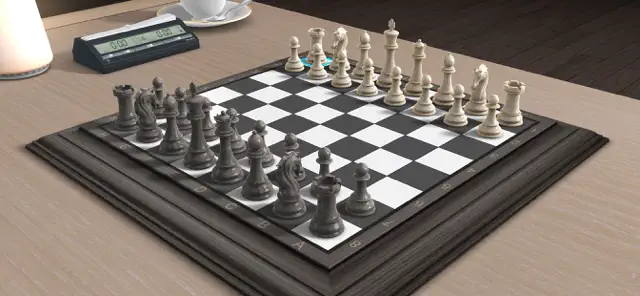
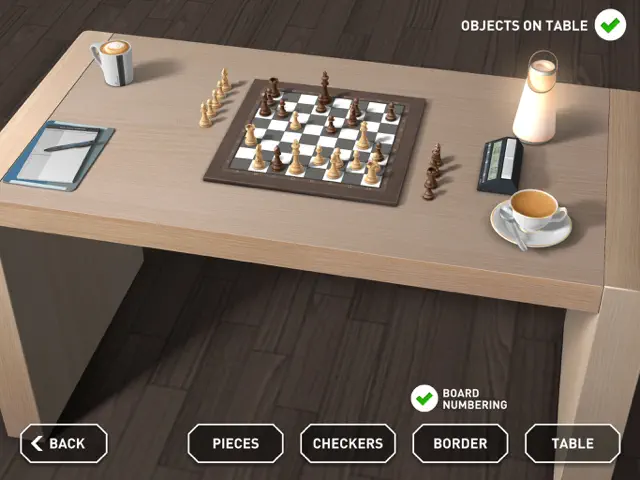
Customize the look and feel of your game by choosing the chessboard, pieces, checkers, and table.
Tap on a piece to select it, then tap on the desired target square to make your move.
FEATURES:
• Single Player vs CPU
• Pass n Play with friends
• 4 difficulty levels
• Customizable board and pieces
• Relaxing music
• Learn Chess section
• Undo last move
• 3 save slots
Simple to play, hard to master, challenge your skills and have endless fun!
So what are you waiting for? Download now for Free!
Find out more about EivaaGames:
https://www.eivaagames.com
A big THANK YOU to everyone who’s played Real Chess 3D!
Requires iOS 12.0 or later. Compatible with iPhone, iPad, and iPod touch.Play Chess in immersive 3D graphics.
Challenge your friends in Pass n Play mode or play against the CPU.
Learn Chess with interactive tutorials that teach you various moves and strategies.
Customize the look and feel of your game by choosing the chessboard, pieces, checkers, and table.
Tap on a piece to select it, then tap on the desired target square to make your move.
FEATURES:
• Single Player vs CPU
• Pass n Play with friends
• 4 difficulty levels
• Customizable board and pieces
• Relaxing music
• Learn Chess section
• Undo last move
• 3 save slots
Simple to play, hard to master, challenge your skills and have endless fun!
So what are you waiting for? Download now for Free!
Find out more about EivaaGames:
https://www.eivaagames.com
A big THANK YOU to everyone who’s played Real Chess 3D!


Real Chess 3D brings the classic game of strategy to life with stunning 3D visuals. Choose from various chessboards and pieces to customize your experience. Whether you're a beginner learning the basics through tutorials or a pro testing your skills against four difficulty levels of AI, this game provides a polished and relaxing environment for players of all levels.
Stunning 3D graphics and animations
Single Player vs CPU with 4 difficulty levels
Pass n Play multiplayer mode
Interactive 'Learn Chess' section
Customizable boards and pieces
Utilize the 'Learn Chess' section to understand basic moves. When playing against the CPU, start at Level 1 to grasp the interface before moving to higher difficulties where the AI plans several moves ahead.
Essential reading for beginners using this app.
Go to settings to change the board material and piece styles. You can also toggle 2D and 3D views depending on your preference for tactical overview versus immersion.
Yes, the game includes an 'Undo' feature to help you correct mistakes or experiment with different strategies.