Version 2.01Sat Oct 25 2025
2.01
- New App Clip for trying out a simplified version of SmoothTrack with yaw axis tracking!
- Fixed QuickViews not persisting between app launches
- Fixed eye tracking settings not persisting between app launches
- Fixed AirPods Pro mode to work whether or not tracking was set to on. Added a button to show the AirPods Pro mode capability.
2.0 was a HUGE update of SmoothTrack:
* Brand new and improved UI, rewritten from the ground up to be 93% less ugly!
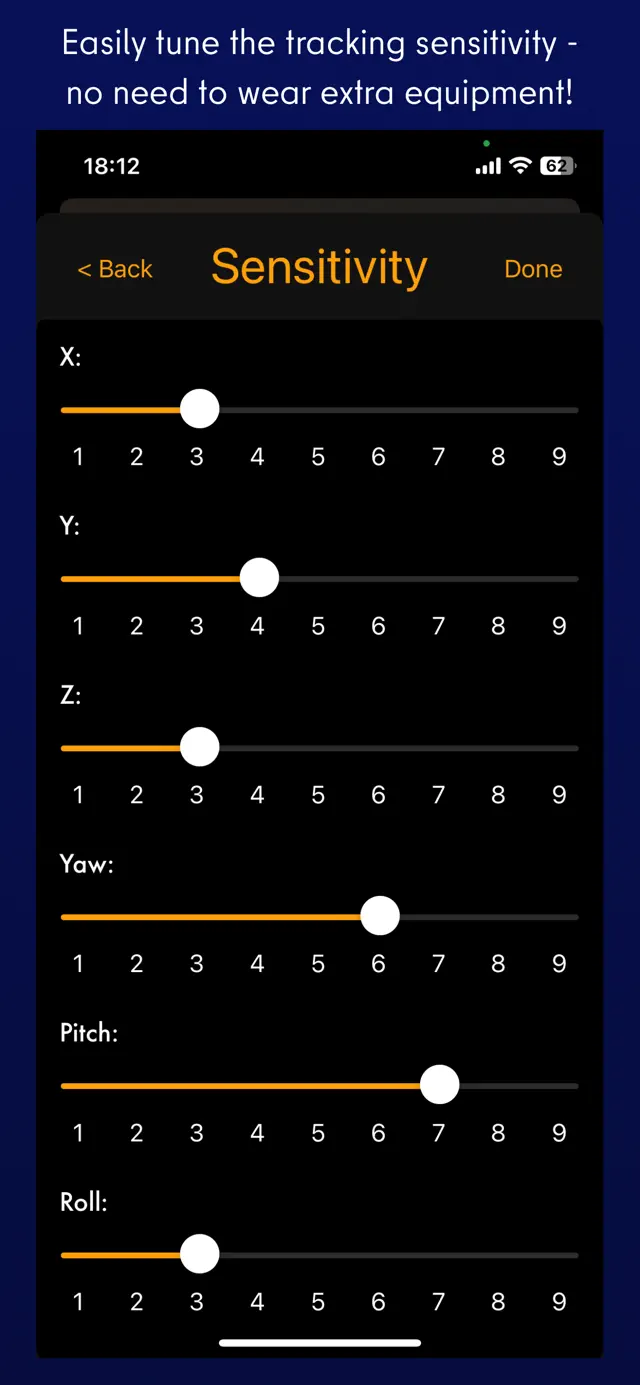
* Added eye tracking capabilities for nudging the view when glancing around! Activate eye tracking by tapping the eye button, and set up eye tracking sensitivity in the settings.
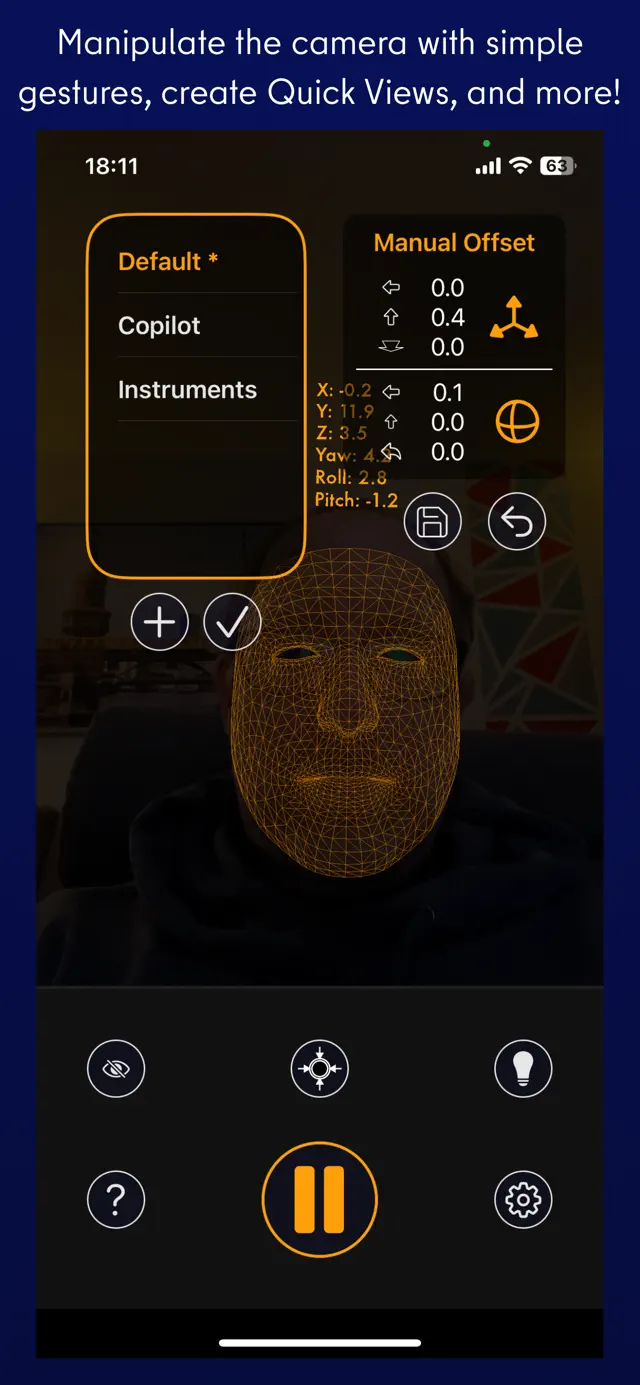
* You can now easily create camera offsets with camera control gestures: panning with one, two, or three fingers on the screen.
* Easily save, choose, and delete offset quick views right on the main screen.
I really hope you enjoy SmoothTrack! If you do, you can support it by leaving an App Store review and by spreading the word to your sim communities!
Join us on Discord https://discord.gg/smkbp6p and let me know if you have any feedback or run into any issues. Thanks!
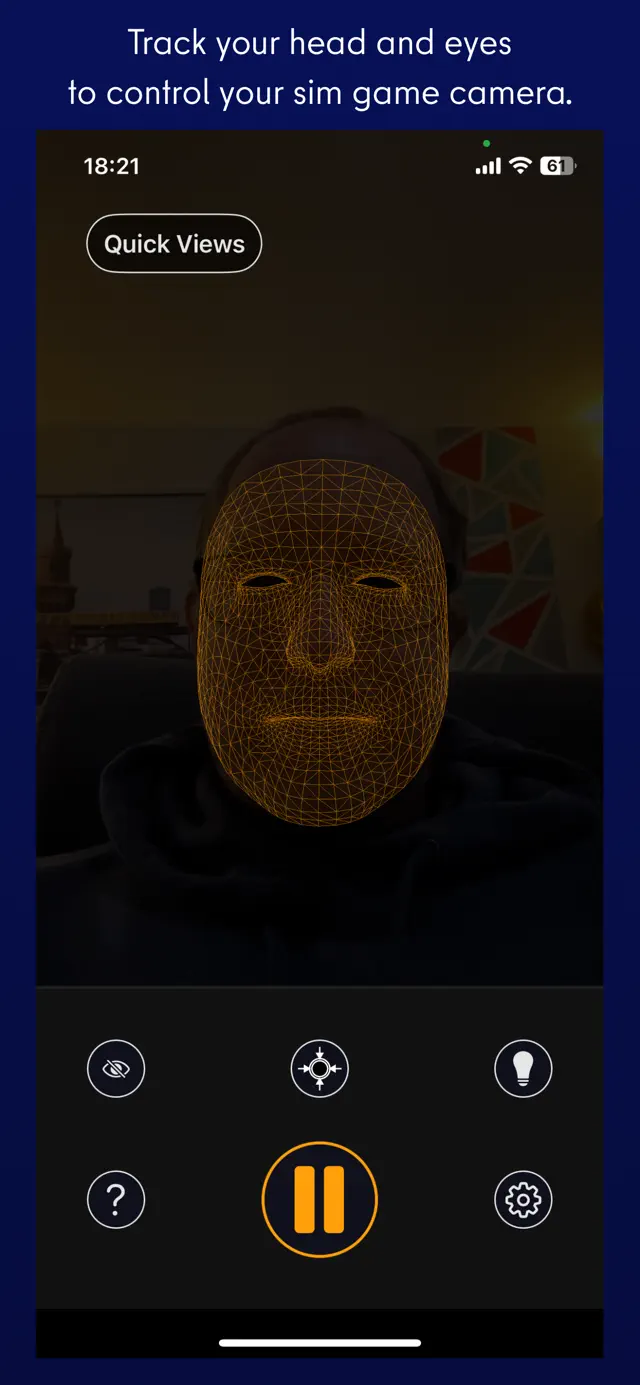
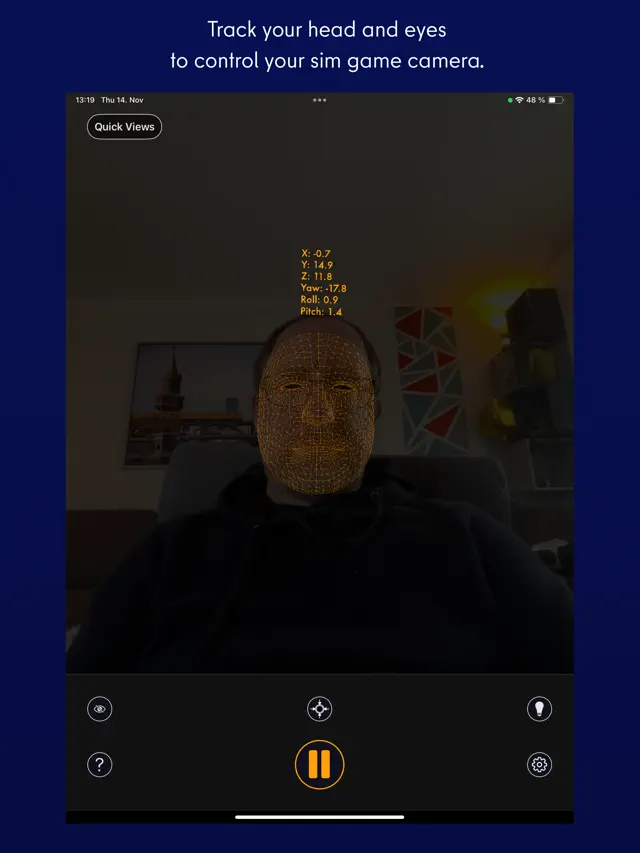
SmoothTrack 2.0 uses the head and eye tracking AR capabilities of your phone to provide the simplest and best head tracker for 6 degrees-of-freedom head movements in your sim games.
-----
"The best new controller on the market." - Charlie Hall, Polygon
Customer reviews:
"SmoothTrack just works. Less than 5 minutes to install, setup and fly. Love not being tethered to my desk! 5 stars!!"
"This worked perfectly and way better than expected! Totally enhanced my experience with MFS 2020!"
---
It's a near magical experience to seamlessly slightly move your head and have your game perspective immediately play along (the movements in the game are exaggerated so that you only have to make slight movements of your head to control the camera). Additionally, since version 2, your eyes are also optionally tracked and will nudge the camera based on where you're glancing on screen!
- Simply lean forward to get a closer look at your Flight Simulator cockpit!
- Look a bit up to see the overhead panel of your A320!
- Simply shift your head a bit to the right to see the direction of the space station you're approaching in Elite: Dangerous!
- Look a bit left before a hard left turn in Euro Truck Simulator 2!
No headset or extra equipment of any kind is required! Simply set up your device so that it can see your face. Using simple camera gestures, you can shift your perspective in-game. Also, if you want, you can store views (say, a copilot angle, or a cockpit closeup) as Quick Views for easy access later.
Your head movements are slightly exaggerated which enables you to look out of a cockpit side window with just a slight movement of your head to the left.
Any game that supports the FreeTrack or TrackIR protocol will work with this, including:
- Microsoft Flight Simulator
- Microsoft FSX
- DCS World
- Elite: Dangerous
- IL2: Sturmovik
- Euro Truck Simulator 2
- Kerbal Space Program
- ...and many, many others!
Email and Discord support is provided if there are any issues (or if you have any ideas for new features!).
Requires iOS 16.0 or later. Compatible with iPhone, iPad, and iPod touch.
Compatibility Check:
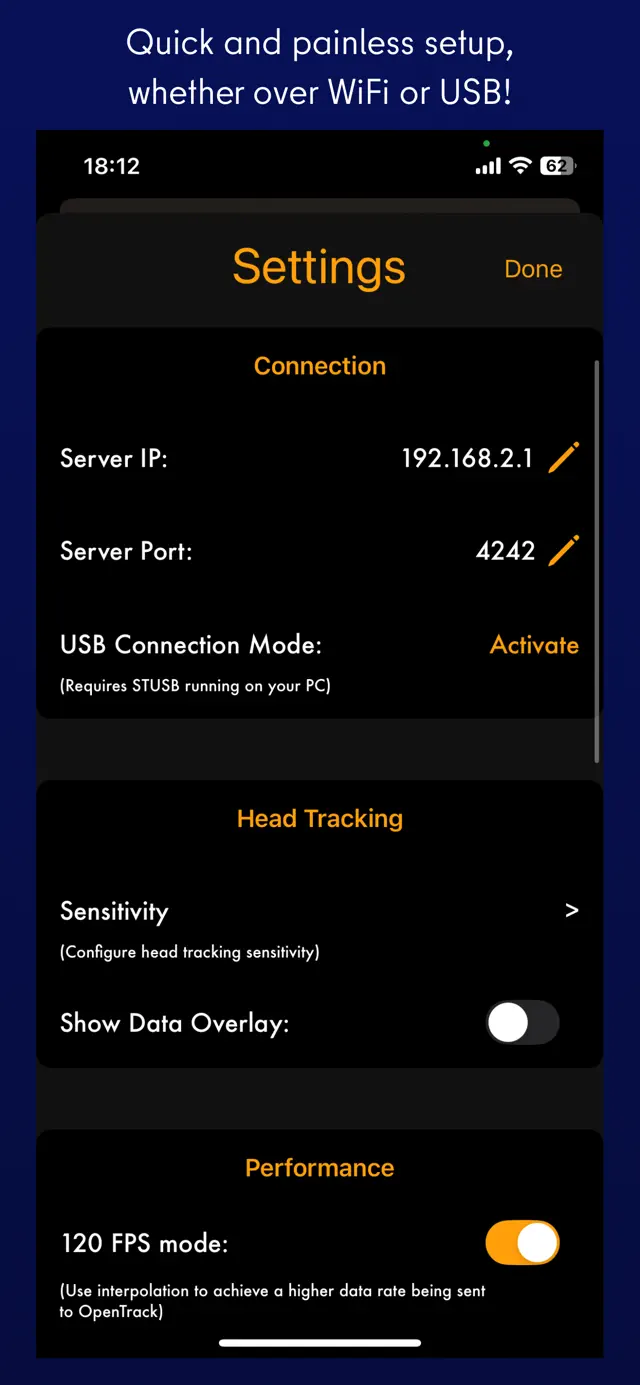
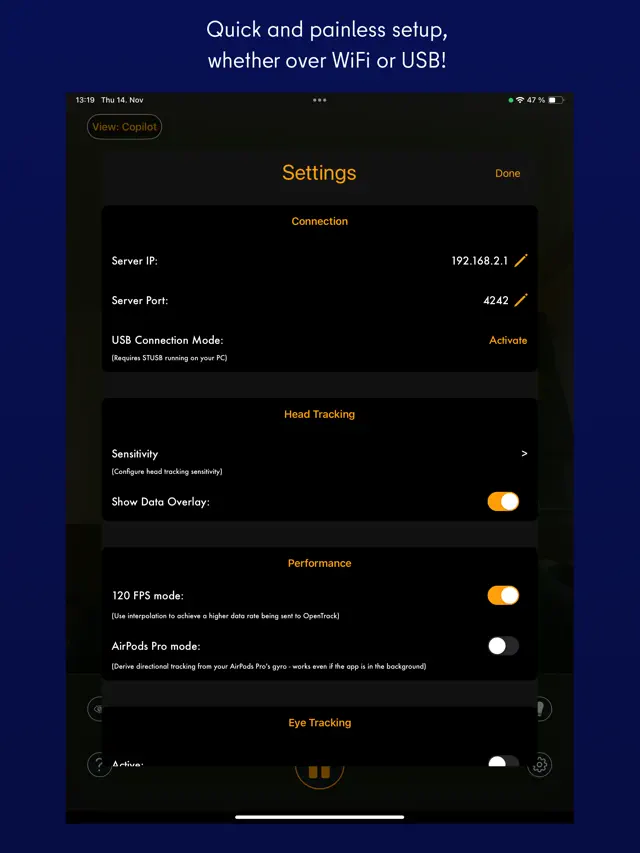
Wi-Fi mode: phone and PC on the same network, no VPN, router needs to allow device comms.
USB mode: connect via cable.
Discord support available!
SmoothTrack 2.0 uses the head and eye tracking AR capabilities of your phone to provide the simplest and best head tracker for 6 degrees-of-freedom head movements in your sim games.
-----
"The best new controller on the market." - Charlie Hall, Polygon
Customer reviews:
"SmoothTrack just works. Less than 5 minutes to install, setup and fly. Love not being tethered to my desk! 5 stars!!"
"This worked perfectly and way better than expected! Totally enhanced my experience with MFS 2020!"
---
It's a near magical experience to seamlessly slightly move your head and have your game perspective immediately play along (the movements in the game are exaggerated so that you only have to make slight movements of your head to control the camera). Additionally, since version 2, your eyes are also optionally tracked and will nudge the camera based on where you're glancing on screen!
- Simply lean forward to get a closer look at your Flight Simulator cockpit!
- Look a bit up to see the overhead panel of your A320!
- Simply shift your head a bit to the right to see the direction of the space station you're approaching in Elite: Dangerous!
- Look a bit left before a hard left turn in Euro Truck Simulator 2!
No headset or extra equipment of any kind is required! Simply set up your device so that it can see your face. Using simple camera gestures, you can shift your perspective in-game. Also, if you want, you can store views (say, a copilot angle, or a cockpit closeup) as Quick Views for easy access later.
Your head movements are slightly exaggerated which enables you to look out of a cockpit side window with just a slight movement of your head to the left.
Any game that supports the FreeTrack or TrackIR protocol will work with this, including:
- Microsoft Flight Simulator
- Microsoft FSX
- DCS World
- Elite: Dangerous
- IL2: Sturmovik
- Euro Truck Simulator 2
- Kerbal Space Program
- ...and many, many others!
Email and Discord support is provided if there are any issues (or if you have any ideas for new features!).