Version 2.05Wed Aug 09 2023
Happy summer! Here's a version which should fix the VNAV issues which were related to the new API.
Add a whole new dimension of realism to your Infinite Flight experience with this polished, third-party add-on to Infinite Flight, the best mobile flight sim on the App Store!
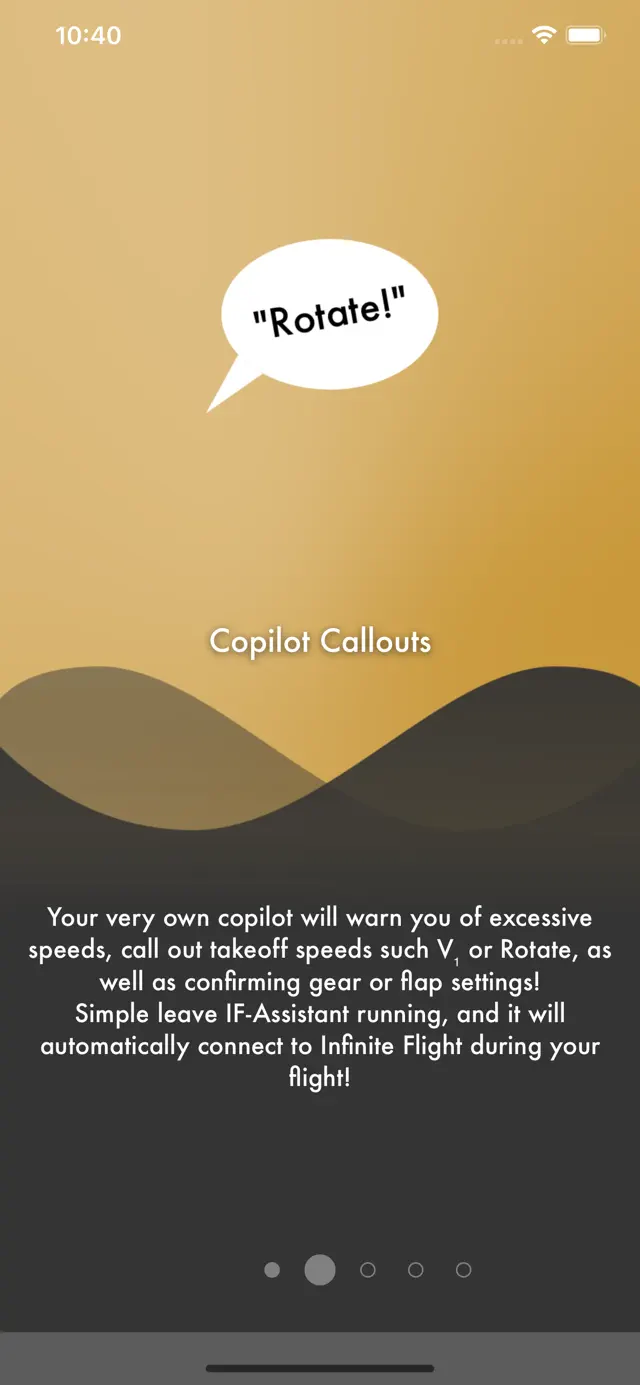
Hear over 30 co-pilot voice samples during your flight, whether it's takeoff callouts like "V₁", "Rotate!", or "Positive Rate", or whether it's warnings when speed limits are being approached, or confirmation callouts when setting flaps or gear settings.
In-Flight Assistant is NOT a flight simulator itself but rather requires Infinite Flight to provide voice callouts and realistic automated warnings for your flights.
Check out a 7-minute video of the app in action at: http://www.inflightassistant.info
====================
HOW IT WORKS
Start In-Flight Assistant, then launch Infinite Flight on the same device - you'll hear a confirmation that In-Flight Assistant is connected. It will now be watching your flight and provide the callouts as you configured them within the app. It's that simple!
====================
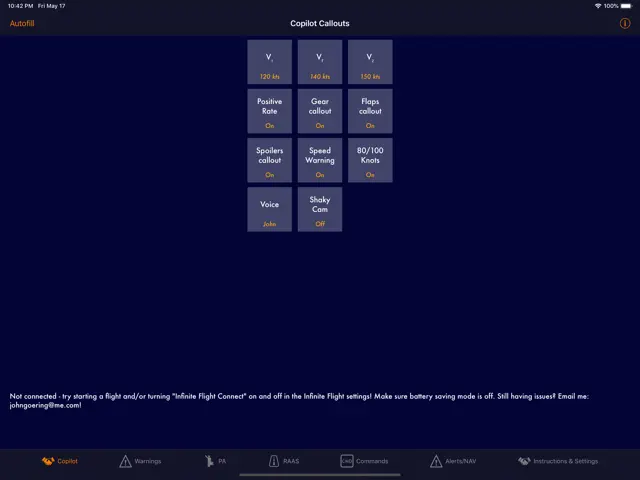
CO-PILOT CALLOUTS
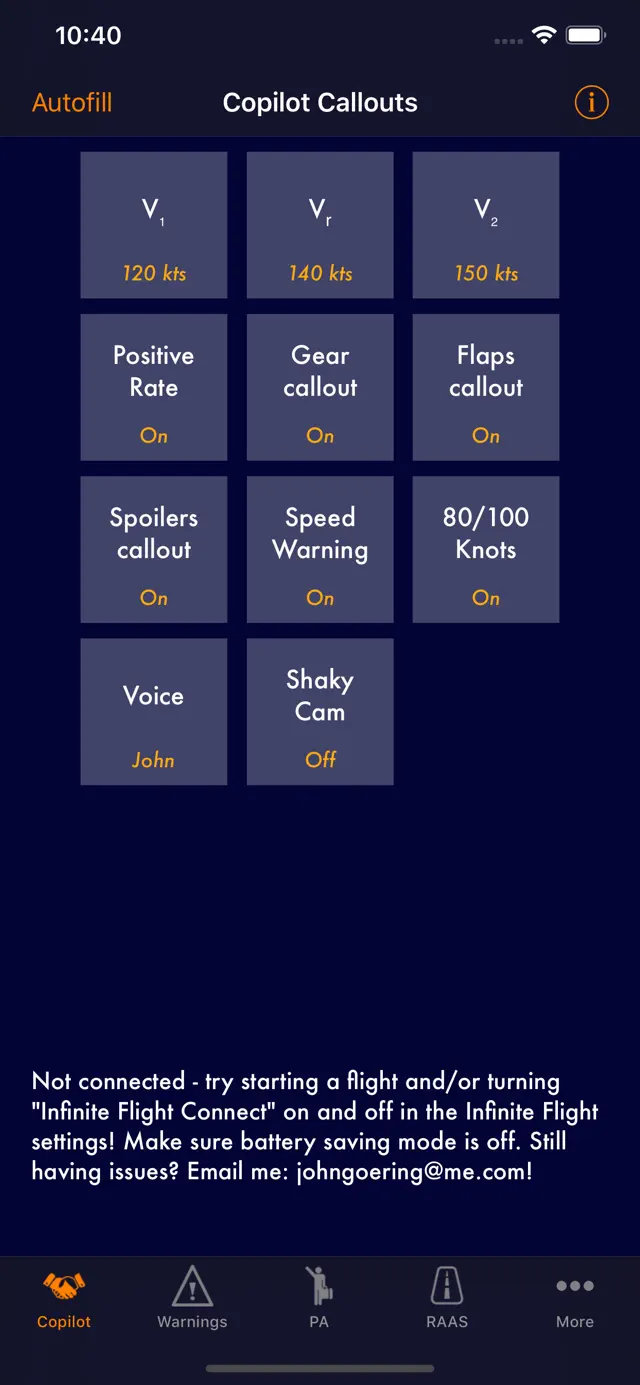
The following callouts are provided:
• "80 knots"
• "V₁"
• "V₂"
• "Rotate"
• "Positive Rate"
• "Let's watch our speed, captain" warning when taxiing or flying too fast
• "Gear up/down" confirmation
• "Flaps at XXX degrees" / "Flaps Final" confirmations
• Spoiler status
• 4 voices, including Mark 'Skyhawk Heavy' Denton!
• Autofill feature for v-speeds (NEW)
=============
PASSENGER ANNOUNCEMENTS (IN-APP PURCHASE)
* Welcome aboard announcement
* Arm doors for departure & cross-check
* Safety briefing
* Flight attendants, take seats for takeoff (when turning on strobes)
* "You may move about the cabin now, etc."
* Descent beginning
* Welcome post-landing
=============
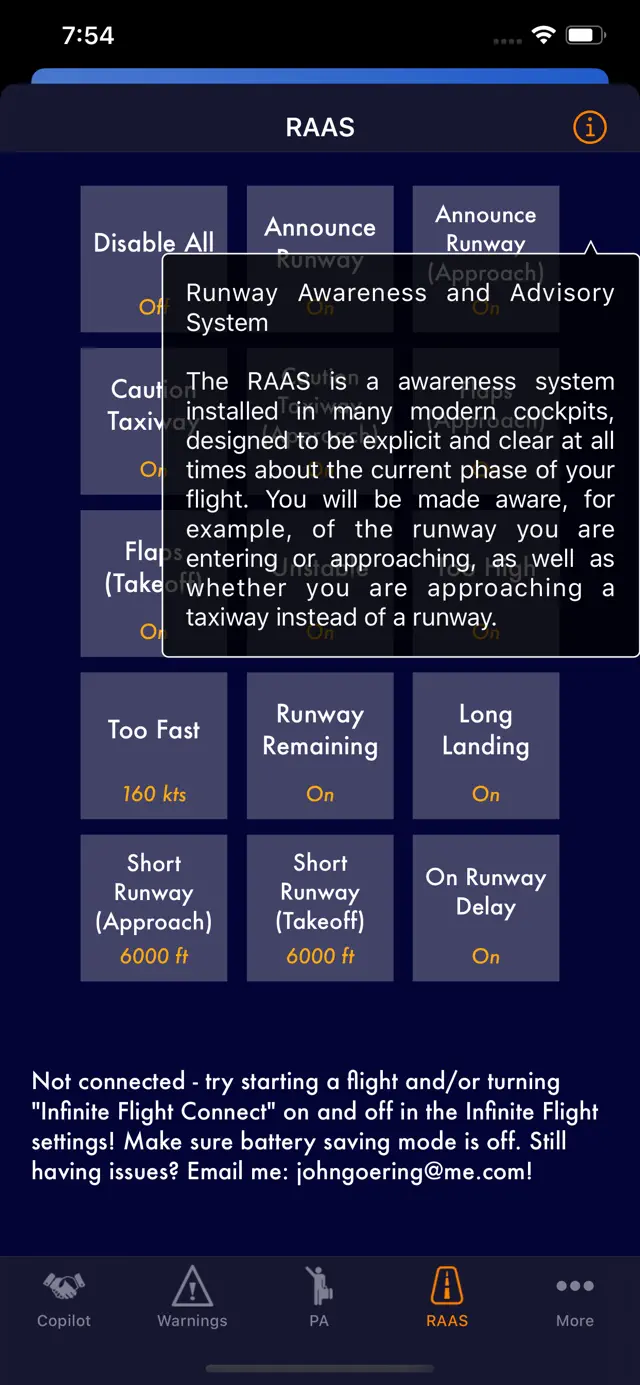
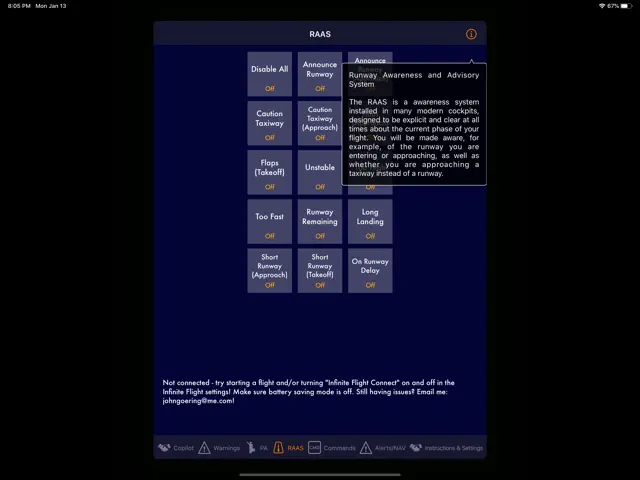
RUNWAY AWARENESS AND ADVISORY SYSTEM (IN-APP PURCHASE)
* "APPROACHING RUNWAY 12R", "ON RUNWAY 12R"
* "CAUTION TAXIWAY"
* "FLAPS FLAPS"
* "UNSTABLE UNSTABLE"
* "TOO HIGH TOO HIGH"
* "TOO FAST TOO FAST"
* Many more..
====================
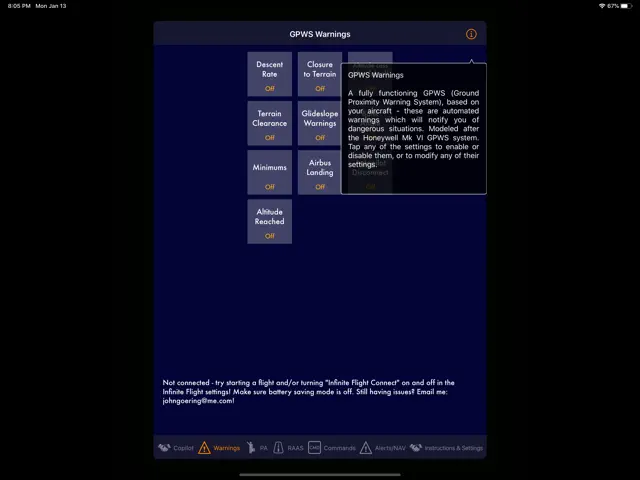
AUTOMATED GPWS WARNINGS, FLIGHT ALERTS, SIMPLE VNAV (IN-APP PURCHASE)
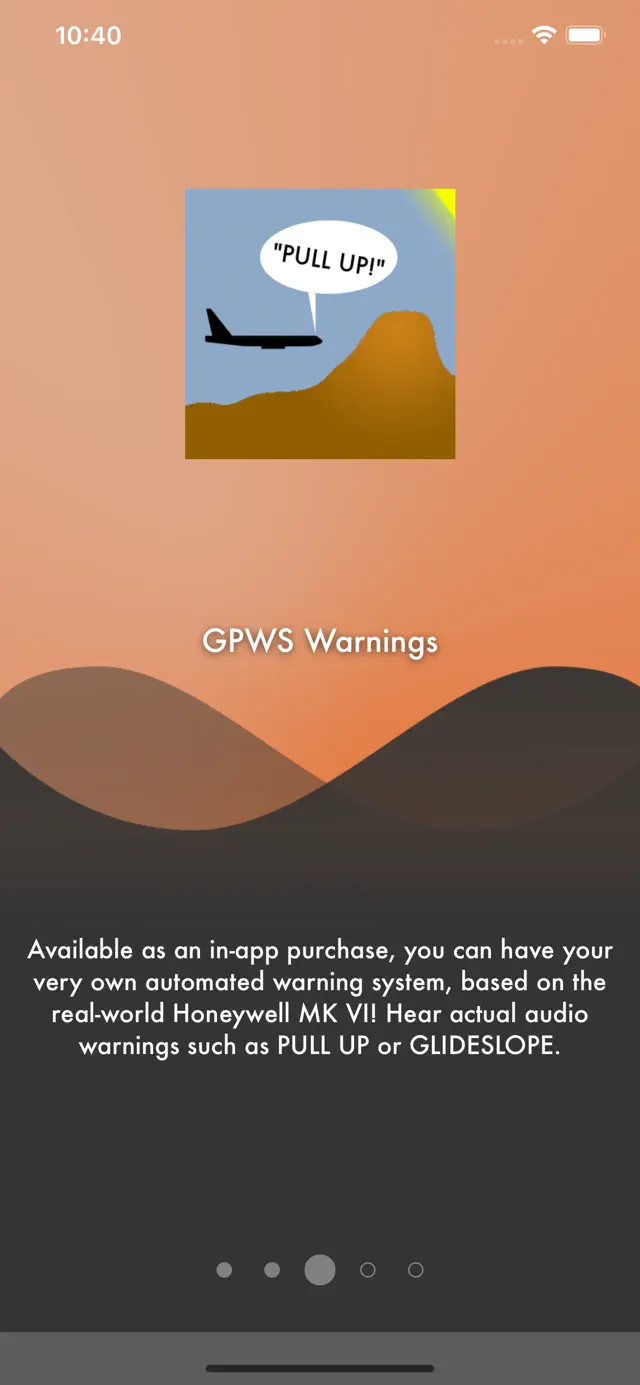
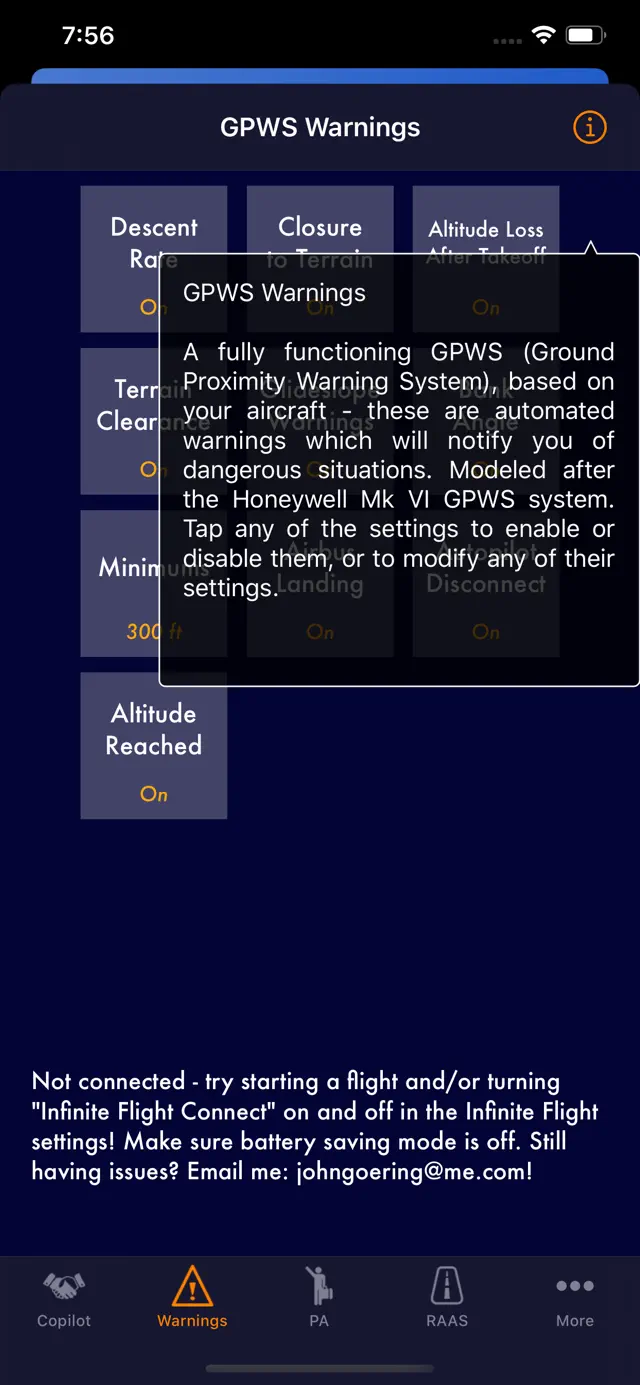
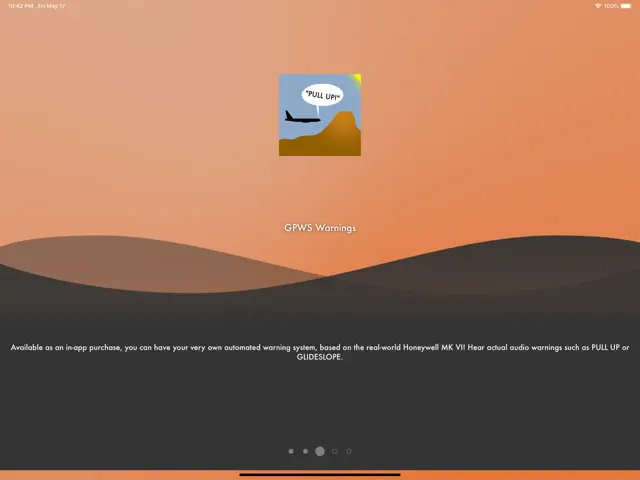
Experience fully-featured GPWS warning callouts such as "TOO LOW, GEAR", "SINK RATE", or "PULL UP!" - in accordance with the specification of the real-world Honeywell MK VI GPWS system - with all 6 modes supported, including turboprop alternative settings (automatically detected), Steep Approach Bias, Flap Override settings, and more.
(NEW) Also provides a waypoint proximity alert system and a simplified "VNAV" system where you can set altitudes and speeds you want the autopilot to have per waypoint!
The following callouts are provided:
• Autopilot disconnect warning sound (Airbus / Boeing)
• "GLIDESLOPE" both quiet and loud, depending on how low you are
• "SINKRATE"
• "PULL UP! PULL UP!"
• "TERRAIN! TERRAIN!"
• "DON'T SINK"
• "TOO LOW, TERRAIN"
• "TOO LOW, GEAR"
• "TOO LOW, FLAPS"
• "APPROACHING MINIMUMS"
• "MINIMUMS" or "MINIMUMS, MINIMUMS" (configurable)
• "BANK ANGLE" based on aircraft type, altitude, speed, autopilot setting, etc.
• "RETARD, RETARD" when landing in an Airbus
=============
VOICE COMMANDS (IN-APP PURCHASE)
Using a headset mic, use voice commands to control many of the airplane's systems! Once it is set up, In-Flight Assistant will be listening for your voice to say things like "gear up", "set heading 2-3-0", and much more, and your co-pilot will set the autopilot settings for you!
IMPORTANT A headset and a quiet environment is recommended for best accuracy. The stronger your non-American accent, the less accurate the recognition may work.
====================
THANKS
Huge thanks to the entire Infinite Flight community for their amazing support, as well as Laura & Infinite Flight for providing an awesome API that makes apps like this one possible.
Additional thanks to Cam (maker of LiveFlight) for his open-source API examples.
Thanks to Jan (www.helpathand.nl) for his audio engineering assistance!
====================
FINE PRINT
In-Flight Assistant is not affiliated with Infinite Flight.
Requires iOS 14.1 or later. Compatible with iPhone, iPad, and iPod touch.
Add a whole new dimension of realism to your Infinite Flight experience with this polished, third-party add-on to Infinite Flight, the best mobile flight sim on the App Store!
Hear over 30 co-pilot voice samples during your flight, whether it's takeoff callouts like "V₁", "Rotate!", or "Positive Rate", or whether it's warnings when speed limits are being approached, or confirmation callouts when setting flaps or gear settings.
In-Flight Assistant is NOT a flight simulator itself but rather requires Infinite Flight to provide voice callouts and realistic automated warnings for your flights.
Check out a 7-minute video of the app in action at: http://www.inflightassistant.info
====================
HOW IT WORKS
Start In-Flight Assistant, then launch Infinite Flight on the same device - you'll hear a confirmation that In-Flight Assistant is connected. It will now be watching your flight and provide the callouts as you configured them within the app. It's that simple!
====================
CO-PILOT CALLOUTS
The following callouts are provided:
• "80 knots"
• "V₁"
• "V₂"
• "Rotate"
• "Positive Rate"
• "Let's watch our speed, captain" warning when taxiing or flying too fast
• "Gear up/down" confirmation
• "Flaps at XXX degrees" / "Flaps Final" confirmations
• Spoiler status
• 4 voices, including Mark 'Skyhawk Heavy' Denton!
• Autofill feature for v-speeds (NEW)
=============
PASSENGER ANNOUNCEMENTS (IN-APP PURCHASE)
* Welcome aboard announcement
* Arm doors for departure & cross-check
* Safety briefing
* Flight attendants, take seats for takeoff (when turning on strobes)
* "You may move about the cabin now, etc."
* Descent beginning
* Welcome post-landing
=============
RUNWAY AWARENESS AND ADVISORY SYSTEM (IN-APP PURCHASE)
* "APPROACHING RUNWAY 12R", "ON RUNWAY 12R"
* "CAUTION TAXIWAY"
* "FLAPS FLAPS"
* "UNSTABLE UNSTABLE"
* "TOO HIGH TOO HIGH"
* "TOO FAST TOO FAST"
* Many more..
====================
AUTOMATED GPWS WARNINGS, FLIGHT ALERTS, SIMPLE VNAV (IN-APP PURCHASE)
Experience fully-featured GPWS warning callouts such as "TOO LOW, GEAR", "SINK RATE", or "PULL UP!" - in accordance with the specification of the real-world Honeywell MK VI GPWS system - with all 6 modes supported, including turboprop alternative settings (automatically detected), Steep Approach Bias, Flap Override settings, and more.
(NEW) Also provides a waypoint proximity alert system and a simplified "VNAV" system where you can set altitudes and speeds you want the autopilot to have per waypoint!
The following callouts are provided:
• Autopilot disconnect warning sound (Airbus / Boeing)
• "GLIDESLOPE" both quiet and loud, depending on how low you are
• "SINKRATE"
• "PULL UP! PULL UP!"
• "TERRAIN! TERRAIN!"
• "DON'T SINK"
• "TOO LOW, TERRAIN"
• "TOO LOW, GEAR"
• "TOO LOW, FLAPS"
• "APPROACHING MINIMUMS"
• "MINIMUMS" or "MINIMUMS, MINIMUMS" (configurable)
• "BANK ANGLE" based on aircraft type, altitude, speed, autopilot setting, etc.
• "RETARD, RETARD" when landing in an Airbus
=============
VOICE COMMANDS (IN-APP PURCHASE)
Using a headset mic, use voice commands to control many of the airplane's systems! Once it is set up, In-Flight Assistant will be listening for your voice to say things like "gear up", "set heading 2-3-0", and much more, and your co-pilot will set the autopilot settings for you!
IMPORTANT A headset and a quiet environment is recommended for best accuracy. The stronger your non-American accent, the less accurate the recognition may work.
====================
THANKS
Huge thanks to the entire Infinite Flight community for their amazing support, as well as Laura & Infinite Flight for providing an awesome API that makes apps like this one possible.
Additional thanks to Cam (maker of LiveFlight) for his open-source API examples.
Thanks to Jan (www.helpathand.nl) for his audio engineering assistance!
====================
FINE PRINT
In-Flight Assistant is not affiliated with Infinite Flight.