Version 26Tue Feb 03 2026
Performance enhancements and security updates.
We've optimized our core systems to ensure a faster, more responsive experience across all your devices. This update also includes essential security patches to keep your data protected and the app running smoothly.
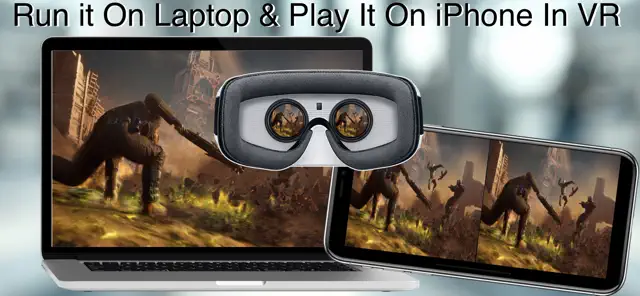
Step inside into your Mac screen enjoying your desktop games in a virtual reality (VR) right in front of your eyes using your iPhone.
New Fast Views Technology With A Support Of A Server Side Mac App allow you to control Level Of Graphics Details, Resolution & FPS.
Support For Two Way Communication Not Only See In VR But Also App Control using Game Controller, Apple Watch and Head Motions
Multiple User Profile Can be Adjusted and saved for each Game/App
Up to 7 Users Can All Access The Game/App played on the main Mac
Support for Game Controllers with motion sensors to be used in iPhone/iPad in VR And non VR Mode
5x Faster than before with ultimately insignificant latency on internal Wireless Network Ad-Hook.
Game Controller Haptic Effects Added with each click on each button and for several events.
Game Controller Light Color Effects With Controller Clicks.
Game Controller Gyroscope Support allow player to Remap Your Game/App Keys for a unique experience gaming on iPhone/iPad in VR and Non VR Modes
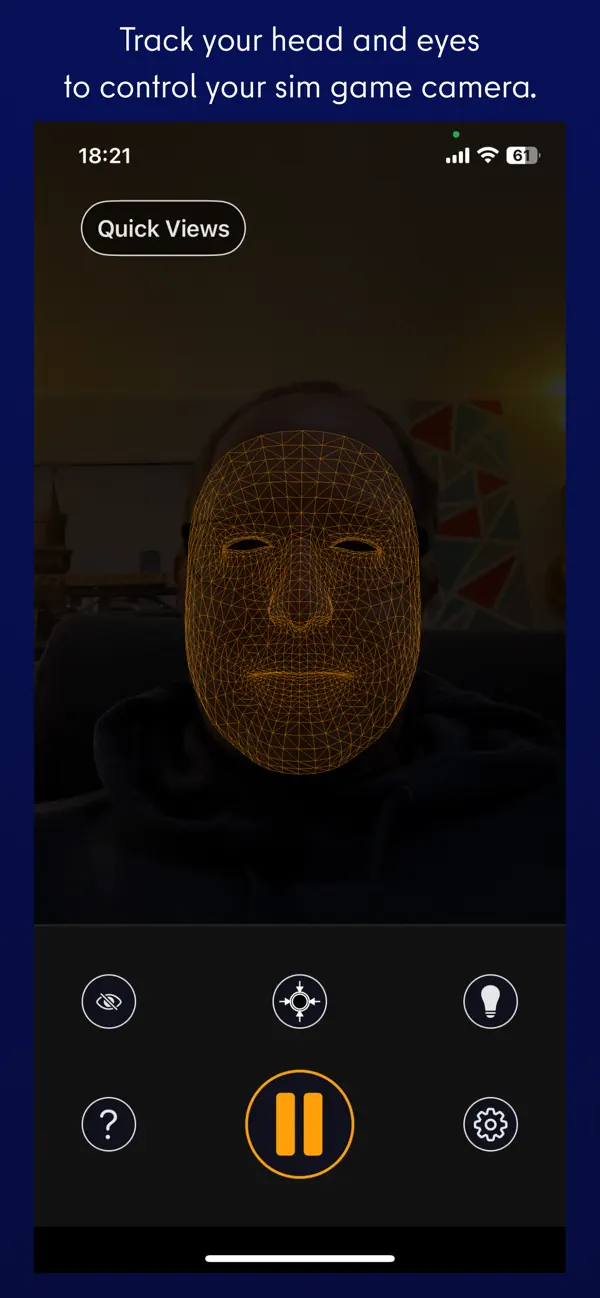
Remap Your Game/App Keys Using Head Rotations to allow User to get a free camera view or Special Moves.
Apple Watch Companion App Allow you to Remap Your Game/App Keys On Apple Watch.
Regular supported Game Controllers can be used in Normal and VR Mode.
Quick tutorial screen now including more details.
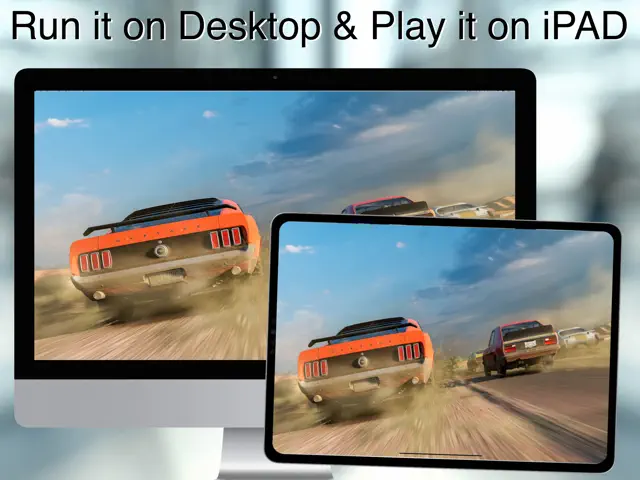
Moving your head, Apple Watch Or Game Controller around controlling your directions by translating the device tilts into a configurable keyboard clicks to add the reality to your action games, it is Useful in Normal mode too for iPad/iPhone by tilting your device Left/Right like controlling a racing car direction or such (for racing games).
Multi-sharing allow several users to share same screen. allowing immersive 360-degree View, virtually share your gaming VR experience with other users in real.
You can use the Wifi for a wireless communication between your iPhone/iPad and your Mac in a VR or Normal Modes with a normal speed streaming.
It is recommended to connect the iPhone/iPad to your Mac Internal Network (Ad-Hook) for fast streaming Games, while doing so be aware to mind the Distance in respect of your head movements to eliminate undesired actions and avoid latency.
Requires iOS 12.5 and watchOS 8.7 or later. Compatible with iPhone, iPad, and iPod touch.
New! Support of Motion Sensor & Haptic Effects on Game Controllers Makes VRDesktop A Unique Experience , Apple Watch Companion Added More Keys & Fun to Your Game.
- This App Needs VRDesktop App to Be Installed And run on your iPhone/iPad and on Mac to allow you to see your game/app in VR.
Step inside into your Mac screen enjoying your desktop games in a virtual reality (VR) right in front of your eyes using your iPhone.
New Fast Views Technology With A Support Of A Server Side Mac App allow you to control Level Of Graphics Details, Resolution & FPS.
Support For Two Way Communication Not Only See In VR But Also App Control using Game Controller, Apple Watch and Head Motions
Multiple User Profile Can be Adjusted and saved for each Game/App
Up to 7 Users Can All Access The Game/App played on the main Mac
Support for Game Controllers with motion sensors to be used in iPhone/iPad in VR And non VR Mode
5x Faster than before with ultimately insignificant latency on internal Wireless Network Ad-Hook.
Game Controller Haptic Effects Added with each click on each button and for several events.
Game Controller Light Color Effects With Controller Clicks.
Game Controller Gyroscope Support allow player to Remap Your Game/App Keys for a unique experience gaming on iPhone/iPad in VR and Non VR Modes
Remap Your Game/App Keys Using Head Rotations to allow User to get a free camera view or Special Moves.
Apple Watch Companion App Allow you to Remap Your Game/App Keys On Apple Watch.
Regular supported Game Controllers can be used in Normal and VR Mode.
Quick tutorial screen now including more details.
Moving your head, Apple Watch Or Game Controller around controlling your directions by translating the device tilts into a configurable keyboard clicks to add the reality to your action games, it is Useful in Normal mode too for iPad/iPhone by tilting your device Left/Right like controlling a racing car direction or such (for racing games).
Multi-sharing allow several users to share same screen. allowing immersive 360-degree View, virtually share your gaming VR experience with other users in real.
You can use the Wifi for a wireless communication between your iPhone/iPad and your Mac in a VR or Normal Modes with a normal speed streaming.
It is recommended to connect the iPhone/iPad to your Mac Internal Network (Ad-Hook) for fast streaming Games, while doing so be aware to mind the Distance in respect of your head movements to eliminate undesired actions and avoid latency.