★★★★★ Only a couple of gripes…
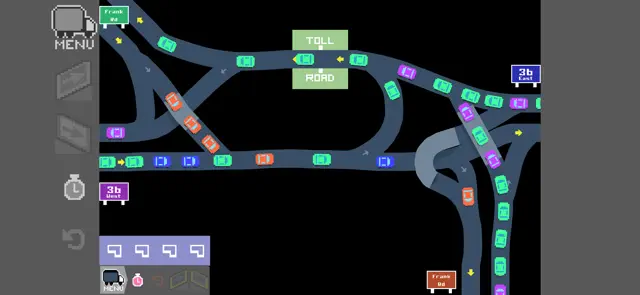
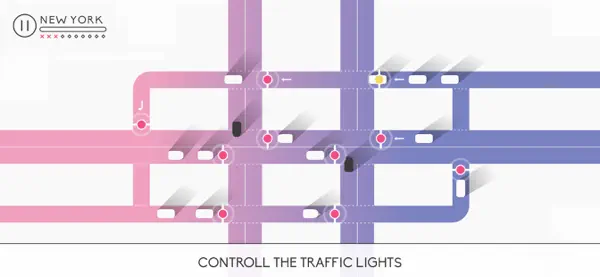
Thu Jun 02 2022 b_LoveIn general, love the concept and the execution, with two minor complaints. Well, one is sort of big: no undo! To the developer, please, please add the ability to undo. It’s so infuriating to have worked on a sizable interchange, only to have to start over because of one screw up. Very frustrating! It would be an easy five stars with this single addition. Only other complaint (or feature request), would be to have a method to draw straight lines and/or curved lines, maybe with a Bézier curve type of control. This would appeal to those with any style interests, as well as scenarios where a little line precision could go a long way in the end.
★★★★★ Awesome Game!
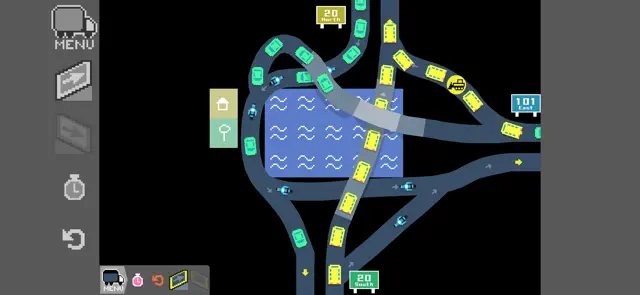
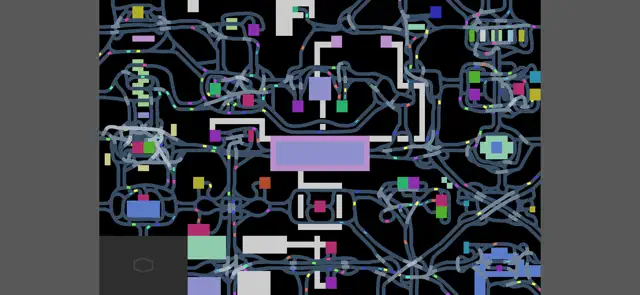
Wed Nov 01 2017 PicklefluffypuffOkay, first of all, this is the kind of game I have looked for on the App Store for YEARS. The instant I saw it, I knew I was going to like it. But the game BLEW my expectations away. It doesn’t end, and it progressively gets more difficult, instead of just getting boring because of the sameness. I think that an undo button is not by any means necessary, because the game makes it so you choose your decisions carefully, instead of just doing whatever you want because you can undo it if you want to. Thank you for making one of my favorite games I have ever played, and I like it just the way it is. If you want to make changes to it in the future, I would love to see it, and I am not opposed to you changing it. It’s your game and you have every right to make it however you want. I fully support it any way, but I am perfectly content with it now. Thank you so much for this game. (Note: I expanded the map until I finished the ring of interchanges that shows the ocean in the top left corner. Once I finished that ring, the map did not expand anymore. I don’t know if that’s a bug, or just the game ending. If it is the game ending, I would LOVE to see more levels in the future. Again, thank you for this game.)
★★★★★ Very nice game
Fri Jan 26 2018 James b2012This is a good game. Some improvements would make it a great game. An undo button would work wonders. Mostly because even on my 7plus screen the actual construction icon is hidden below my finger tip not always where I thought it was and causing mis-connects of roads. Also touching road signs can be mistaken as an attempt to build a road there. UNDO IS A MUST. Nice to have would be an erase road function.
Now for the game play. It is excellent with the exception of the above issues. I do like the expanding and increasingly difficult maps and challenges. Definitely gets you thinking out of the box. This quickly shows you it is not as simple as drawing a few lines and connecting points.
Star rating is due to frustration after making an elaborate solution only to have touch mis read and causing errors. If developers make small tweaks and functional undo then this is a top notch app.
★★★★★ Fun but leaves a lot to be desired
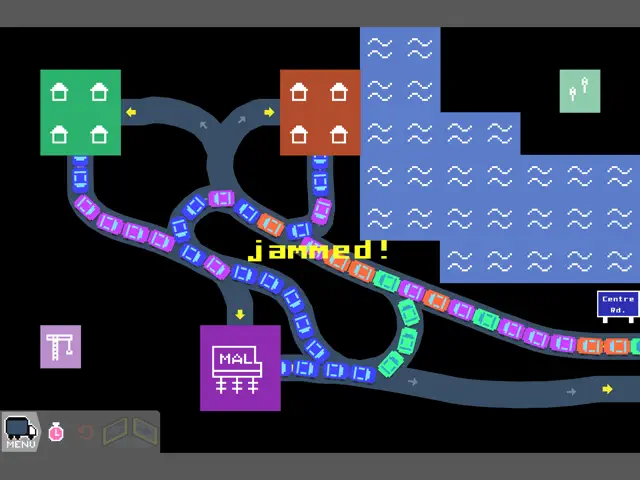
Thu Jul 27 2023 Gamecake7I will say this is a great game, gets you thinking on what’s the efficient way to do a level. But I mainly have gripes. First is the undo button, or maybe erase roads because of mistakes. Because it’s either work with it or lose all work. But especially I find annoying is when a road looks connected to some route or path but it doesn’t, I’m not exactly sure why it’s not connected and it doesn’t count, so maybe a clarification could work as well. It’s tough knowing you’re on limited concrete. Also sometimes the icon for road building gets stuck, and if I don’t tap where I want to build the road, the road sometimes gets built WHERE THE ICON IS AND NOT ON THE ROAD WHERE I WANT TO BUILD ON. Wastes concrete. It’s so annoying as it happens a lot. I don’t expect fixes but still holds up nonetheless. Still plenty of fun.
★★★★★ Most hardest level! Level 36
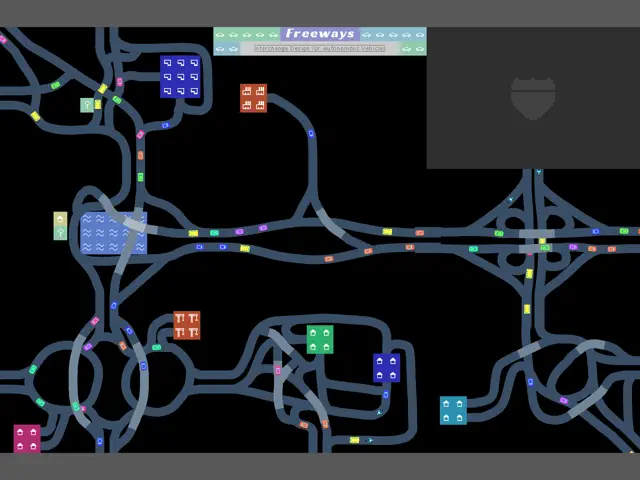
Sun Apr 10 2022 hyuyubThe problem with level 36 is when I complete it and when I speed up there’s this 1 guy who is dumb and blocks the whole traffic (there’s 3 levels that I completed there’s was lots of gridlock but your game still counted it was going normal and I got away with it) Anyways, I love this game! I wish you can expand even more further that reach the level 100s, I want to see route 222 be expanded and add new interstates, routes, and roads, also, please make level 23 be connectable, It just a stadium with a bunch of parking lots, And one thing that’s weird is that there’s a small dealership that’s surrounded by water, idk why it’s there, Thanks, I hope new updates will have my suggestions! 😘🥰
★★★★★ You can’t undo what you’ve learned from failure.
Thu Oct 28 2021 Ian EdwardSimultaneously zen and confounding. Endless replay value as you try to eke out tiny efficiency gains on completed levels. The decision to include only “build” and “reset” controls is clearly a core gameplay mechanic, encouraging players to take what they’ve learned and try again. This would not be the same game if you could step backwards through your previous decisions and rectify them piecemeal. You must clear the board and try again, just like in Mario or SimCity. Approaching each level over and over again with a “I will do better this time” mindset makes this tiny game infinitely engrossing.
★★★★★ Finally!!
Fri Apr 25 2025 CJBgamer1I had really wanted the undo mechanic for ages and FINALLY IT IS HERE. I am so happy so you don’t have to try again if you press up when you meant to go down, you just had to try again, but now you don’t have to do it. You could just undo it.
I really want to see the dealership in the water being removed, however, that may be a little boat with a car on it. I want to see a new layer on map 1, although the northwest is ocean, so maybe keep it and add map 2 road extensions up there and maybe a map 2 road interchanging with a map 1 road. I would love to see level 23 map 1 be a part for your score on last layer.
★★★★★ This Had Potential
Thu Sep 05 2019 game_reviews101This game is fun and addicting for some reason but whenever I try to play it I quickly become frustrated at the fact that there is no undo button and that it is almost impossible to play on mobile and actually enjoy it. People have been asking for an undo button for a while now and the devs have decided not to listen to their player base. For a game to be good you as a developer have to listen to your player base because they may have some good ideas, and because they failed to do this, I don’t think we’re going to get an update where some of these issues are fixed. Which is why I would not recommend getting this game unless they release an update that will fix all if not most of these issues.
—This game had a lot of potential but it was quickly ruined by their inability to listen to their player base.