★★★★★ Fantastic Until Harder Techniques
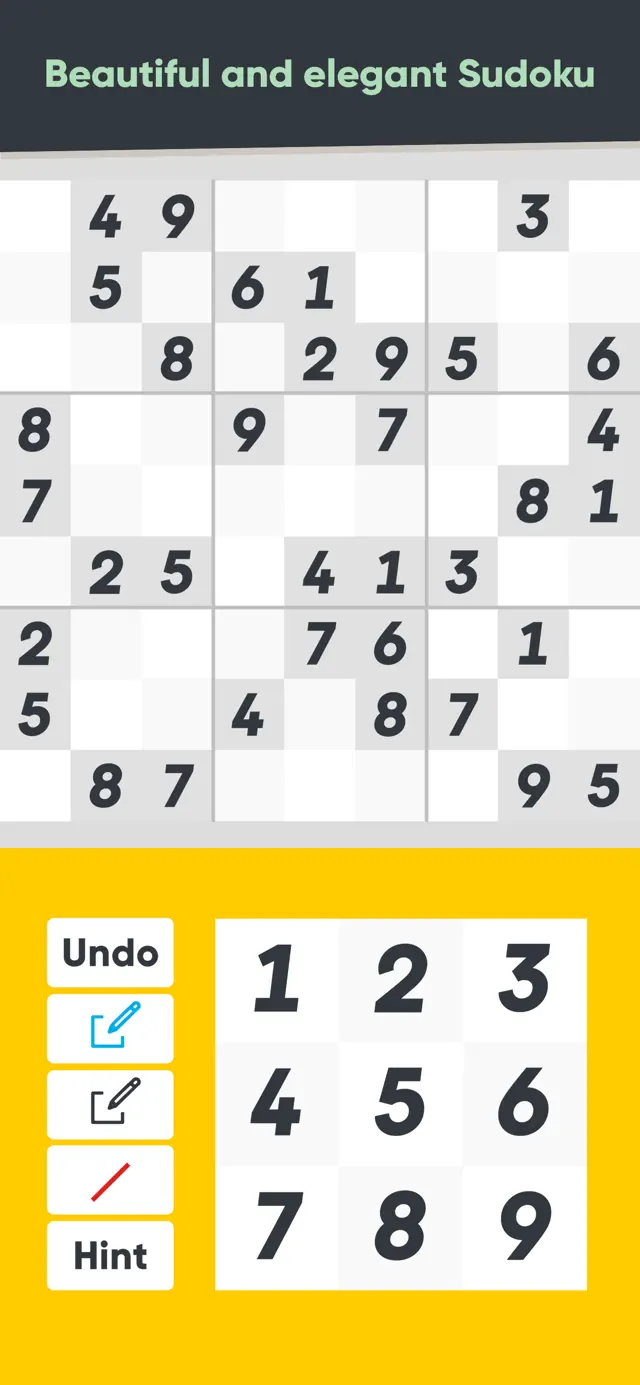
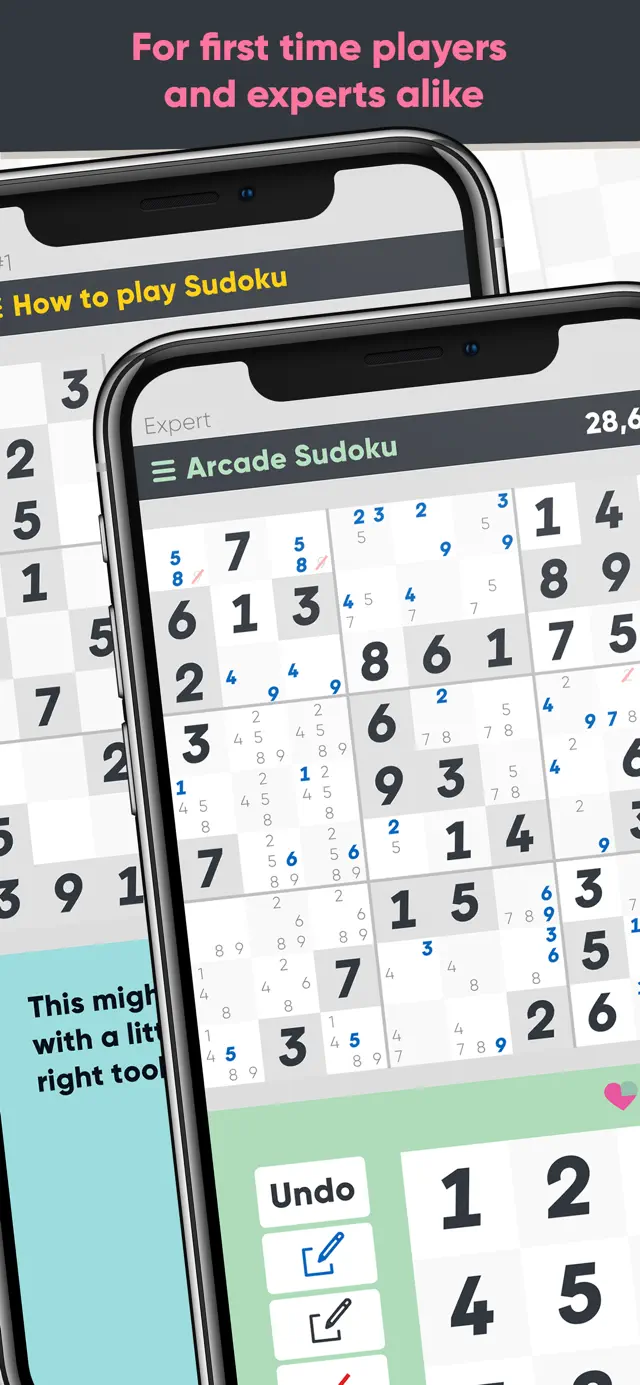
Mon Dec 12 2022 minervino95I hadn’t ever played sudoku before seeing this app. I was pleasantly surprised at how much I liked it and how almost intuitive this app made it.
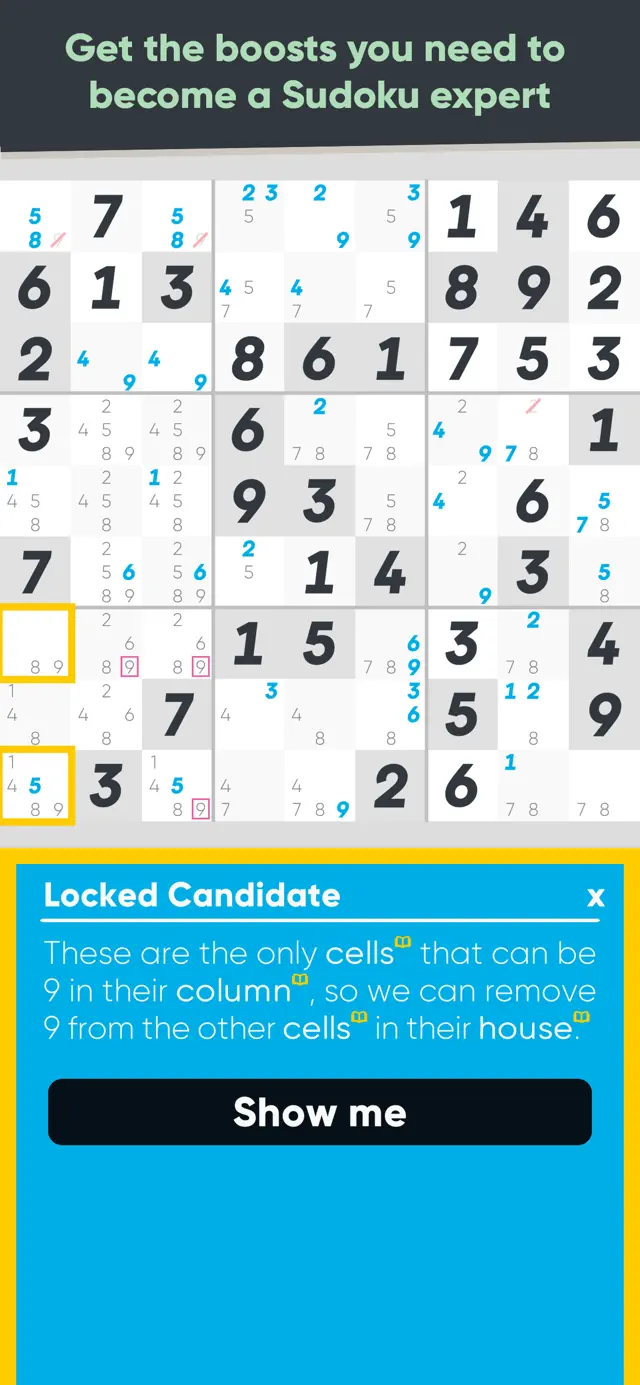
I advanced to the pro levels within a few days and then was stuck. I used their “improve” function which is used to learn techniques by difficulty and also practice them. One of the two cons of this app is that I don’t think it does a thorough enough job explaining the more difficult techniques. During the examples/practice, I’ll see an option that I think is correct and it simply says it’s not what they’re looking for. It doesn’t explain WHY it’s wrong or why the option they want is the only correct one. So a lot of times I feel like I get a technique, but in practice it only works 50-60% of the time, or I just don’t get it at all.
The other con is that it feels like the levels have gotten stuck on one technique that I don’t get at all. Every single pro level I’ve played for the past week needs at least 1 y-wing (one puzzle needed 4 😭) I just wish there was more variation in the techniques needed to solve the harder puzzles. The previous difficulty level, “expert,” is too easy but “pro” is too difficult. So it’s definitely becoming less enjoyable to play because I can’t advance anymore.
★★★★★ Please oh please please please!! move the hint button!
Thu May 29 2025 Cherry_DarlingI came here to complain about this because I’ve been struggling through a level 100 Pro skull game to get the achievement and just accidentally touched the stupid button and got a hint I didn’t want and now my hard work is ruined. Sometimes the other buttons act weird, I guess. Like sometimes you can cross out multiple numbers and sometimes it turns off after crossing out one. I’ve accidentally filled in a square instead of crossing out on arcade games for this reason and then have to undo. Otherwise it’s a great game.
UPDATE May 29: I’ve been working on Pro Eternal run achievements. When I previously complained about the broken button logic, I didn’t even know what eternal mode was. Now instead of losing a single game because of the broken button logic, I can lose a whole 9-game streak and waste hours of my life! I’m on my third attempt now. Six games in, only one heart left, and not a single error that wasn’t caused by the game randomly deciding I wanted to fill a cell instead of crossing out. It’s maddening.
On a happy note, I found the setting to require confirmation that I want a hint, so at least that isn’t an issue anymore (although moving the button would have made more sense from a UX/UI perspective).
★★★★★ Maybe I just don’t get it
Wed Sep 08 2021 small hobbitJust to be upfront, I’ve used other sodoku apps before. I’ve mostly played using apps. What I don’t like with this is the confusing interface. Why THREE different tools just for the note function? Yes, I sat through the explanation, and it still only needs to be two ( a pencil and eraser function) or even ONE. Three just feels overboard, especially since it’s hard to differentiate between the two colors picked for the accent and regular. I don’t like CROSSING OUT the number notes for the ones I know I want to remove; as I said, I’d rather it just be an eraser function (the designer apparently took the pen and paper WAY to literally. As I saw in other reviews, if you prefer pen and paper, learn by doing those. There are features that are much better suited to an app)
Edit: Okay, I think I found the themes, and it turns out there are about three different ones (it’s just the settings are a bit hard to find because the one with the themes is on the main menu which you can seem to access after selecting a mode without closing the app again… which seems a bit like poor app design. Though, again that could just be due to the colors because the color scheme for all three use ones that REALLY blend into each other in some way making NONE of them comfortable to use)
I’ve taken to just using the auto notes function because, as I said, I don’t really understand what the purpose of the three note tools are (if I wanted to do paper sudoku, I’d do paper based sudoku; though I really don’t think one of those would be part of doing it on paper either)
★★★★★ Good app for all skill levels of players
Fri Sep 22 2023 CntryKitTLDR: I really enjoy sudoku but there are only two in the arcade and at first thought they both have the similar problems, thankfully, this one actually didn’t! It’s a good app, though definitely has room for improvement.
Pros: Easy to read numbers, sleep prevention mode to keep your phone from going dark on you, and you can turn visual hints off. I like that it has little info icons and tips for different settings so you’re not left guessing.
Cons: The navigation isn’t the most user friendly which can be confusing and even a bit frustrating at times. I like the ability to change the theme color, however, I dislike that you have to cycle through all the theme colors to get back to one you like; having a drop-down or list to choose from would be much more user friendly. My last critique would be that when you fill in all nine cells of one number that number doesn’t dim, have a checkmark through it, or something similar. When I do sudoku in paper, I cross numbers out on the side to help keep track of which numbers I’ve finished using and it would be nice to have something like that as a possible option that could be turned off or on as desired.
I feel that this app is probably one of the best sudoku apps that I’ve had the ability to play. The fact that it’s available in the arcade and I don’t have to deal with ads or in app purchases is a huge bonus. While the game does have some areas that could use improvement these are only minor and don’t prevent me from enjoying it overall, and that’s a win.
★★★★★ Great app! With one bug
Tue Feb 07 2023 iammadeofloveI’ve loved this app! I’ve played sudoku for over 15 years, but I was stuck at about the same level of difficulty (hard ish) for a long time. I couldn’t find instructions for more advanced techniques that I could easily apply. Enter this app! When I started a couple months ago, I was having a hard time with pro levels, especially Y-wings. Now I’m able to do impossible core levels with only occasional hints! I’ve enjoyed sudoku more with this app than I have in a long time.
The one bug I’ve found: if you’re in the middle of a puzzle and you reopen the app, if you then hit “resume” on the main page too soon, it’ll play both the main page music and the regular puzzle music at the same time. If you wait about 5 seconds for the main page music to start playing, it’s fine. Very minor in the grand scheme of things, though, and certainly doesn’t detract much from my great experience.
★★★★★ Great fun, but lacking some things.
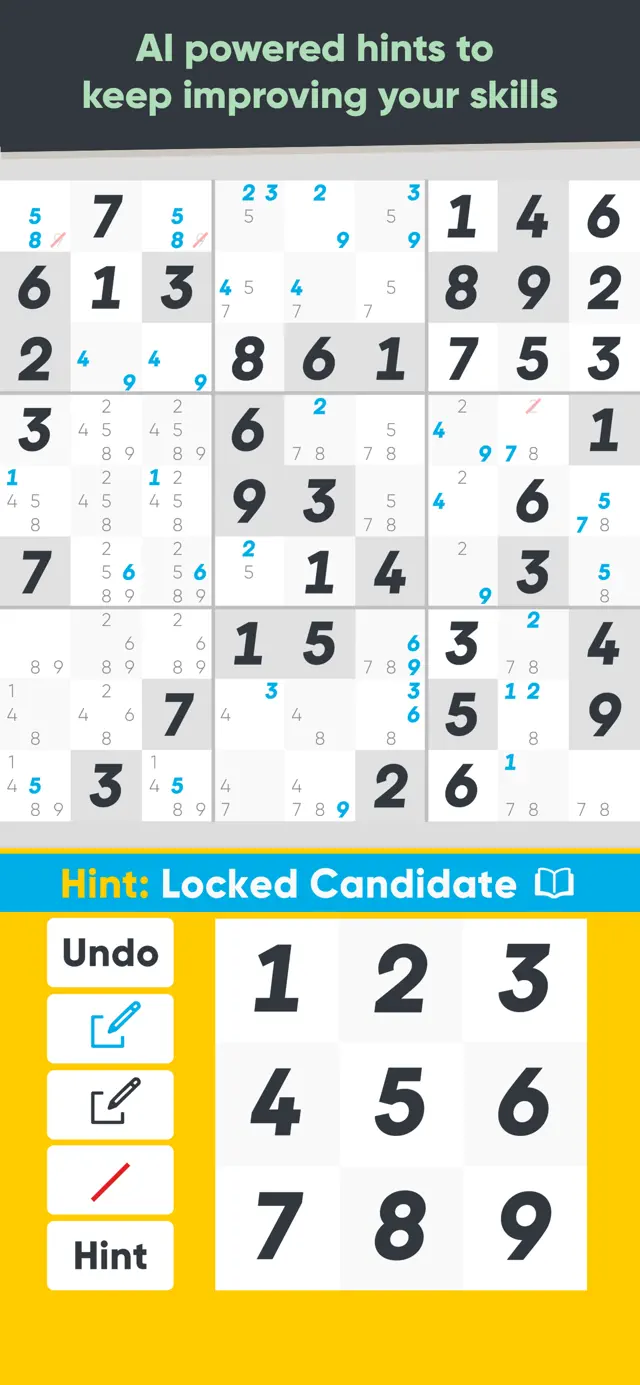
Tue Jan 23 2024 ShabbydivaI play the Pro level and often get “congratulations on using ___ technique,” but I don’t understand the techniques at all. I wish a definition was included, so I’d understand that better.
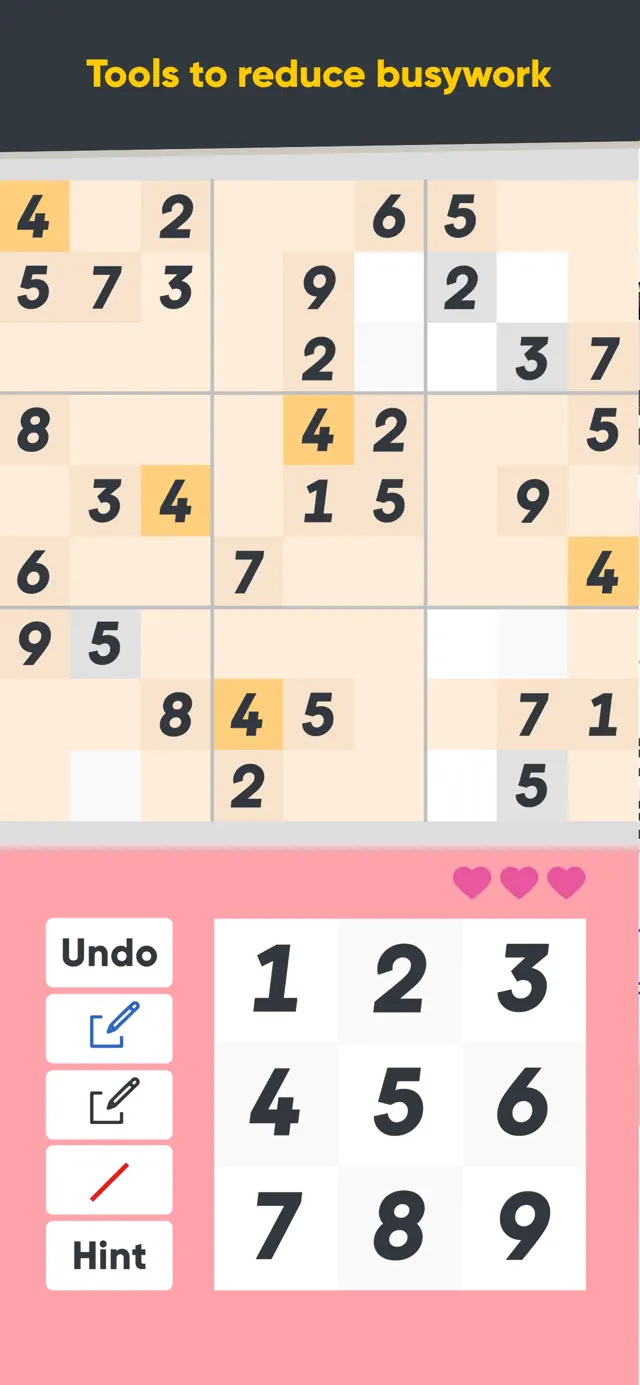
My biggest gripe is that the “Hint” button is right under the red bar to strike a number. In advanced play, using logic to eliminate numbers is vital. Too often I’ve hit the “Hint” button when I did not mean to. If it was under “Undo” this would be eliminated.
Speaking of the red bar to strike a number, you have to be really careful that it’s turned on. I just was playing a game where I was striking out the 3 six unique times. The fourth strike failed and became a guess. I repressed the strike and hit the 3 and it too was a guess. I try to be very very careful about striking because this can easily happen. I think that if you’ve guessed a number it should automatically strike if it’s incorrect, instead of needing to be manually struck.
★★★★★ Good but needs small tweaks
Sun Dec 19 2021 CleverNameGoesHereI love sudoku, I’ve been playing it since before smart phones, back when all we had was pencil and paper. Over the years I’ve tried various sudoku apps, giving up on all of them because they just didn’t work for me. This app truly delivers where others have lacked. (Yay for auto notes, focusing, recovery, and color themes!) …. My biggest wish is that the “focus” mode has the ability to focus on more than one number at a time. It’s definitely needed when I’m looking for pairs. …. I like that I can set the hints to ask if I’m sure so that when I accidentally bump it I’m not wasting a hint. I would like to see a number or some sort of indication if I’ve used a hint for that round, that way if I’m stuck and haven’t used a hint yet I can encourage myself to keep trying. …. Additionally the organization is cumbersome to navigate different games, modes, and settings etc.
★★★★★ Good, but not great
Mon May 22 2023 SoundsCrazyThe gameplay, customizability, and functionality on the app are both awesome, but I did want to touch on two topics:
1. The explanation of higher level techniques isn’t elaborate enough. It’s really difficult trying to understand what the tutorial for the technique is trying to convey. I do think having less numbers in the examples to isolate the area of the example would make it easier to recognize.
2. Whenever I discover and validate a hidden pair, I always assume that the rest of the candidates in the cells are null and void, but the game doesn’t recognize that. Later on, when I go to use a hint on a harder difficulty puzzle, it basically indicates to me the hidden pair that I had already confirmed to be true. I wish there was a way to indicate hidden pairs in notation and have the game automatically cancel all the other candidates without having to switch over to the strike-through function to manually cross out all the others.